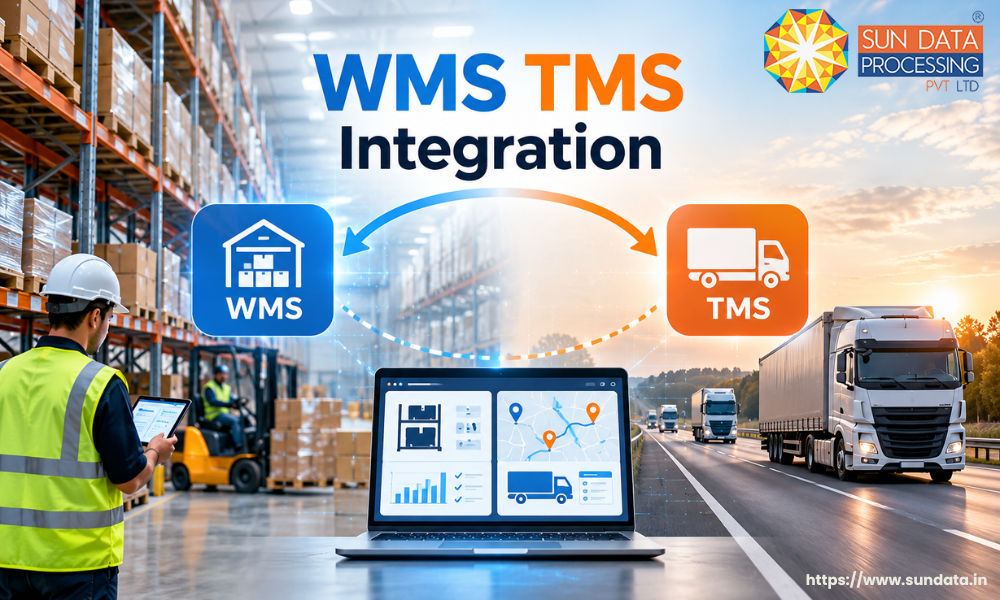
WMS TMS integration connects a warehouse management system (WMS) with a transportation management system (TMS) to coordinate warehouse operations, shipment planning, and delivery activities. It allows both systems to exchange relevant information, helping businesses manage the movement of goods from storage to final delivery.
WMS TMS integration links warehouse activities with transport planning in a single workflow. Once an order is prepared for dispatch, the transportation team can use the relevant order details to arrange shipment and plan the next stage of delivery
Understanding WMS and TMS
A business needs to manage two important activities to deliver products on time: warehouse operations and transportation. Warehouse teams make sure products are available, packed, and ready for dispatch, while transportation teams manage how those products reach their destination. A warehouse management system (WMS) and a transportation management system (TMS) help businesses handle these activities.
What Is a Warehouse Management System (WMS)?
A warehouse management system (WMS) is software that manages the movement of goods inside a warehouse. It helps businesses track stock levels, record incoming goods, manage storage locations, and process customer orders. With a WMS, warehouse teams can check product availability and prepare orders for dispatch more accurately.
What Is a Transportation Management System (TMS)?
A transportation management system (TMS) is software that manages the movement of goods from one location to another. It helps businesses plan delivery routes, assign transport providers, schedule shipments, track deliveries, and manage freight costs. A TMS gives logistics teams better control over transportation activities and helps them keep shipments on track.
How Do WMS and TMS Work Together?
A WMS manages products until they are ready to leave the warehouse, while a TMS manages their transportation after dispatch planning begins. When these systems operate separately, teams may need to share order details and shipment information manually. WMS TMS integration connects the two systems so that warehouse and transportation teams can coordinate their work using updated information.
Why Is WMS TMS Integration Important?
Warehouse and transportation operations are closely connected. Once an order is packed and ready for dispatch, the transportation team needs accurate details to arrange a pickup and plan delivery. If both teams work on separate systems without proper coordination, it can lead to delays, incorrect shipment details, and extra manual work.
Without a connected workflow, warehouse staff may need to confirm order readiness separately before transport can be arranged. Integration creates a clearer handover between warehouse and logistics operations, helping both teams work from the same order status.
This integration is useful for businesses that manage multiple warehouses, frequent shipments, or large order volumes. It helps teams coordinate dispatch schedules, respond to changes faster, and maintain better visibility across the supply chain. As a result, businesses can manage warehouse and delivery activities more smoothly while providing customers with timely shipment updates.
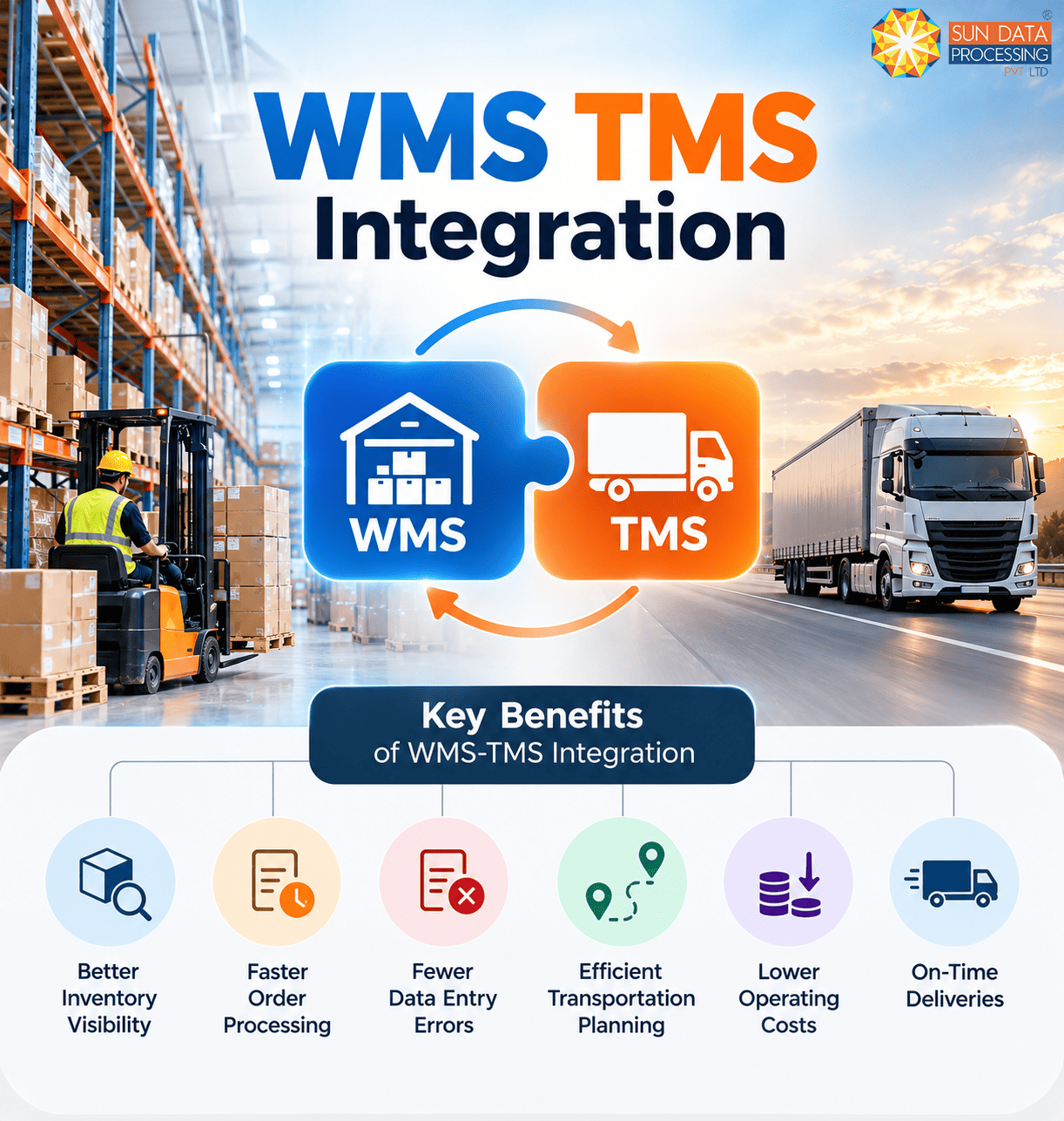
Key Benefits of WMS-TMS Integration
When warehouse and transport systems work together, businesses can manage order fulfilment and shipment planning with fewer process gaps. The following benefits show how this connection can improve everyday logistics operations.
Improved Inventory Visibility
Warehouse and logistics teams can access updated stock, order, and shipment details. This helps them check product availability and identify which orders are ready for dispatch.
Faster Order Processing
Order information can move from the WMS to the TMS automatically. This reduces delays between packing, shipment planning, and dispatch.
Reduced Data Entry Errors
Integration reduces the need to enter the same order details into separate systems. It helps prevent mistakes in shipment records, delivery addresses, and order information.
Efficient Transportation Planning
The TMS can use warehouse order details to plan shipments, schedule pickups, and assign suitable carriers. This helps logistics teams manage deliveries according to dispatch requirements.
Lower Operating Costs
Better coordination helps businesses reduce unnecessary handling, avoid poorly planned shipments, and use transportation resources more effectively. These improvements can help control logistics expenses.
On-Time Deliveries
A well-coordinated dispatch process helps businesses meet planned delivery schedules. When transport arrangements match warehouse readiness, shipments are less likely to be held up while waiting for orders to be prepared.
Better Customer Experience
Accurate shipment updates help customer service teams answer delivery-related questions. Customers can receive more reliable information about their order status and expected delivery times.
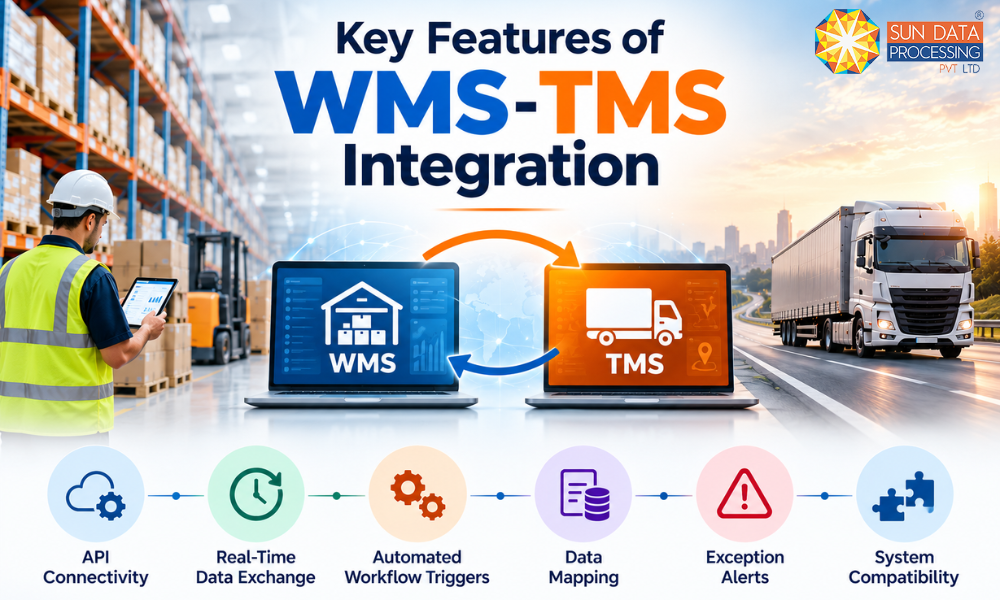
Key Features of WMS-TMS Integration
The integration setup depends on how the two platforms communicate, process data, and respond to changes in order status. Several technical features determine how reliably the systems exchange information and handle different operational requirements.
API Connectivity
APIs allow the warehouse management system (WMS) and transportation management system (TMS) to communicate directly. They transfer relevant information between the platforms without requiring employees to enter the same data manually.
Real-Time Data Exchange
Not every integration works in real time. Some systems exchange data at scheduled intervals, so avoid suggesting that all integrations provide instant updates.
Automated Workflow Triggers
Explain that triggers depend on configured rules and system capabilities. For example, an order reaching “Ready for Dispatch” may trigger a shipment request if the integration is configured that way.
Data Mapping
Data mapping matches information fields between the two systems. It ensures that details such as order IDs, product quantities, delivery addresses, and shipment references are transferred in the correct format.
Exception Alerts
Exception alerts notify users when an integration error or unexpected issue occurs. These alerts help teams identify missing information, failed data transfers, or shipment records that require attention.
System Compatibility
Integration should support the software platforms, data formats, and communication methods used by a business. In addition to WMS and TMS, businesses may connect an enterprise resource planning (ERP) system or an asset management system (AMS) to manage inventory, equipment, and other operational resources across different departments.
How to Integrate WMS and TMS
Integrating WMS and TMS involves more than connecting two software platforms. Businesses need to define how orders move through their operations, determine which data must be exchanged, and test the connection before making it part of their daily workflow.
Step 1: Review Existing Systems
Start by checking the current WMS and TMS platforms, their capabilities, and their integration options. Identify the information that needs to move between the systems, such as order details, inventory status, shipment requests, and delivery updates.
Step 2: Define Integration Requirements
List the business processes that need to be connected. Decide when shipment requests should be created, which order details must be transferred, and how shipment status updates should be shared between the systems.
Step 3: Select the Right Integration Method
Choose an integration method that works with both platforms. APIs are commonly used for direct communication, while middleware can help connect systems with different data formats or technical requirements.
Step 4: Map the Required Data
Match the data fields in the WMS with their corresponding fields in the TMS. Check that order numbers, product quantities, delivery addresses, and shipment details follow the correct format to avoid transfer errors.
Step 5: Test the Integration
Test the connection with sample orders before using it for daily operations. Check whether order details transfer correctly, shipment requests are created as expected, and status updates reach the right system. Fix any errors identified during testing.
Step 6: Train Employees
Train warehouse and logistics teams to use the connected systems. Employees should understand how information moves between platforms, how to check shipment records, and what to do when an integration error occurs.
Step 7: Monitor System Performance
Review the integration regularly after implementation. Monitor failed data transfers, missing records, synchronization issues, and system response times. Regular checks help businesses identify technical problems and maintain a reliable connection between the WMS and TMS.
FAQ
1. Can WMS and TMS integrate with ERP software?
Yes, WMS and TMS platforms can integrate with Enterprise Resource Planning (ERP) software. This allows businesses to connect warehouse, transportation, inventory, and other business data within their existing systems.
2. What is the main purpose of WMS-TMS integration?
Its main purpose is to connect warehouse operations with transportation planning.
3. Does WMS-TMS integration support real-time tracking?
Yes, it can share shipment status updates when the connected systems support real-time data exchange.
4. Is WMS-TMS integration suitable for e-commerce businesses?
Yes, it helps e-commerce businesses coordinate order fulfilment, dispatch, and delivery.
5. Can WMS-TMS integration connect multiple warehouses?
Yes, it can support multiple warehouses when the systems are configured for multi-location operations.
6. How can businesses measure integration performance?
Businesses can monitor order processing time, shipment accuracy, delivery performance, and integration errors.
Conclusion
WMS TMS integration helps businesses connect warehouse operations with transportation management through a shared flow of information. It allows teams to coordinate order processing, shipment planning, and dispatch activities while reducing the need for manual data entry.
The right integration depends on business requirements, existing software, and daily shipping operations. With proper planning, testing, and monitoring, businesses can build a connected supply chain that supports accurate information flow and better coordination from the warehouse to final delivery.
