Handheld Barcode Scanners
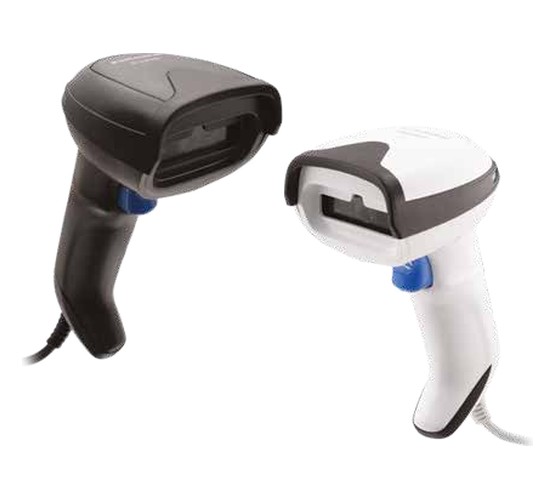
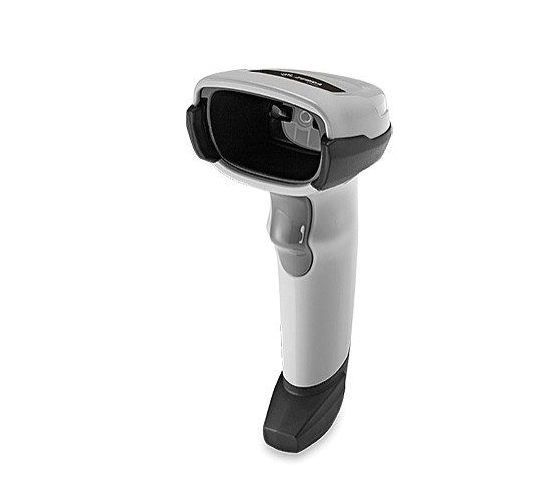
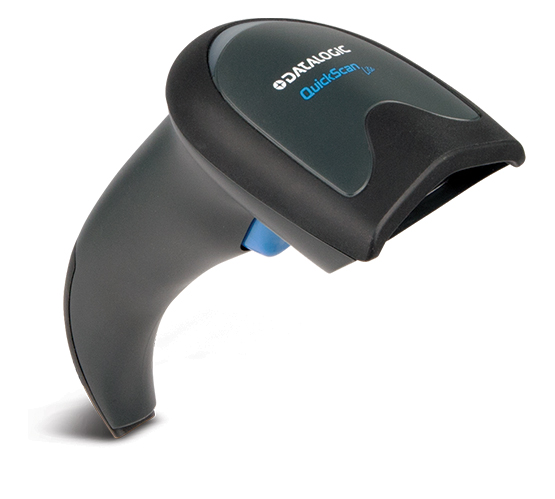
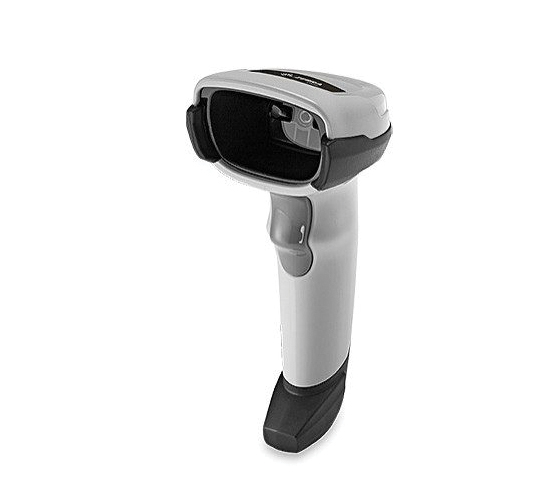
Corded 1D and 2D scanners for a fixed position, plugged straight into the till or the workstation.
Typical applicationsCheckouts, packing benches, goods inward
View Products
Barcode Printers
Thermal label printers, from a desk in the back office to a line that runs every shift.
All barcode printers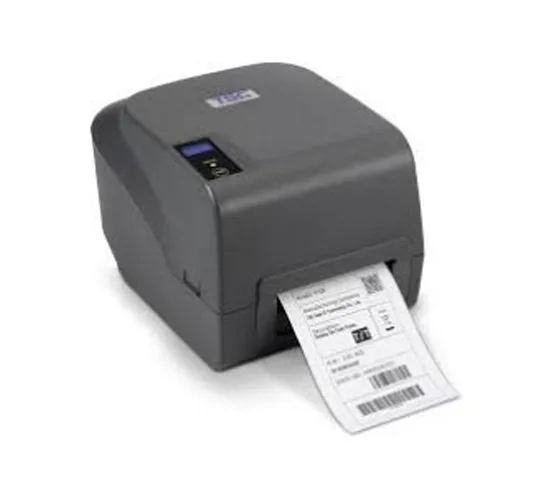 Entry Level Printers
Desktop printers for low volume label runs
Entry Level Printers
Desktop printers for low volume label runs
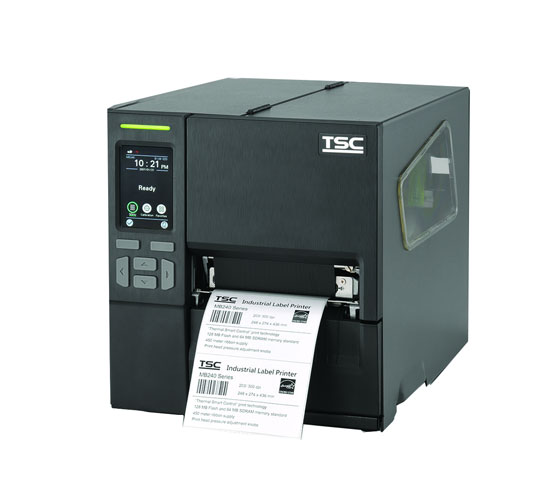 Mid Ranged Printers
Light industrial printing for everyday production
Mid Ranged Printers
Light industrial printing for everyday production
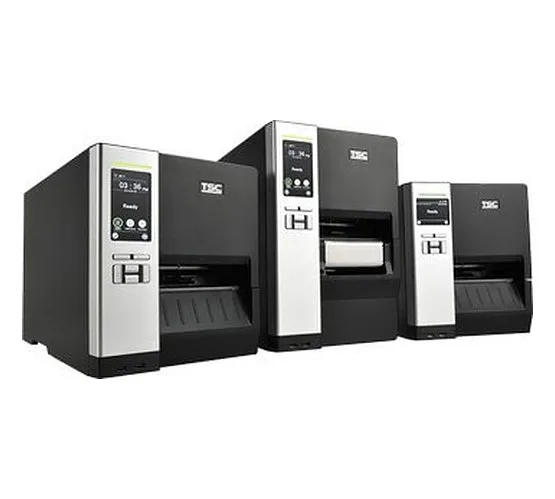 Industrial Printers
High-speed printing built for continuous shifts
Industrial Printers
High-speed printing built for continuous shifts
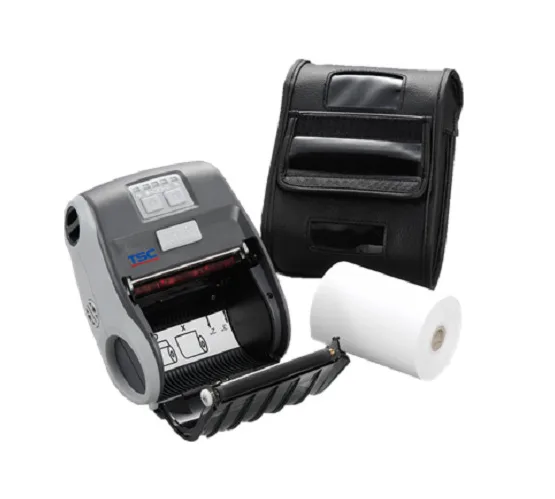 Mobile Printers
Portable label printing out on the floor
Mobile Printers
Portable label printing out on the floor
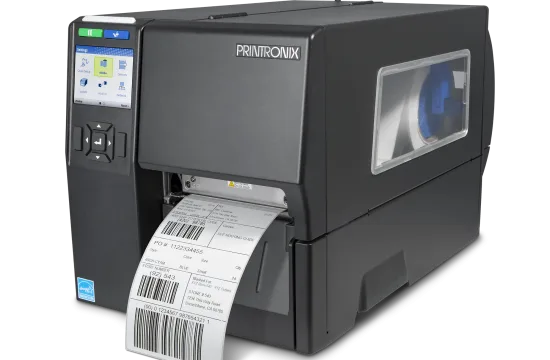 RFID Printers
Print and encode RFID tags in a single pass
RFID Printers
Print and encode RFID tags in a single pass
Barcode Scanners
Capture 1D and 2D codes at the counter, in the aisle or across the warehouse.
All barcode scanners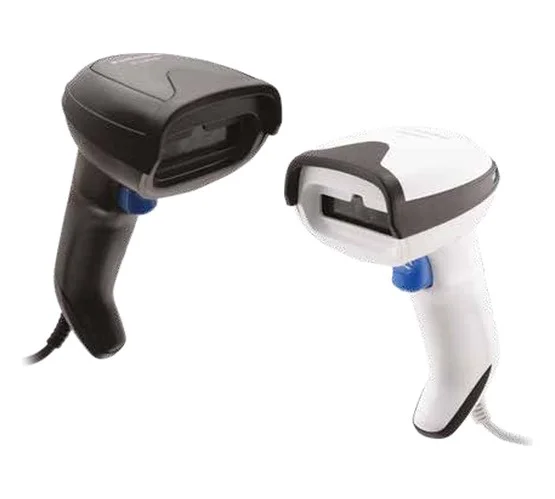 Handheld Scanner
Corded 1D and 2D scanning for counters and lines
Handheld Scanner
Corded 1D and 2D scanning for counters and lines
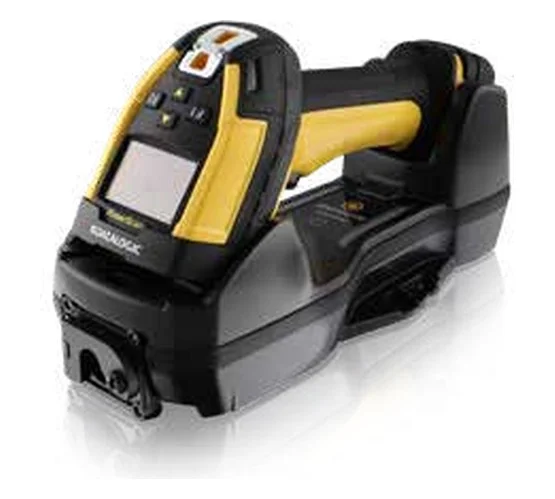 Handheld Bluetooth Scanner
Cordless scanning for stores and warehouses
Handheld Bluetooth Scanner
Cordless scanning for stores and warehouses
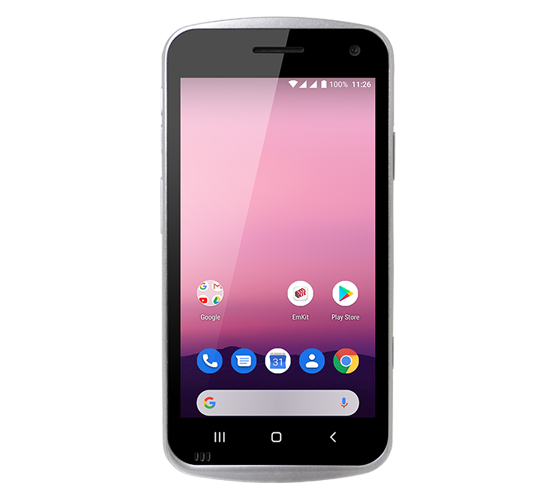
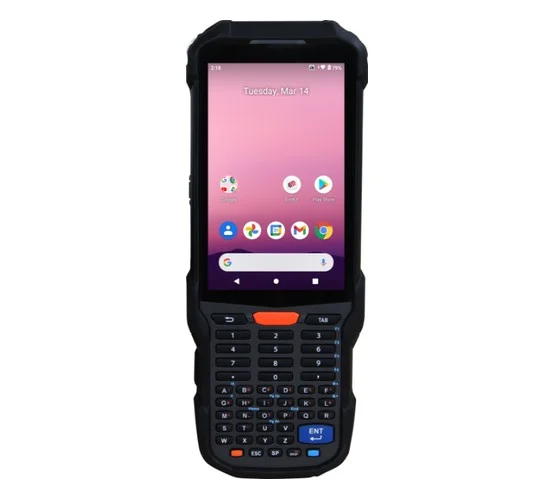 Mobile Computers / Handheld Terminals
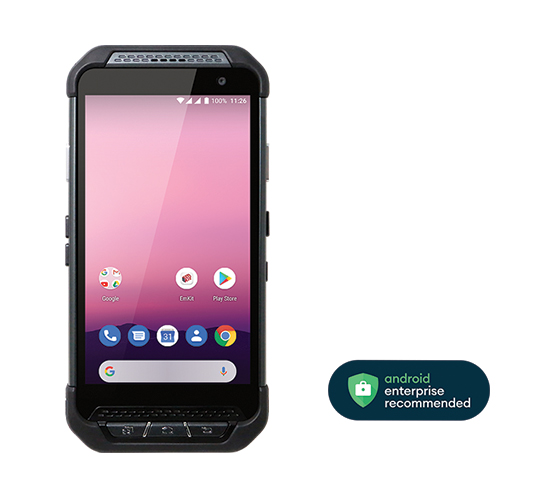
Rugged terminals with built-in Wi-Fi and LTE
Mobile Computers / Handheld Terminals
Rugged terminals with built-in Wi-Fi and LTE
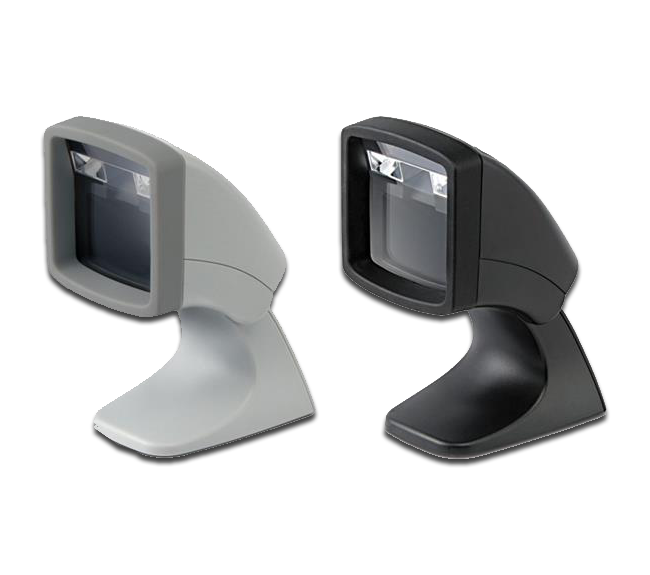
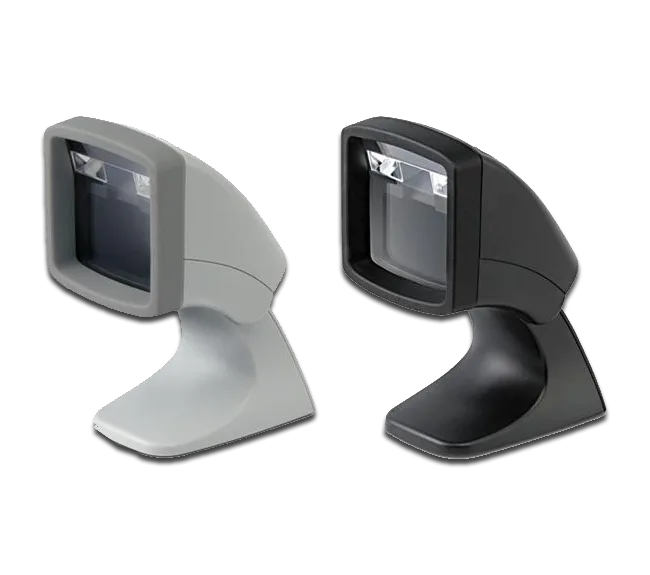 Desktop / Presentation Scanners
Hands-free scanning at the billing counter
Desktop / Presentation Scanners
Hands-free scanning at the billing counter
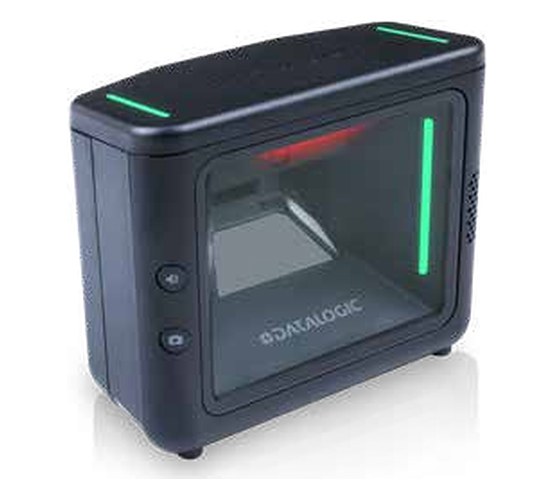
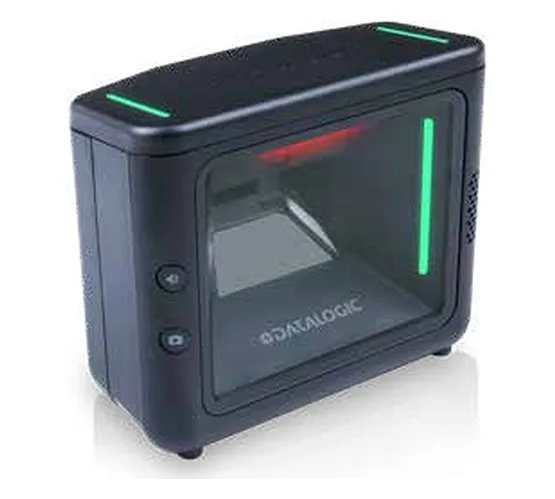 Fixed Mount Scanners
In-counter, kiosk and machine-mounted scanning
Fixed Mount Scanners
In-counter, kiosk and machine-mounted scanning
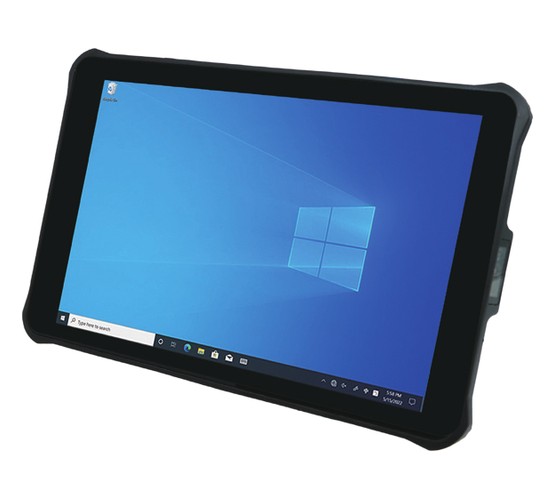
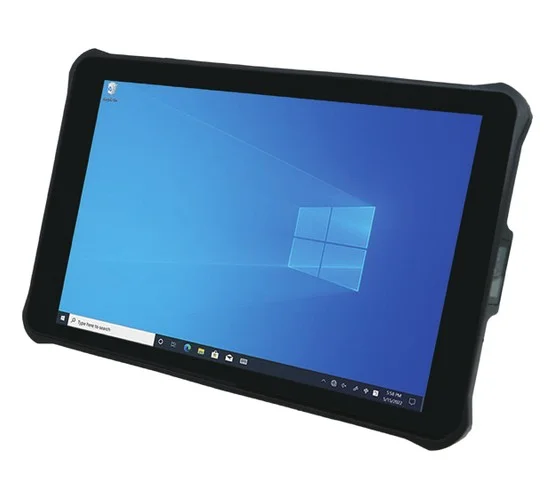 Rugged Tablets
10-inch Android and Windows tablets that scan
Rugged Tablets
10-inch Android and Windows tablets that scan
Barcode Consumables
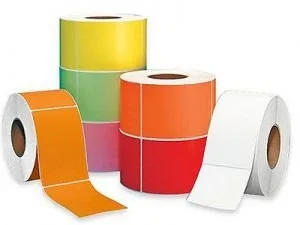
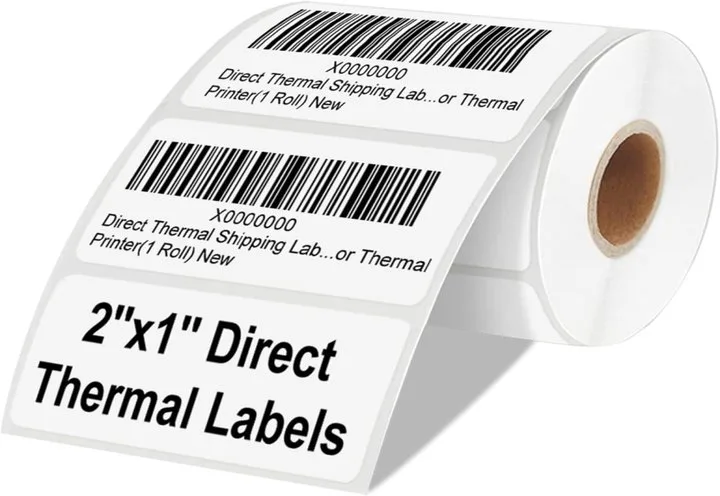
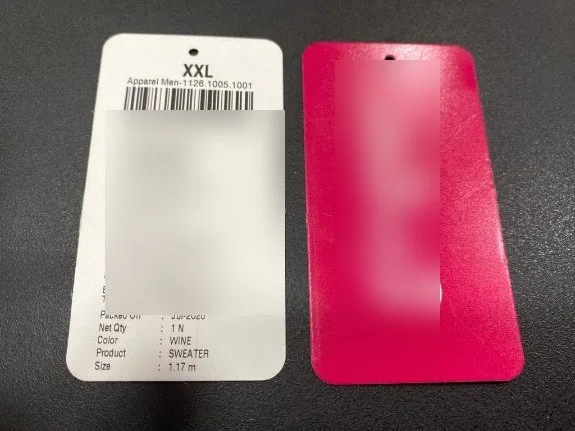
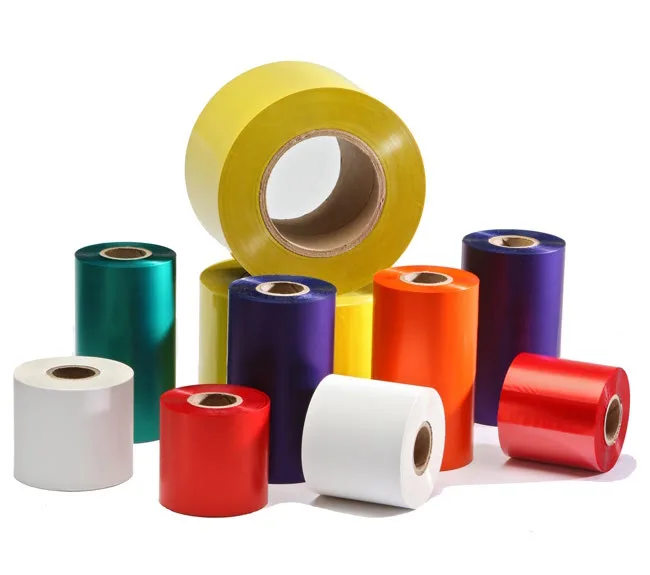
Labels, rolls, tags and ribbons, manufactured and supplied for the printers above.
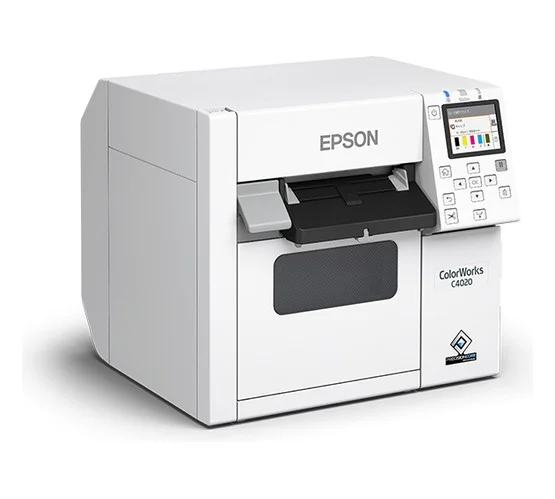
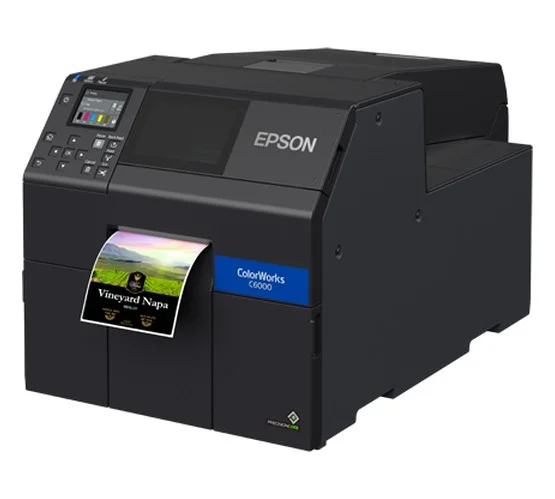
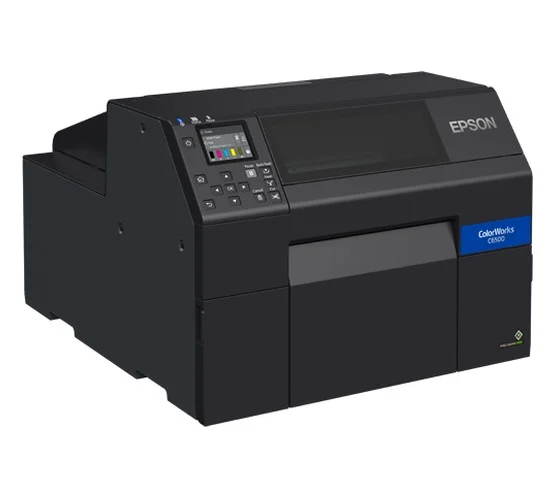
All barcode consumablesColour Label Printers
Full-colour labels printed on demand, in the quantity you need: logos, pictures and GHS symbols.
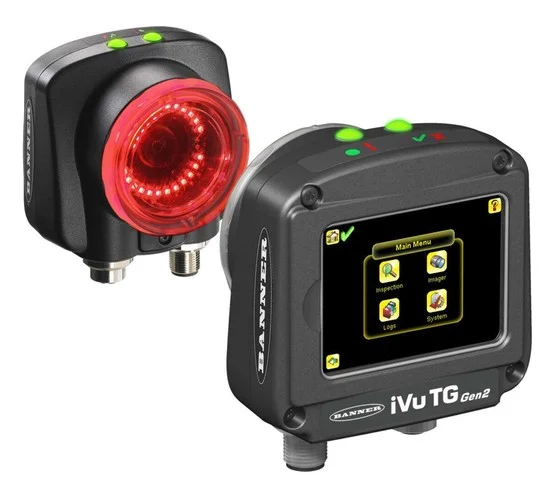
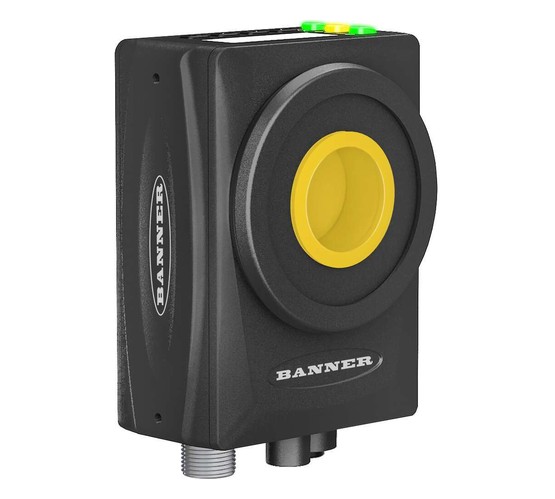
All colour label printersVision Sensors
Vision sensors, smart cameras and industrial barcode readers that check and read every item on the line.
All vision sensorsBarcode scanners from Zebra, Honeywell, Datalogic, Newland, Argox and Point Mobile, reading 1D and 2D codes at the till, in the aisle and across the warehouse. Sun Data Processing matches the scanner to your codes, your distances and your environment, then supports it.
Organised by the way the scanning actually happens: fixed at a counter, carried down an aisle, hands-free on a tabletop, or running the whole job on a rugged terminal.
Corded 1D and 2D scanners for a fixed position, plugged straight into the till or the workstation.
Typical applicationsCheckouts, packing benches, goods inward
View ProductsCordless scanners for supermarkets, shopping malls and warehouse environments, where the stock does not come to you.
Typical applicationsShelf scanning, stock takes, warehouse aisles
View ProductsRugged Android terminals that capture standard 1D and 2D codes with integrated Wi-Fi and LTE, so data reaches your system as it is scanned.
Typical applicationsPicking, field service, route delivery, audits
View ProductsHands-free tabletop scanners that read a code the moment it is presented, leaving both hands free for the goods.
Typical applicationsBilling counters, pharmacy, quick service retail
View ProductsScanners installed in the checkout counter or built into kiosks, gates and machines, reading every code presented without a trigger.
Typical applicationsSupermarket checkouts, kiosks, ticket gates, production lines
View ProductsTen-inch Android and Windows tablets with a built-in scanner, 5G and Wi-Fi, sealed and drop-tested for the floor and the field.
Typical applicationsWarehouse stock checks, field service, order taking, vehicle use
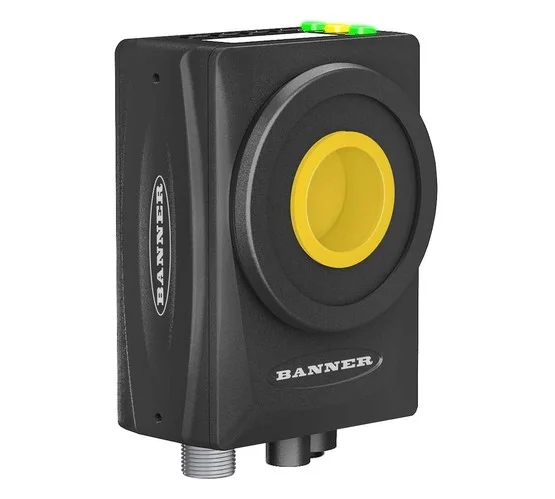
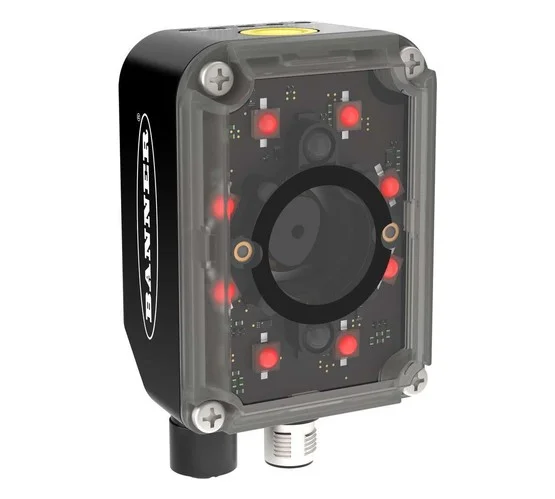
View ProductsVision sensors, smart cameras and industrial barcode readers that inspect and read every item on the production line automatically.
Typical applicationsLabel and part inspection, error proofing, DPM traceability
View ProductsA cross section of the range, spanning every category and brand we supply.
Where our customers scan, and what makes the difference in each.
Six questions settle most specifications, and the first one is the only irreversible choice.
Linear barcodes only, or QR and DataMatrix too? A 1D scanner cannot be upgraded to read 2D later, so if there is any chance of 2D codes or scanning from a phone screen, specify 2D now.
At a till it does, so corded is fine. In a warehouse aisle it does not, so cordless or a mobile computer saves the walk. This single question usually decides the category.
If the operator is handling goods with both hands, a presentation scanner sitting on the counter reads the code as it passes and is faster than picking a gun up and putting it down.
Reading a label held in your hand is very different from reading one on a high rack. Check the working range against the furthest label you actually need to read.
Dust, moisture and drops onto concrete are what separate a rugged scanner from a retail one. Sealing and drop ratings are the specifications to compare, not the scan speed.
A scanner feeds a computer that is already running your software. A mobile computer runs the software itself over Wi-Fi and LTE, so a whole task can be completed away from a desk.
The most common decision, and the one that most affects how the job actually feels.
| Wired (corded) | Wireless (Bluetooth) | |
|---|---|---|
| Best suited to | A fixed position where the item comes to the scanner | Work where the scanner goes to the item |
| Typical setting | Billing counter, packing bench, goods inward | Warehouse aisles, shelf scanning, stock takes |
| Power | Powered by the host, never runs flat | Battery, needs charging into the routine |
| Range | Limited by the cable | Free to move within the Bluetooth range of its base |
| Setup | Plug in and scan, usually no software changes | Pair to a base or host device first |
| Cost | Lower to buy and to replace | Higher, repaid where it removes walking |
| In our range | Handheld Barcode Scanners, Presentation Scanners and Fixed Mount Scanners | Handheld Bluetooth Scanners, Mobile Computers and Rugged Tablets |
Every brand listed here is one we stock and support, not a catalogue we can order from.
Which family of codes a scanner reads is the one specification you cannot change after purchase.
The familiar linear stripes on retail packaging, cartons and shelf labels. They hold a short reference number that points at a record in your system. Every scanner in our range reads them, and 1D-only models are the most economical way to cover this.
Square codes such as QR and DataMatrix, holding far more data in less space and readable from a phone screen. A 2D scanner reads 1D codes as well, so it covers both. Choose 2D if there is any chance of QR codes, small dense marking or screen scanning.
An ISO 9001-2015 certified barcode solution provider based at Mira Road, Thane, operating since 1996.
Whatever you scan and wherever you scan it, the right hardware comes from one place, with one team accountable for it.
Scanners specified alongside the printers and labels they read, so the code that gets printed is one your scanner handles.
Repair and maintenance for scanners, printers and portable terminals, with Annual Maintenance Contracts available.
Head office at Mira Road with marketing offices in Bengaluru, Vapi, Bharuch, Pune, Hyderabad, Anjar and Tiruppur.
Warehouse, inventory and asset management systems, so what you scan lands somewhere useful.
A 1D scanner reads the familiar linear barcodes, the stripes you see on retail packaging. A 2D scanner reads those as well as square codes such as QR and DataMatrix, which hold far more data in less space. If you only ever scan linear barcodes, 1D is the cheaper choice. If there is any chance of QR codes, mobile screens or small dense codes, choose 2D, because a 1D scanner cannot be upgraded later.
Corded is simpler and cheaper, needs no charging and never runs flat, so it suits a fixed position such as a till or a packing bench. Cordless suits work where the item cannot come to the scanner, such as scanning stock on racking or bulky goods in an aisle. If the operator walks more than a couple of steps to scan, cordless pays for itself quickly.
A scanner reads the code and sends it to a computer that is already running your software. A mobile computer is a rugged Android device that scans and runs the software itself, with Wi-Fi and LTE, so the operator can complete a whole task away from a desk. Mobile computers cost more but remove the tethered workstation.
Most handheld scanners connect over USB and present themselves as a keyboard, so whatever the cursor is in receives the scanned data with no software changes. Cordless models pair over Bluetooth to a base or a host device. Mobile computers need your application deployed to them. Tell us what you run and we will confirm before you order.
Yes. Rugged models carry environmental sealing and drop ratings for exactly those conditions, which is what separates an industrial scanner from a retail one. Tell us the environment and we will point you at models rated for it.
Yes. We provide after-sales support, repair and maintenance for barcode scanners alongside printers and portable terminals, and equipment can be covered under an Annual Maintenance Contract.
Not sure which barcode scanner fits your requirements? Our team can help you select the right scanner based on your application, barcode type, scanning distance, connectivity and operating environment.
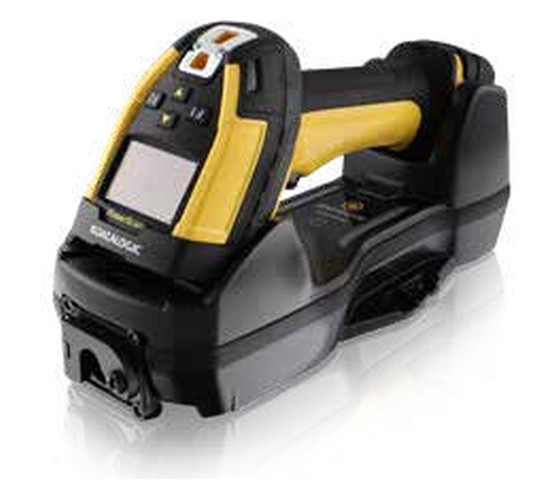
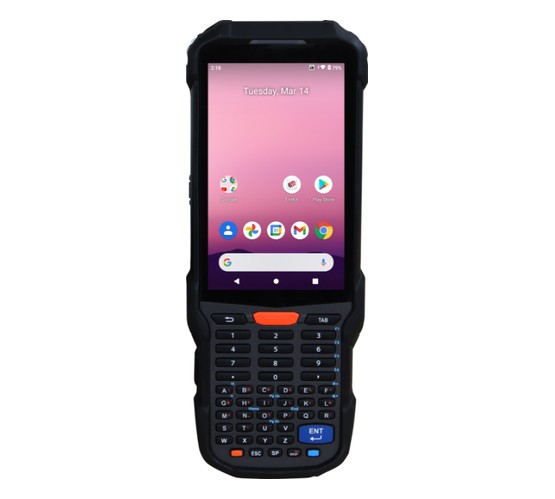
.jpg)
.jpg)
.jpg)
.jpg)