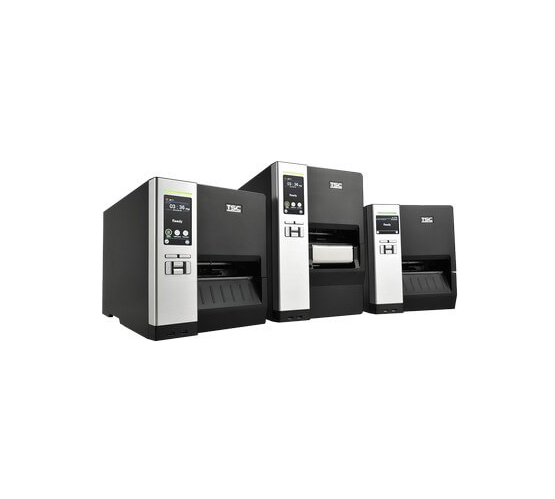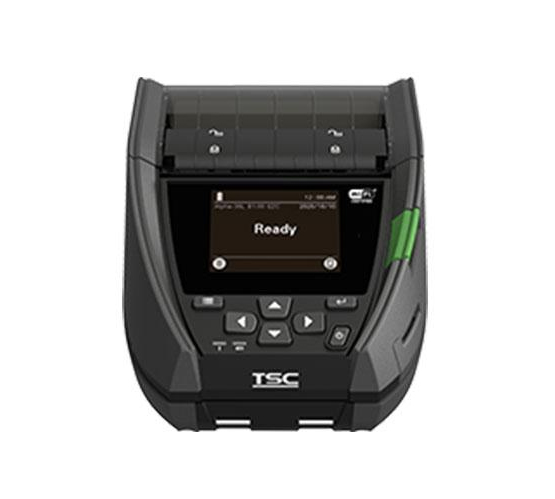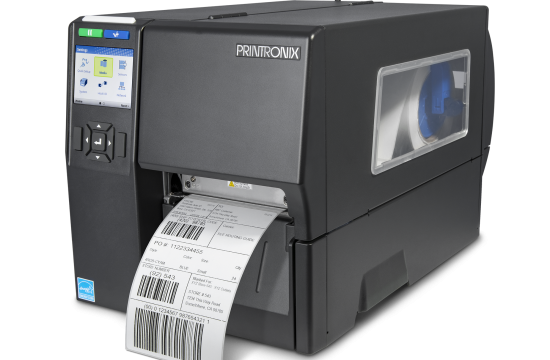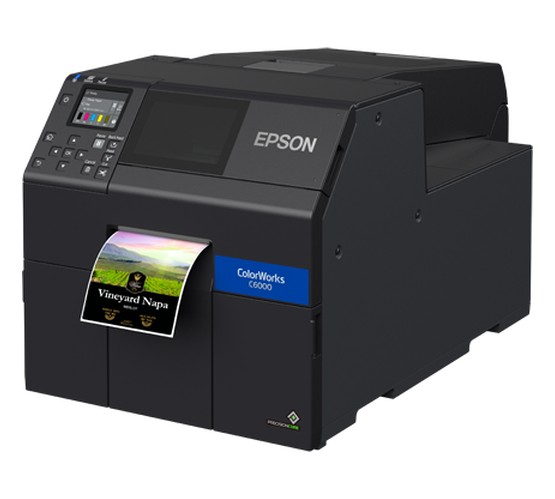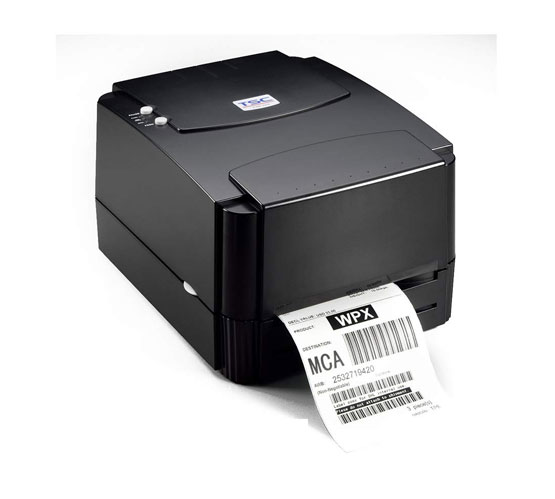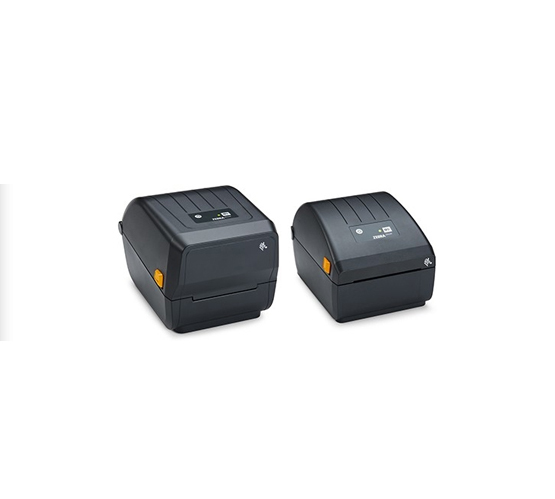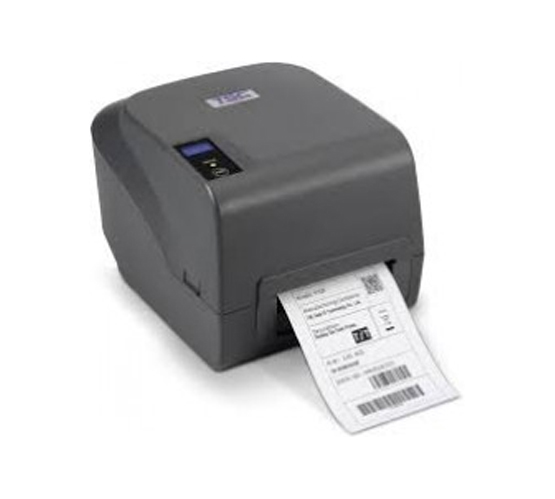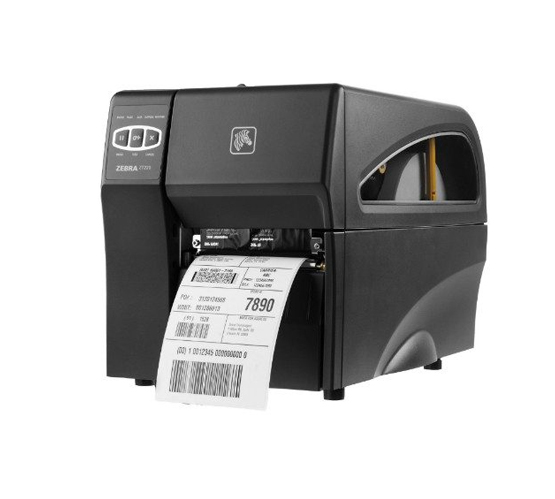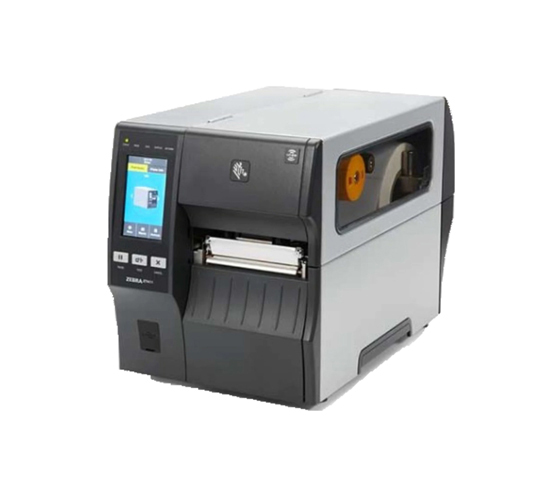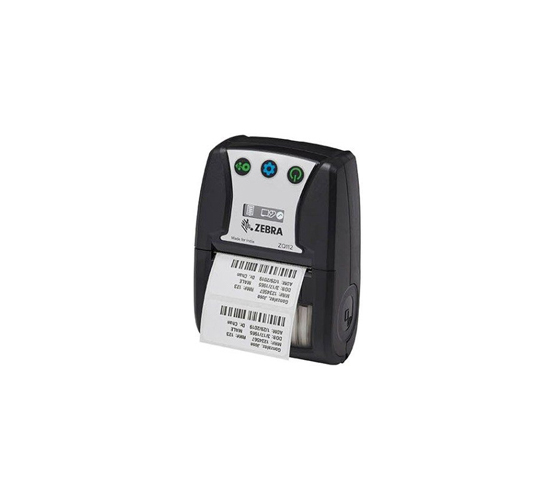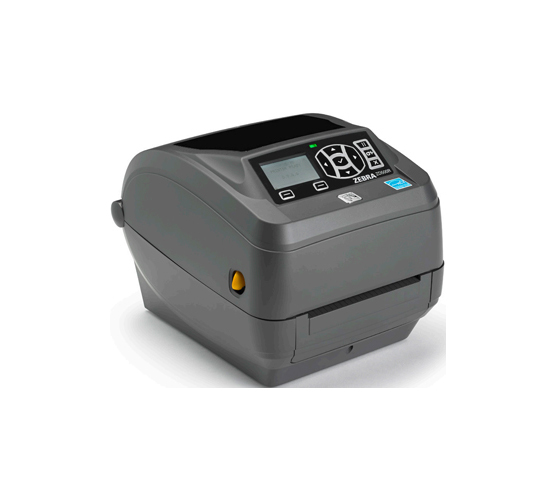
Entry Level Barcode Printers
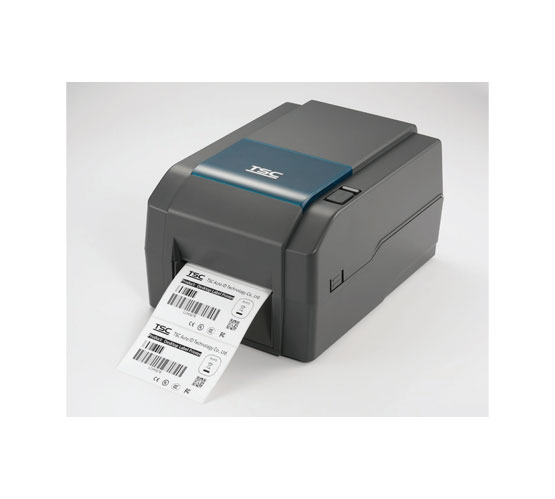
Compact desktop printers for low volume label runs, sized for a counter, a back office or a dispatch desk.
Key applicationsRetail counters, small warehouses, office labelling
View Products
Barcode Printers
Thermal label printers, from a desk in the back office to a line that runs every shift.
All barcode printers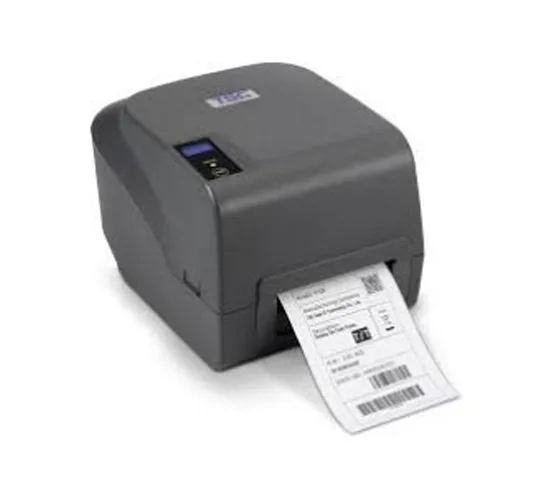 Entry Level Printers
Desktop printers for low volume label runs
Entry Level Printers
Desktop printers for low volume label runs
 Mid Ranged Printers
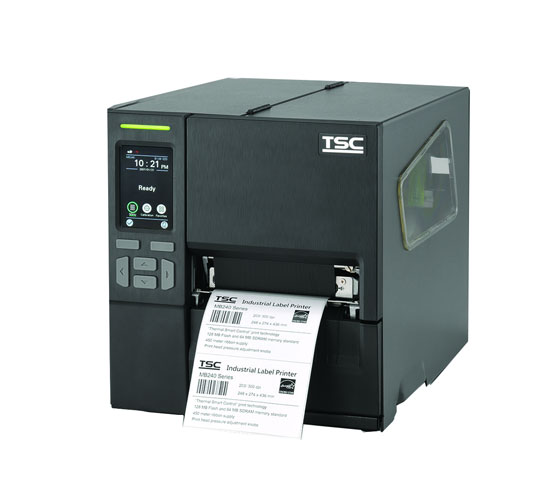
Light industrial printing for everyday production
Mid Ranged Printers
Light industrial printing for everyday production
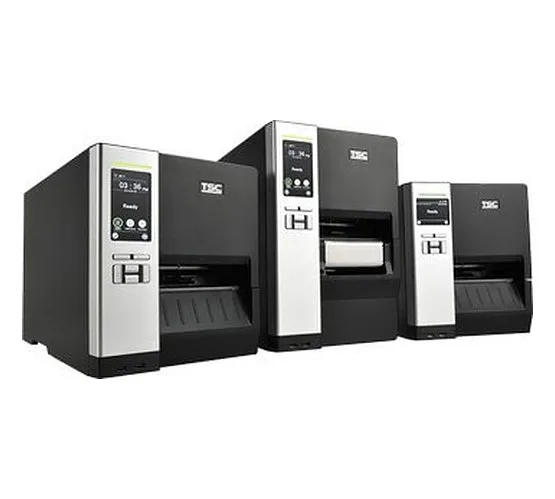 Industrial Printers
High-speed printing built for continuous shifts
Industrial Printers
High-speed printing built for continuous shifts
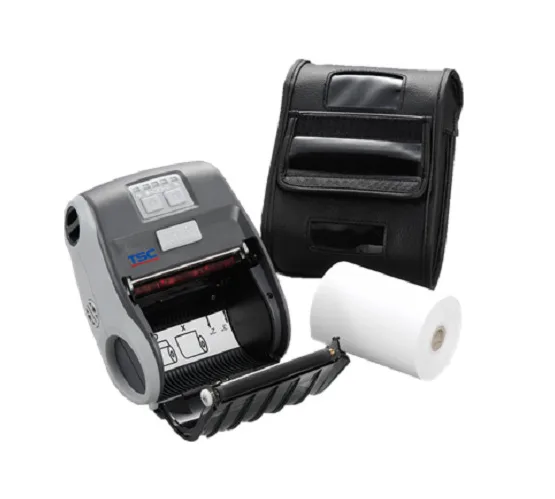 Mobile Printers
Portable label printing out on the floor
Mobile Printers
Portable label printing out on the floor
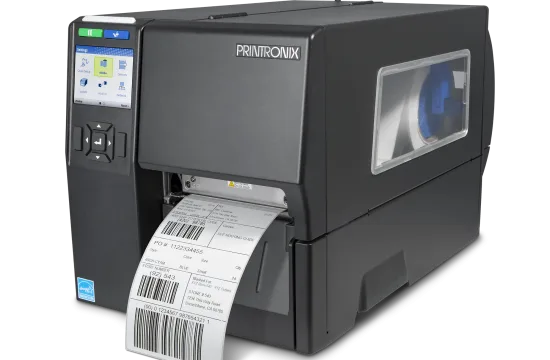 RFID Printers
Print and encode RFID tags in a single pass
RFID Printers
Print and encode RFID tags in a single pass
Barcode Scanners
Capture 1D and 2D codes at the counter, in the aisle or across the warehouse.
All barcode scanners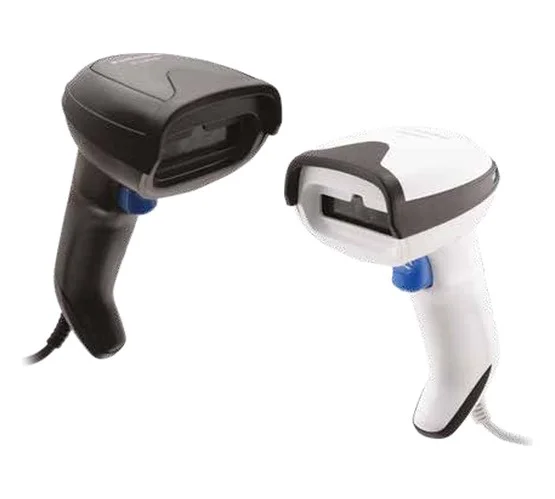 Handheld Scanner
Corded 1D and 2D scanning for counters and lines
Handheld Scanner
Corded 1D and 2D scanning for counters and lines
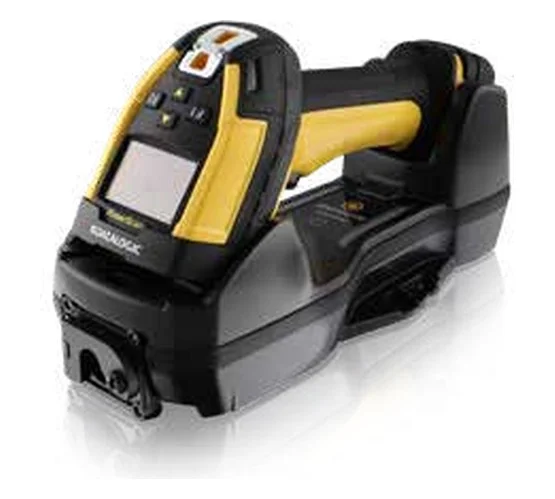 Handheld Bluetooth Scanner
Cordless scanning for stores and warehouses
Handheld Bluetooth Scanner
Cordless scanning for stores and warehouses
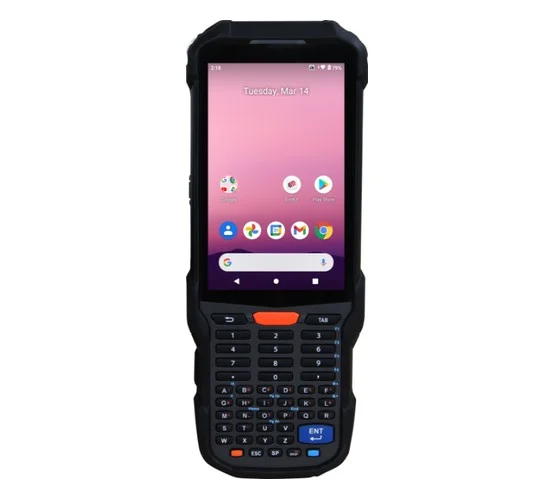 Mobile Computers / Handheld Terminals
Rugged terminals with built-in Wi-Fi and LTE
Mobile Computers / Handheld Terminals
Rugged terminals with built-in Wi-Fi and LTE
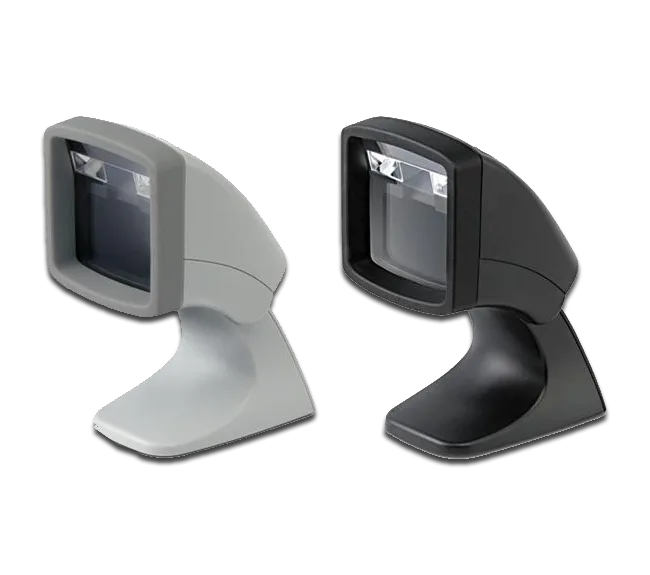 Desktop / Presentation Scanners
Hands-free scanning at the billing counter
Desktop / Presentation Scanners
Hands-free scanning at the billing counter
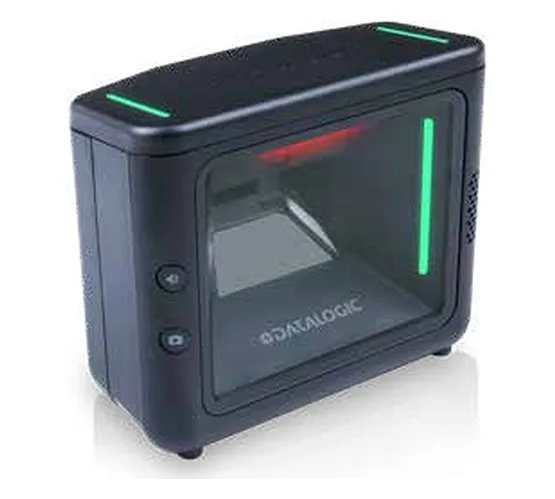 Fixed Mount Scanners
In-counter, kiosk and machine-mounted scanning
Fixed Mount Scanners
In-counter, kiosk and machine-mounted scanning
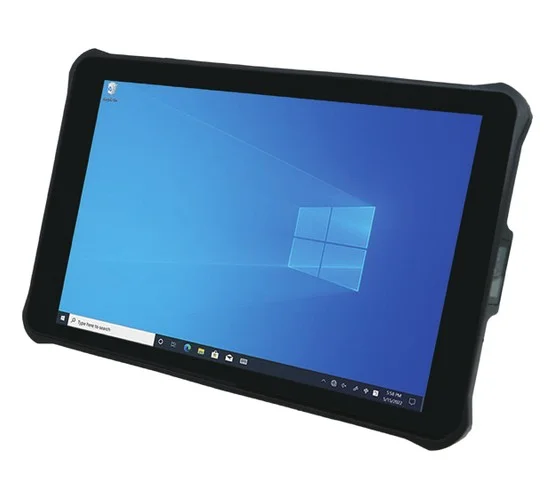 Rugged Tablets
10-inch Android and Windows tablets that scan
Rugged Tablets
10-inch Android and Windows tablets that scan
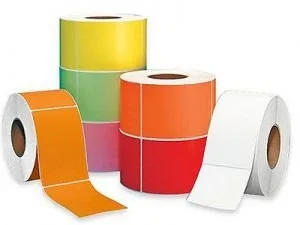
Barcode Consumables
Labels, rolls, tags and ribbons, manufactured and supplied for the printers above.
All barcode consumablesColour Label Printers
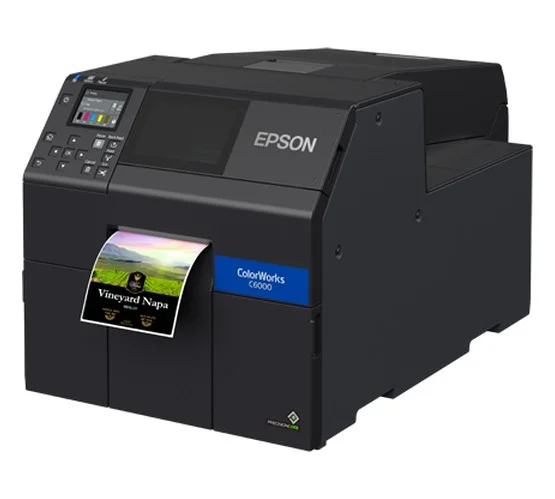
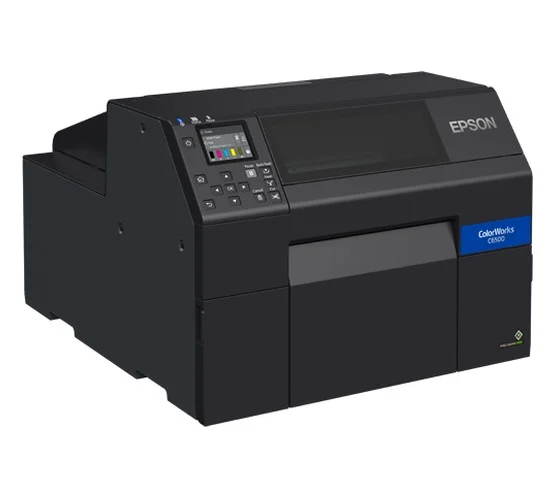
Full-colour labels printed on demand, in the quantity you need: logos, pictures and GHS symbols.
All colour label printersVision Sensors
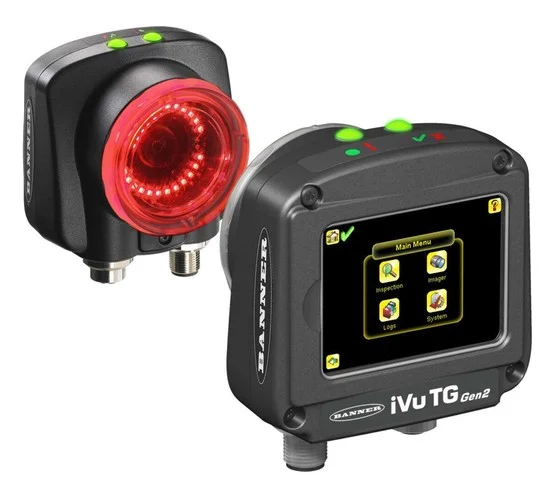
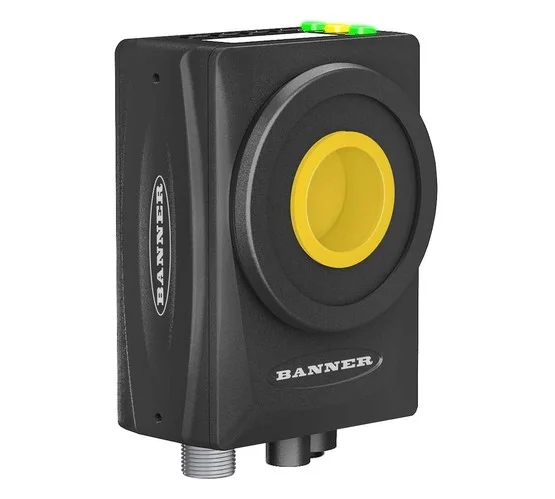
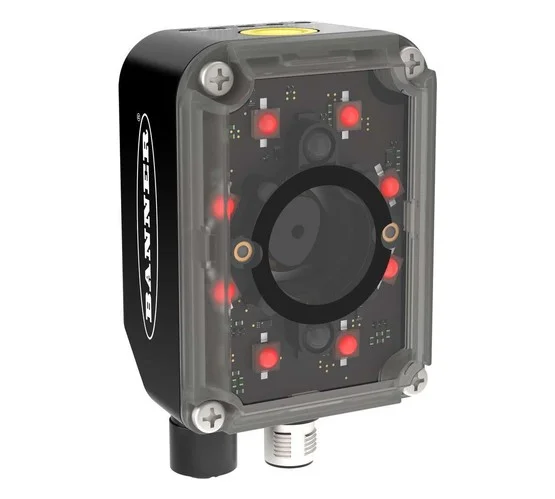
Vision sensors, smart cameras and industrial barcode readers that check and read every item on the line.
All vision sensorsBarcode printers from Zebra, TSC, Printronix, Argox and Citizen, covering entry level, mid range, industrial, mobile and RFID. Whether you print a few hundred labels a day or run a line every shift, Sun Data Processing matches the printer to your label, volume and environment, then keeps it running.
From a desktop unit behind the counter to a metal-bodied printer running every shift. Pick the range that matches your volume, then compare the models inside it.
Compact desktop printers for low volume label runs, sized for a counter, a back office or a dispatch desk.
Key applicationsRetail counters, small warehouses, office labelling
View ProductsLight industrial printers for steady daily production, built to sit alongside a line without taking up a full industrial footprint.
Key applicationsAutomotive, jewellery, garment, chemical, logistics
View ProductsHigh-speed metal-bodied printers for continuous shift work, with wide print widths and large media capacity.
Key applicationsManufacturing lines, high volume warehousing, distribution
View ProductsRugged battery powered printers worn or carried on the floor, so the label is printed where the work happens.
Key applicationsShelf labelling, picking, field service, route delivery
View ProductsPrinters that encode an RFID inlay and print the human readable label in the same pass, with on-printer verification.
Key applicationsAsset tracking, apparel, high value stock
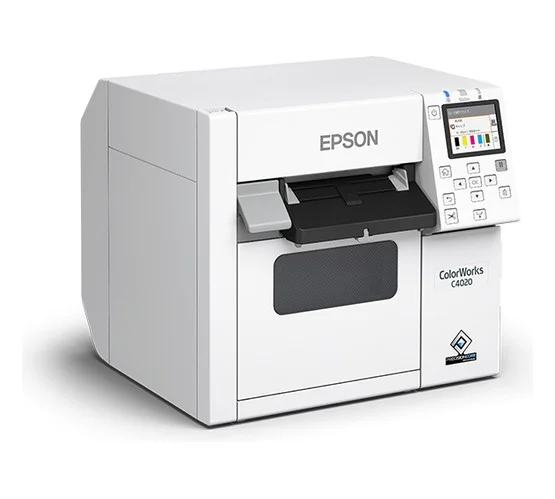
View ProductsInkjet printers that print full-colour labels on demand, with logos, pictures and GHS pictograms, instead of stocking pre-printed labels.
Key applicationsGHS chemical labels, food and product labels, short runs
View ProductsA cross section of the range. Every specification below is taken from the product's own datasheet.
Where our customers put these printers to work, and what they print.
Six questions settle most specifications. Work through them and the shortlist gets short quickly.
A few hundred labels a day sits comfortably on a desktop printer. A few thousand needs a mid range unit, and continuous shift printing needs an industrial printer with the duty cycle and media capacity to match.
Print width caps the widest label you can run. Desktop printers typically handle up to four inches, industrial models go wider. Measure your widest label before shortlisting, not after.
Short life labels such as receipts and shipping labels can be direct thermal. Anything facing storage, sunlight, heat or chemicals needs thermal transfer with the right ribbon.
203 dpi covers standard barcodes and text and prints fastest. Choose 300 dpi for small tags, small text or dense 2D codes. 600 dpi is for very fine detail on very small labels.
An office or counter is forgiving. A production floor with dust, vibration and washdowns needs a metal enclosure. If labelling happens away from a desk, a mobile printer removes the walk back and forth.
Check how the printer reaches your system: USB for a single desk, Ethernet for shared use, Wi-Fi or Bluetooth for mobile. If RFID is on the roadmap, specify an RFID printer now rather than replacing later.
A printer is only half the specification. The label material and the ribbon have to match the printer and the job, or the print will not survive as long as the label needs to.
Direct thermal, thermal transfer, or both. Sets your print width and resolution.
Paper for short life, synthetic or polyester where it has to survive.
Must fit within the print width and the media path of the printer.
Thermal transfer only. Wax, wax resin or resin, chosen to match the material.
Heat-sensitive, no ribbon needed. Lowest running cost, but the print darkens and fades with heat, light and handling. Best for labels read within weeks.
Printed through a ribbon, giving a hard-wearing image. The default for anything stored, shipped or handled over months and years.
The economical choice for cartons, shelf edges and internal use where the label is not exposed to moisture or abrasion.
Tear and moisture resistant, for drums, bins, outdoor storage and anywhere a paper label would not last.
The most durable option, resisting solvents, heat and abrasion. Used for asset tags and chemical drum labelling.
Shipping labels are usually direct thermal, product labels thermal transfer on paper or synthetic, and asset labels polyester so they outlive the equipment register.
We manufacture and supply the media that goes through these printers, so the label, the ribbon and the printer are specified together rather than sourced separately.
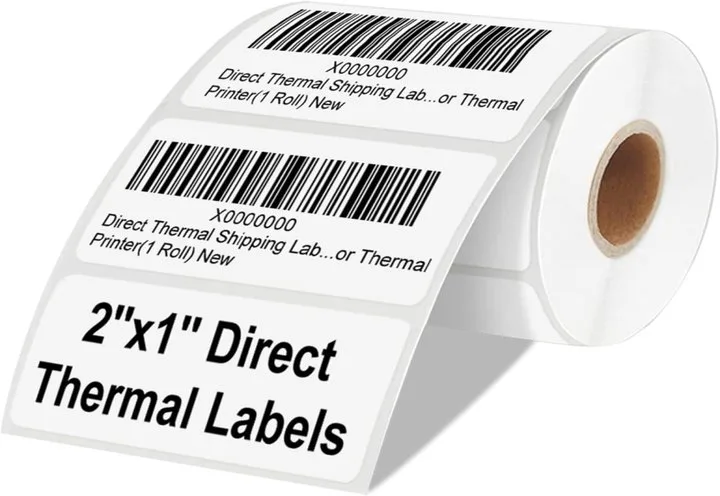
Paper, polyester and speciality label stock, manufactured in house since 2002.
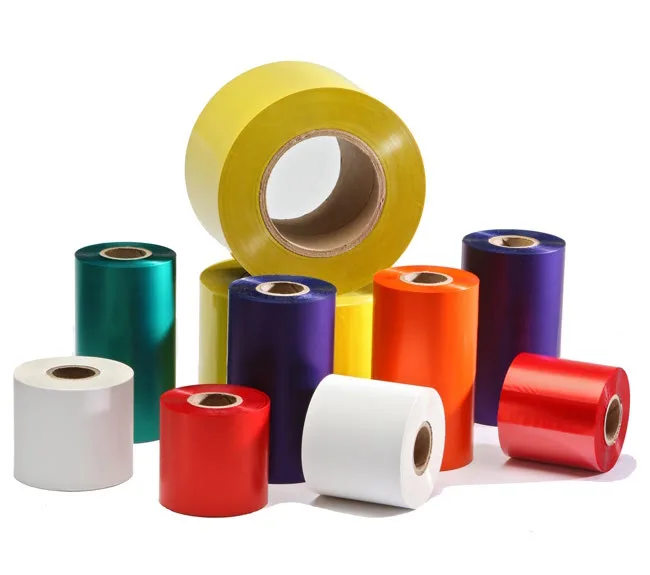
View productsWax, wax resin and premium resin ribbons matched to the label material.
View productsReceipt, billing and ATM paper rolls for direct thermal printing.
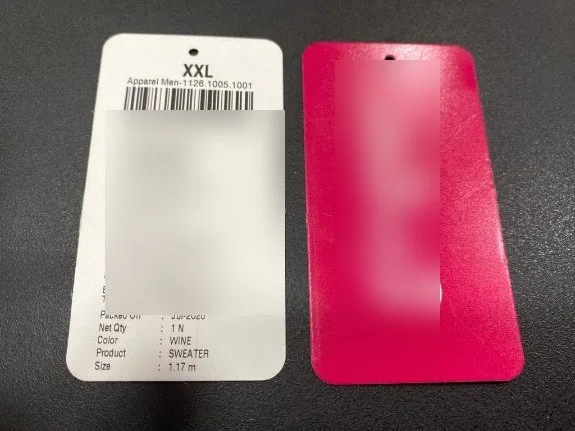
View productsPaper and speciality tags made to order for jewellery, garment and asset use.
View productsAn ISO 9001-2015 certified barcode solution provider based at Mira Road, Thane, operating since 1996.
Whatever you print and however much of it, the right machine comes from one place, with one team accountable for it.
Self-adhesive label manufacturing at Mira Road since 2002, plus ribbons, rolls and tags, so the media is matched to the printer.
Repair and maintenance for printers, scanners and portable terminals, with Annual Maintenance Contracts available.
Head office at Mira Road with marketing offices in Bengaluru, Vapi, Bharuch, Pune, Hyderabad, Anjar and Tiruppur.
Warehouse, inventory and asset management systems, so the labels you print connect to the records you keep.
Direct thermal prints by heating a chemically treated label, so it needs no ribbon, but the print fades with heat, light and abrasion. Thermal transfer uses a ribbon to melt ink onto the label, which lasts far longer. Use direct thermal for short life labels such as receipts and shipping labels, and thermal transfer for anything that has to survive storage, sunlight or chemicals. Most printers in our range do both.
It comes down to daily volume, label width, the environment the printer sits in and how long the label has to last. A few hundred labels a day at a counter suits an entry level desktop printer. Continuous shift printing on a production line needs an industrial printer. If labels are applied away from a desk, a mobile printer saves the walk. Tell us your application and we will size it for you.
203 dpi is enough for standard barcodes and text on most labels, and it is the fastest option. Move to 300 dpi when you print small text, small format tags such as jewellery labels, or dense 2D codes that need finer detail. 600 dpi is for very small, very detailed marking.
Yes. Sun Data Processing has manufactured self-adhesive labels at Mira Road since 2002, and we supply thermal transfer ribbons, direct thermal rolls and tags alongside the printers, matched to the material and the printer you are running.
Yes. We provide after-sales support, repair and maintenance for barcode printers, scanners and portable terminals, and printers can be covered under an Annual Maintenance Contract.
An RFID printer can. It encodes the RFID inlay inside the label and prints the human readable barcode in the same pass. A standard barcode printer cannot encode RFID, so if RFID is on your roadmap it is worth specifying at purchase.
Not sure which barcode printer is right for your application? Our team can help you choose based on your printing volume, label requirements, environment and budget.