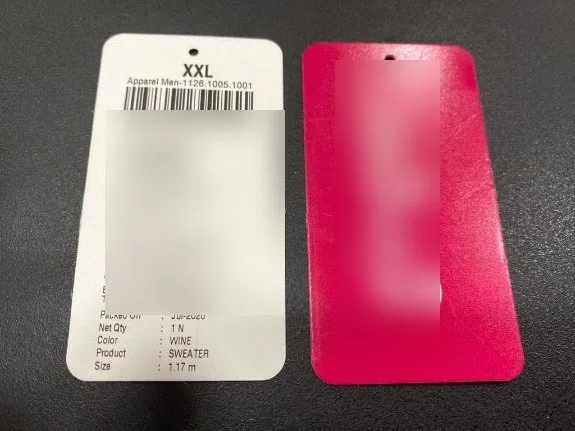
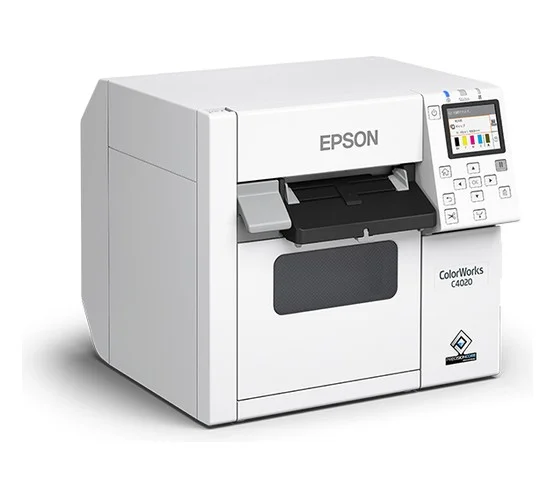
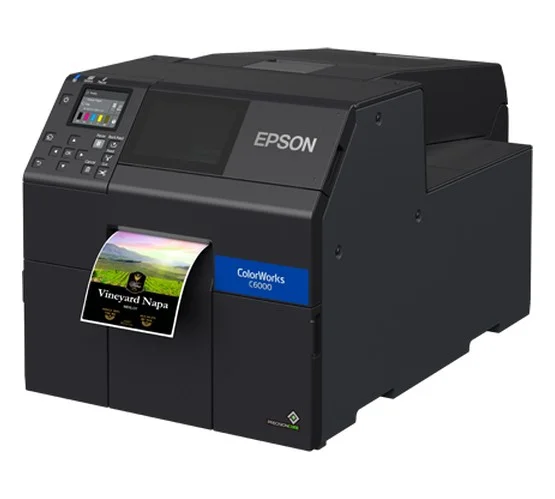
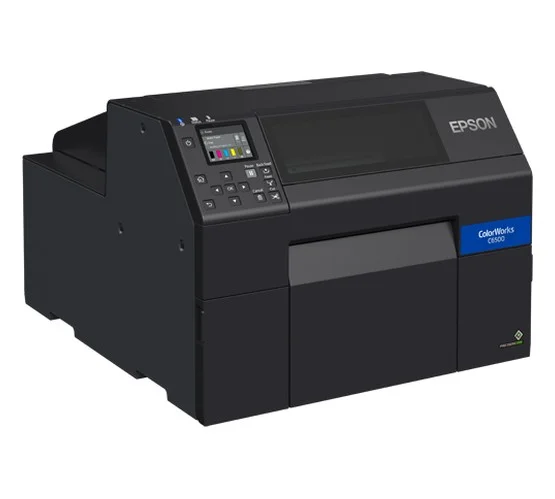
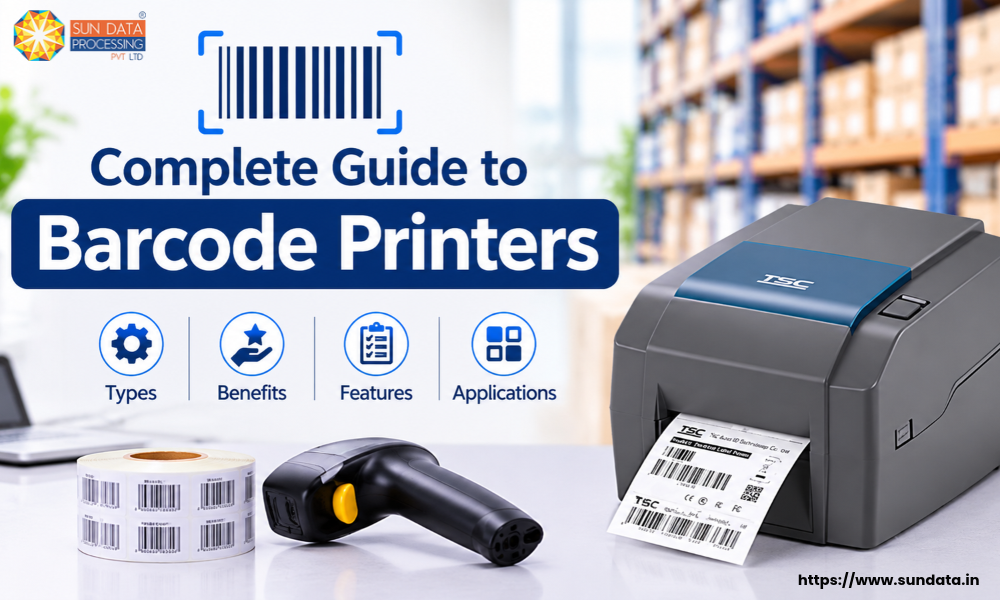
Barcode printers play an important role in businesses that need to print product labels, shipping labels, inventory tags, and asset labels. They help create clear, scannable barcodes that make it easier to identify and track products.
A barcode printer is widely used in warehouses, retail stores, manufacturing units, logistics, and healthcare facilities. It reduces manual work, saves time, and helps businesses maintain accurate product records.
Different businesses have different printing needs. Some require a small barcode label printer for daily use, while others need an industrial barcode printer that can handle large printing volumes and demanding work environments.
The right barcode printer can improve labelling accuracy, speed up daily operations, and support better inventory management.
What is a Barcode Printer?
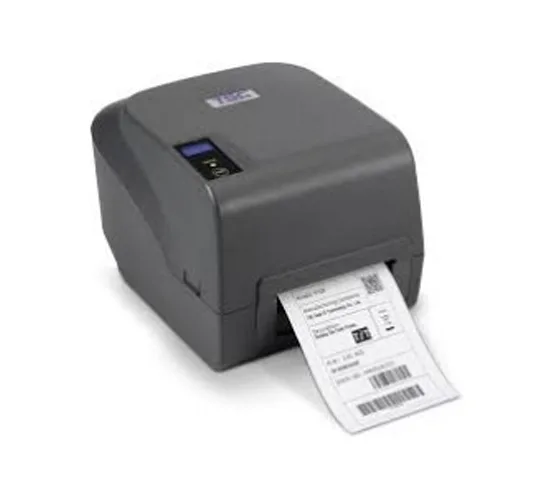
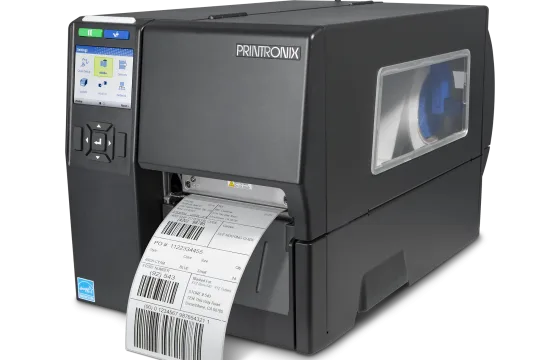
A barcode printer is a printing device used to create labels with barcodes, product details, serial numbers, and other information. These printed labels can be scanned using a barcode scanner to identify products, track inventory, and manage stock records.
Unlike a regular printer, a barcode printer is designed to produce clear, accurate, and scannable barcodes. It uses special printing technology to print on different label materials, such as paper, polyester, and synthetic labels.
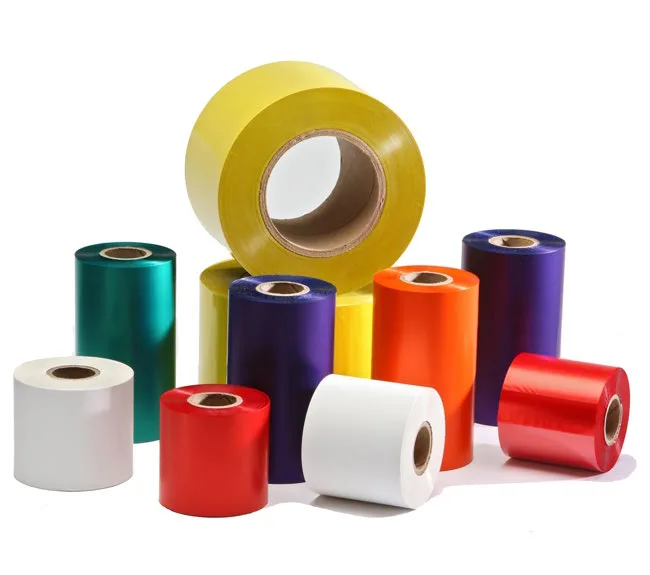
Most barcode printers use thermal printing technology, which works through heat instead of traditional inkjet or laser printing. Depending on the printing method, some models use thermal paper, while others use a thermal transfer ribbon to print durable labels.
A barcode printer is commonly used for:
Product Labelling: Prints product names, barcodes, prices, and SKU numbers.
Inventory Management: Creates labels to identify and track stock items.
Shipping Labels: Prints barcode labels for packages and shipments.
Asset Tracking: Prints identification labels for equipment, tools, and company assets.
Retail Operations: Creates price tags and product identification labels.
How Does a Barcode Printer Work?
A barcode printer works by converting digital information into a printed barcode label. The information may include a product name, SKU number, serial number, price, or tracking details. Once printed, the barcode can be scanned using a barcode scanner to retrieve the stored information.
Most barcode printers use one of two printing methods: direct thermal or thermal transfer.
1. Direct Thermal Printing
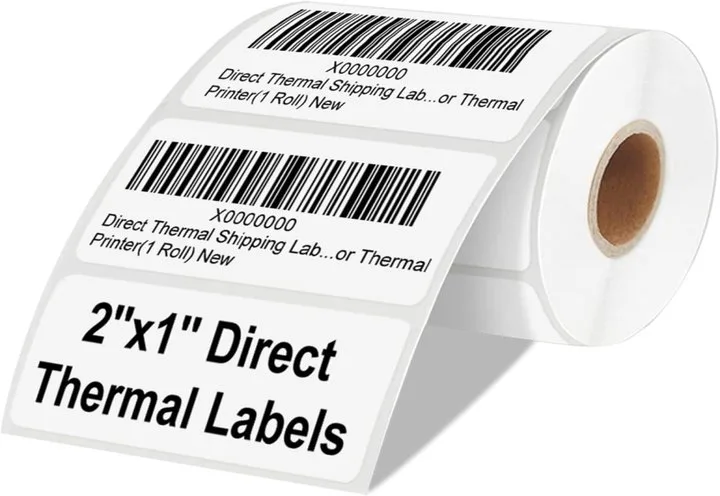
Direct thermal printing uses heat-sensitive label paper. The printer's thermal printhead applies heat to specific areas of the paper to create text, numbers, and barcodes.
This method does not require ink, toner, or a ribbon. It is commonly used for shipping labels, receipts, and temporary product labels. The printed labels may fade over time when exposed to heat, sunlight, or friction.
2. Thermal Transfer Printing
Thermal transfer printing uses a heated printhead and an ink ribbon to transfer text and barcode images onto the label surface.
The heat melts the ribbon ink and transfers it onto the label material. This creates clear and long-lasting prints that can resist moisture, scratches, and other environmental conditions, depending on the ribbon and label material used.
Basic Steps in Barcode Printing
Enter the Data: Product details, SKU numbers, or serial numbers are entered into barcode software or a connected business system.
Generate the Barcode: The software converts the information into a barcode format, such as Code 128, Code 39, or UPC.
Send the Print Command: The computer or connected system sends the label design and printing instructions to the barcode printer.
Print the Label: The printer uses heat-based printing technology to produce the barcode and other details on the label.
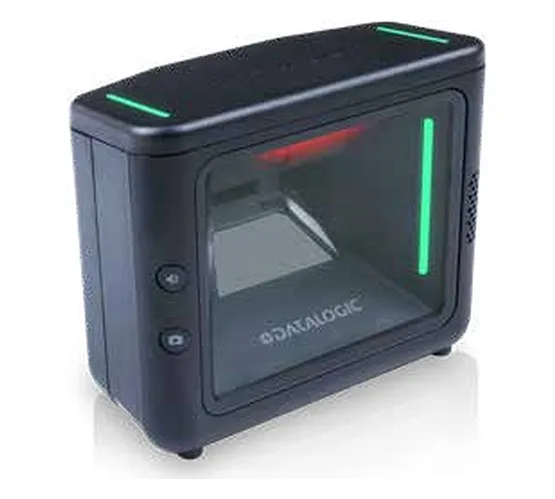
Scan the Barcode: A barcode scanner reads the printed barcode and retrieves the associated information from the connected system.
Different Types of Barcode Printers
Barcode printers are available in different models to meet the printing requirements of various businesses. Some are suitable for small offices and retail stores, while others are designed for large warehouses and manufacturing units.
The main types of barcode printers are desktop, industrial, mobile, and print-and-apply printers. Each type offers different printing speeds, capacities, and features.
1. Desktop Barcode Printer
Desktop barcode printers are compact devices designed for low to medium-volume label printing. They take up less space and are commonly used in retail stores, small warehouses, offices, and healthcare facilities.
These printers can print product labels, price tags, shipping labels, and identification stickers. They are a suitable choice for businesses that need regular label printing without handling large printing volumes.
2. Industrial Barcode Printer
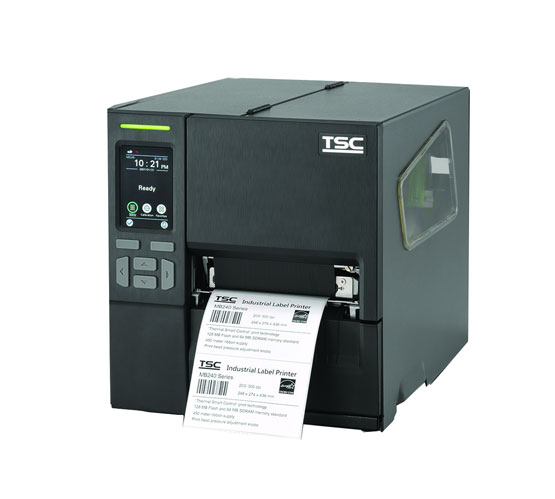
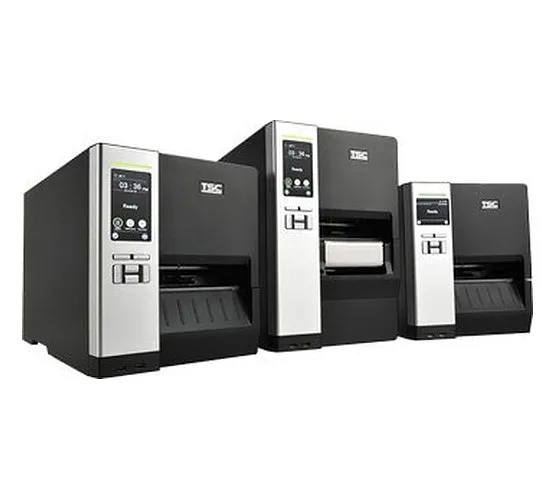
Industrial barcode printers are built for high-volume and continuous printing operations. They have a strong body, larger label roll capacity, and faster printing speeds compared to desktop models.
These printers are widely used in manufacturing plants, distribution centres, logistics companies, and large warehouses. They can print product labels, carton labels, pallet labels, and asset identification tags.
Mobile Barcode Printer
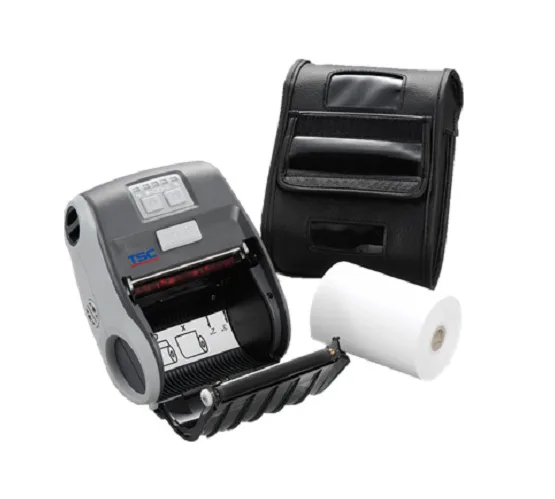
Mobile barcode printers are lightweight, portable devices that allow employees to print labels while moving around the workplace. Most models support wireless connectivity, such as Bluetooth or Wi-Fi, and operate with rechargeable batteries.
They are useful for warehouse inventory checks, retail price updates, delivery operations, and field services where employees need labels at different locations.
4. Print-and-Apply Barcode Printer
Print-and-apply barcode printers combine label printing with automatic label application. These systems print the required barcode label and attach it directly to products, cartons, or packages through an applicator mechanism.
They are commonly used in packaging lines, manufacturing facilities, and distribution centres where large numbers of products need to be labelled quickly and consistently.
5. RFID Barcode Printer
RFID barcode printers can print barcode information and encode data into RFID tags embedded in special labels. These labels can be read through radio frequency signals without requiring direct line-of-sight scanning.
Key Features to Look for in a Barcode Printer
Before purchasing a barcode printer, businesses should check its printing quality, speed, connectivity, and compatibility. Here are five important features to consider.
Print Resolution
Print resolution is measured in DPI (Dots Per Inch). It determines the clarity and sharpness of printed barcodes. Common options include 203 DPI, 300 DPI, and 600 DPI. Higher resolution is useful for small labels and detailed barcode printing.
Printing Speed
Printing speed indicates how quickly a printer produces labels. It is generally measured in inches per second (IPS). High-speed printing is important for warehouses, manufacturing units, and businesses with large label requirements.
Connectivity Options
A barcode printer should support suitable connectivity options such as USB, Ethernet, Bluetooth, or Wi-Fi. These connections allow businesses to print labels through computers, mobile devices, and network systems.
Label Size and Material Compatibility
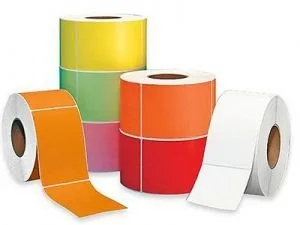
The printer should support the label sizes and materials required for your business. Common options include paper, polyester, polypropylene, and synthetic labels. Thermal transfer printers should also support compatible ribbons.
Durability and Build Quality
A barcode printer should have a strong build to handle daily printing requirements. Industrial models are designed for demanding environments such as warehouses and manufacturing facilities, where continuous printing is common.
Major Benefits of Using a Barcode Printer
A barcode printer helps businesses manage product labelling, inventory, and daily operations more efficiently. It reduces manual work and makes product identification easier. Here are five major benefits of using a barcode printer.
Faster Label Printing
Barcode printers can print multiple labels in less time compared to manual labelling methods. This helps businesses manage large printing requirements and complete daily labelling tasks faster.
Improved Inventory Accuracy
Barcode labels help employees identify products through barcode scanners. This reduces manual data entry errors and makes stock counting, receiving, and tracking more accurate.
Reduced Operating Costs
Barcode printers reduce the time and effort required for manual labelling. Businesses can also lower printing costs by selecting suitable label materials and thermal printing technology.
Better Product Identification
Each barcode label can contain a unique product ID, SKU, serial number, or batch number. This makes it easier to identify products and track them throughout the supply chain.
Improved Business Productivity
Barcode printers support faster workflows in warehouses, retail stores, and manufacturing units. Employees can print and scan labels during receiving, storage, picking, packing, and dispatch operations.
Applications of Barcode Printers Across Different Industries
Barcode printers are used across different industries to print product labels, shipping tags, inventory stickers, and identification labels. They help businesses track products, manage stock, and maintain accurate records.
Here are some common applications of barcode printers across different industries.
1. Retail Industry
Retail stores use barcode printers to create product labels, price tags, and shelf labels. These labels help staff scan products quickly at billing counters, update prices, and manage stock levels.
2. Manufacturing Industry
Manufacturing units use barcode printers to label raw materials, finished products, components, and packaging. Barcode labels help track products at different production stages and maintain batch and serial number records.
3. Logistics and Warehousing
Warehouses and logistics companies use barcode printers for inventory labels, carton labels, pallet labels, and shipping labels. These labels help staff track goods during receiving, storage, picking, packing, and dispatch.
4. Healthcare Industry
Hospitals, laboratories, and pharmacies use barcode printers to create patient wristband labels, medicine labels, sample identification labels, and medical equipment tags. These labels help reduce identification errors and support accurate record management.
5. E-commerce Industry
E-commerce businesses use barcode printers to print order labels, shipping labels, return labels, and product identification tags. These labels help manage large numbers of orders and support accurate package tracking.
How to Choose the Right Barcode Printer for Your Business
The right barcode printer depends on your daily printing volume, label requirements, and business operations. Small businesses may prefer a desktop barcode printer, while warehouses and manufacturing units may need an industrial barcode printer for high-volume printing.
Check the printing technology, resolution, speed, and label compatibility before making a purchase. Direct thermal printing is suitable for short-term labels, while thermal transfer printing is a better choice for durable labels. Also, make sure the printer supports the required label materials and sizes.
Connectivity and software compatibility are equally important. Select a barcode printer that supports USB, Ethernet, Bluetooth, or Wi-Fi and works with your existing ERP, barcode software, or warehouse management system. The right printer should provide consistent print quality and support your daily business requirements.
Common Barcode Printer Problems and Their Solutions
Barcode printers may sometimes face technical issues that affect print quality, label alignment, and daily operations. Here are five common barcode printer problems and their solutions.
1. Faded or Light Printing
Problem: Barcode labels may appear faded or too light due to incorrect print darkness, a dirty printhead, or a worn-out ribbon.
Solution: Adjust the print darkness settings, clean the printhead, and replace the ribbon if required. Also, check the compatibility of the ribbon and label material.
2. Barcode Not Scanning Properly
Problem: A barcode scanner may fail to read printed labels because of poor print quality, incorrect barcode size, or damaged barcode patterns.
Solution: Check the barcode dimensions, increase print darkness if needed, and use the correct print resolution. Test the printed barcode with a scanner before using it.
3. Paper or Label Jamming
Problem: Labels may get stuck inside the printer due to incorrect loading, damaged label rolls, or dust and adhesive residue on the rollers.
Solution: Remove the stuck labels carefully, reload the label roll correctly, and clean the rollers. Use compatible label rolls to avoid repeated jamming.
4. Printer Not Connecting to the Computer
Problem: A barcode printer may fail to receive print commands because of loose cables, incorrect network settings, or driver issues.
Solution: Check the USB or Ethernet connection, verify the network settings, and update or reinstall the correct printer driver.
5. Labels Printing in the Wrong Position
Problem: Barcode labels may print with incorrect spacing or alignment due to wrong label size settings or improperly calibrated sensors.
Solution: Set the correct label dimensions and calibrate the printer sensors. Make sure the label roll is properly positioned before starting the printing process.
Barcode Printer vs. Regular Printer: What's the Difference?
Barcode printers and regular printers differ in their printing technology, purpose, and applications. Here are the key differences between them.
Future of Barcode Printing Technology
Barcode printing technology is changing with the growing demand for faster labelling, accurate product tracking, and automated business operations. Modern barcode printers offer better connectivity, improved print quality, and easy integration with business software.
Wireless printing is becoming more common, as Bluetooth and Wi-Fi allow employees to print labels directly from mobile devices and computers. RFID-enabled barcode printers are also gaining importance because they can print barcode information and encode RFID tags on the same label. This helps businesses manage inventory and track products more efficiently.
Cloud-based printing and software integration are also shaping the future of barcode printing. Businesses can connect printers with ERP, warehouse management, and inventory systems to manage label printing across different locations. Newer printers also offer faster printing speeds, better resolution, and improved performance for demanding work environments.
FAQ
1. What is the main purpose of a barcode printer?
A barcode printer creates labels with barcodes, product details, serial numbers, and identification information. These labels help businesses identify products, track inventory, and manage daily operations.
2. Which printing technology is commonly used in barcode printers?
Most barcode printers use direct thermal or thermal transfer technology. Direct thermal printing uses heat-sensitive paper, while thermal transfer printing uses a ribbon to create durable prints.
3. Can a barcode printer print QR codes?
Yes, most modern barcode printers can print QR codes along with traditional barcodes. QR codes can store more information and are commonly used for product details, website links, and tracking.
4. Do barcode printers require ink or toner?
No, thermal barcode printers do not require traditional ink or toner. Direct thermal printers use heat-sensitive labels, while thermal transfer printers use special ribbons.
5. How long do barcode printer labels last?
Label life depends on the printing technology and material used. Direct thermal labels are generally suitable for short-term use, while thermal transfer labels can last much longer with the right ribbon and label material.
Conclusion
A barcode printer is an important tool for businesses that need accurate product labelling, inventory tracking, and efficient daily operations. From retail stores to large manufacturing units, it helps reduce manual work, improve product identification, and maintain better stock records.
The right barcode printer depends on your printing volume, label material, print quality, and business requirements. A suitable printer can support smooth operations and improve overall productivity. Businesses should compare different printer types and features before selecting a barcode printer that meets their needs.