
Barcode scanners play an important role in modern businesses by making product identification and data entry faster and easier. From billing at retail stores to tracking goods in warehouses, these devices help businesses manage daily operations with fewer manual errors.
A barcode scanner reads the information stored in a barcode and sends it to a connected computer, billing system, or inventory software. This allows employees to check product details, update stock records, and process orders without entering information manually.
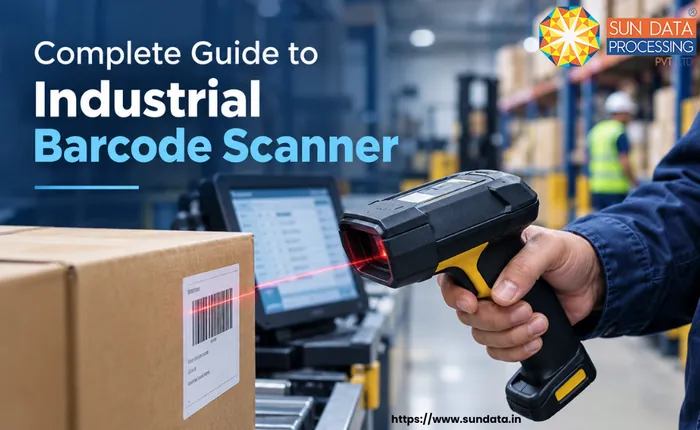
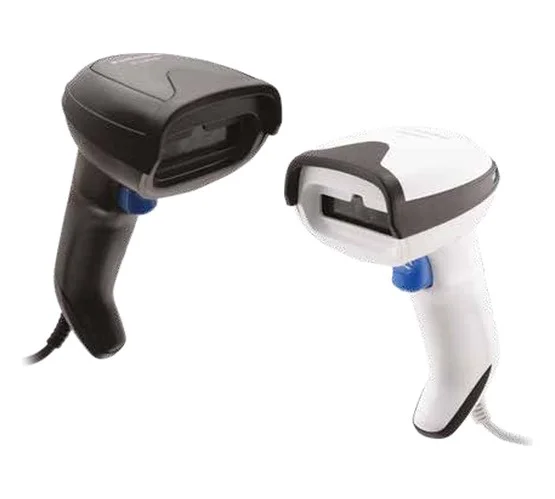
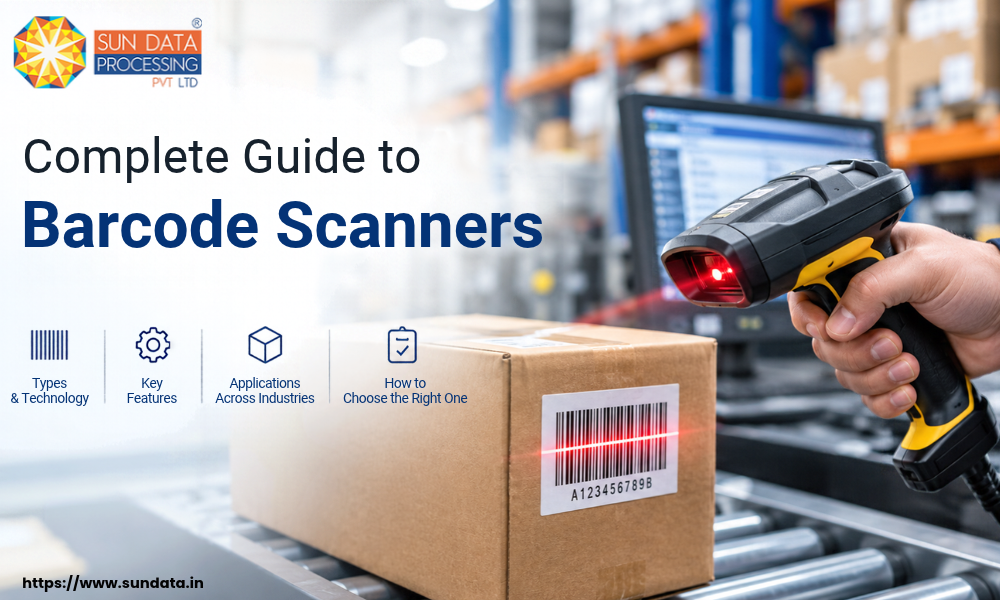
Different businesses need different scanning solutions based on their work environment and scanning requirements. Handheld barcode scanners are commonly used because they are easy to handle and suitable for retail stores, warehouses, and stock management.
This guide explains what barcode scanners are, how they work, the different scanning technologies, and their uses across industries. It also covers the key benefits and setup process to help businesses understand which barcode scanning solution may suit their needs.
What Is a Barcode Scanner?
A barcode scanner is an electronic device that reads the information stored in a barcode and converts it into digital data. It helps businesses identify products, access item details, and record transactions without manual data entry.
Most barcode scanners work with a computer, point-of-sale (POS) system, or inventory management software. When you scan a product, the scanner sends its barcode number to the connected system, which retrieves related information such as the product name, price, or stock details.
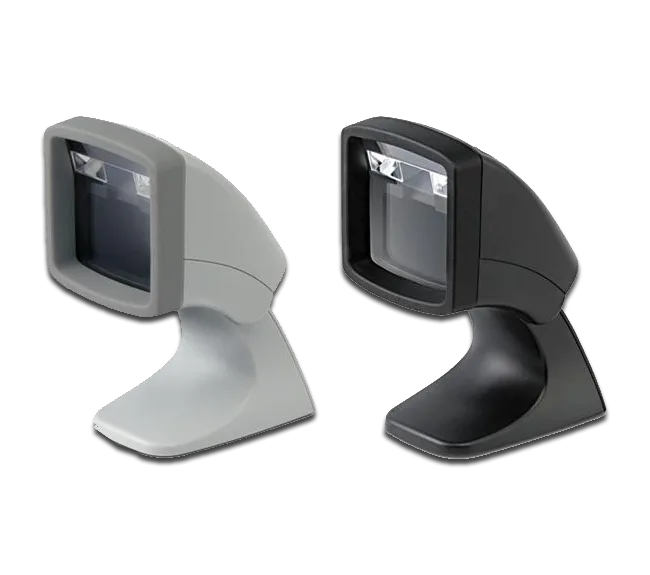
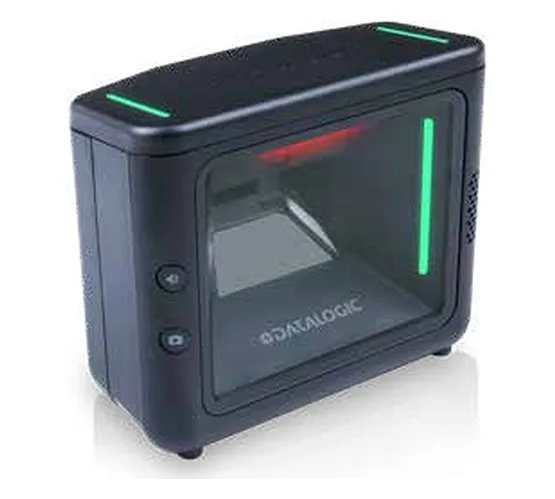
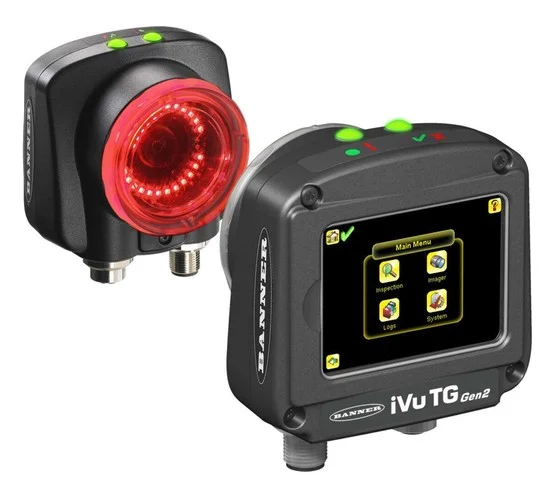
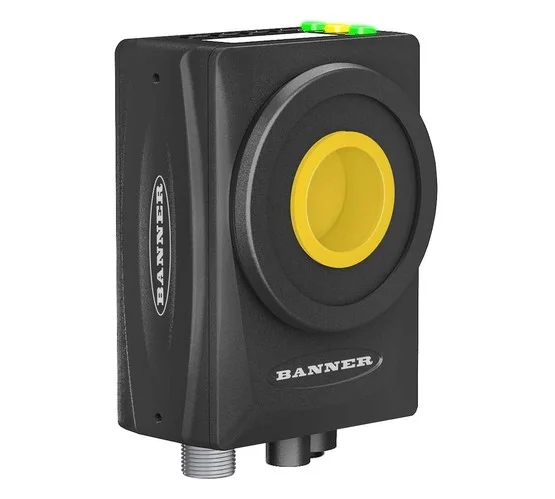
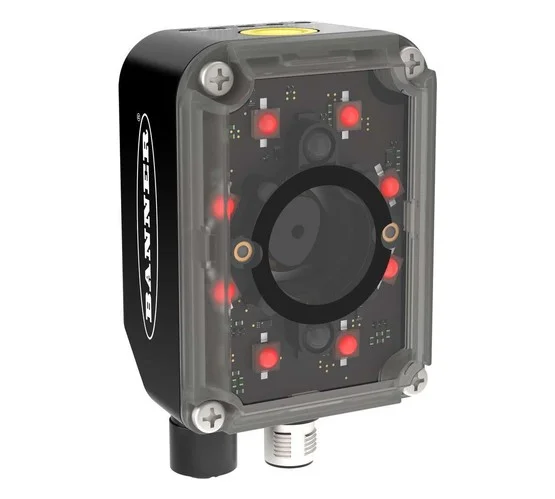
Barcode scanners come in different designs to suit various business needs. Handheld barcode scanners are commonly used in retail stores, warehouses, and shipping departments, while fixed scanners are suitable for checkout counters and automated production lines.
These devices support faster billing, accurate stock records, and smoother product tracking. The choice of scanner depends on the type of barcode, scanning distance, working environment, and the volume of items a business handles each day.
How Does a Barcode Scanner Work?
A barcode scanner reads the pattern printed on a product label and converts it into digital information. The connected computer, POS system, or inventory software then uses that information to identify the product and display its details.
The scanning process usually involves three main steps:
1. Reading the Barcode
The scanner uses a light source, camera, or image sensor to read the barcode. It captures the pattern of black and white lines or the arrangement of squares, depending on the barcode type.
2. Converting the Data
The scanner converts the captured pattern into digital data that the connected system can understand. A built-in decoder or software processes the information and identifies the barcode number or encoded data.
3. Sending Information to the System
The decoded data is sent to a computer, billing system, or inventory software through a USB cable, Bluetooth, or wireless connection. The system uses the barcode data to retrieve product details, update stock records, or complete a billing transaction.
Types of Barcode Scanners Based on Scanning Technology
Barcode scanners use different technologies to read product codes. The right option depends on the barcode type, scanning distance, work environment, and speed required for daily operations.
Laser Barcode Scanners
Laser barcode scanners use a laser beam to read the black and white lines of a barcode. They are commonly used for scanning standard 1D barcodes in retail stores, supermarkets, and checkout counters.
These scanners are suitable for businesses that need quick and reliable product identification. They generally cannot read 2D codes, such as QR codes, and their performance depends on the barcode condition and scanner specifications.
CCD Barcode Scanners
CCD (Charge-Coupled Device) barcode scanners use an array of light sensors to capture the barcode image. They read the reflected light from the barcode instead of using a laser beam.
These scanners are useful for short-range scanning at retail counters, libraries, and inventory desks. They are often durable and easy to operate, making them a practical choice for businesses that scan products at close range.
1D and 2D Image-Based Barcode Scanners
Image-based barcode scanners use a camera or image sensor to capture and process barcode patterns. They can read traditional 1D barcodes and, depending on the model, 2D codes such as QR codes and Data Matrix codes.
These scanners are suitable for warehouses, manufacturing units, retail stores, and logistics operations. Many models can also read barcodes from mobile screens and handle damaged or poorly printed labels when the image quality is sufficient.
Omnidirectional Barcode Scanners
Omnidirectional barcode scanners can read barcodes from multiple angles without requiring the user to align the barcode in one specific direction. Many models use multiple laser scan lines or image-based technology to capture codes quickly.
They are commonly installed at supermarket checkout counters, retail billing stations, and high-volume scanning points. These scanners help cashiers process products faster, especially when many items need to be scanned in a short time.
Pen-Type Barcode Scanners
Pen-type barcode scanners are small, wand-shaped devices that read a barcode when the tip is moved across it. They usually require direct contact or proximity to the printed code and steady movement for accurate reading.
These scanners can be used for basic inventory tasks, document tracking, and applications with low scanning volumes. They are less common today because modern image-based and handheld barcode scanners offer greater convenience for many business needs.
How to Set Up and Use a Barcode Scanner?
A barcode scanner is usually easy to set up, but the exact process depends on the device type and the software you use. Most scanners can be connected to a computer, POS system, or inventory management software in a few simple steps.
Connect the Barcode Scanner
Connect the scanner to your computer or POS system using a USB cable, Bluetooth, or a wireless receiver. Many USB barcode scanners are detected automatically, while wireless models may require pairing before use.
Configure the Scanner Settings
Check the scanner manual to confirm whether any configuration is required. Some devices need specific settings for barcode formats, keyboard language, or data output. Follow the manufacturer's instructions to configure the scanner for your business requirements.
Connect It to Your Software
Open the billing system, inventory software, or application where you want to record scanned data. Make sure the software can accept barcode input and is configured to match your scanner's output.
Test the Scanner
Scan a few product labels to check whether the correct barcode data appears on the screen. Test different barcode types if your business uses more than one format. If the scanner fails to read a code, check the connection, scanner settings, and barcode condition.
Start Scanning Products
Once the scanner works correctly, use it for regular business tasks such as billing, stock counting, receiving goods, and order processing. Keep the scanner clean and check its connection or battery regularly to avoid interruptions.
Key Benefits of Using a Barcode Scanner
Barcode scanners help businesses manage products, track inventory, and process transactions with less manual effort. They reduce repetitive work and make daily operations more accurate. Here are some key benefits of using barcode scanners.
Faster Data Entry
Barcode scanners capture product information in seconds, so employees do not need to enter product codes manually. This saves time during billing, stock counting, and order processing, especially when handling large numbers of items.
Improved Inventory Accuracy
Manual stock entry can lead to typing mistakes, duplicate records, and incorrect quantities. Barcode scanning helps reduce these errors by recording product data directly in the connected inventory system.
Better Productivity
Employees can scan products instead of writing down codes or searching for item details manually. This helps teams complete routine tasks faster and spend more time on other important business activities.
Easier Product Tracking
Barcode scanners help businesses record when products arrive, move between locations, or leave for delivery. These records make it easier to check stock availability, locate items, and monitor product movement across warehouses and stores.
Reduced Operating Costs
Accurate data entry and faster workflows can reduce the time spent correcting inventory mistakes. Businesses may also lower costs linked to misplaced products, billing errors, and unnecessary stock purchases.
Better Customer Service
Faster checkout, accurate billing, and reliable stock information help businesses serve customers more efficiently. Retail staff can check product details quickly, while warehouse teams can prepare orders with fewer picking and dispatch errors.
Applications of Barcode Scanners Across Different Industries
Barcode scanners are used across industries to identify products, record information, and track goods at different stages of business operations. They help businesses manage inventory, reduce manual data entry, and maintain accurate records.
Retail and Supermarkets
Retail stores use barcode scanners for product billing, price checks, and inventory updates. Cashiers can scan items at checkout, while store staff can use handheld barcode scanners to check stock levels and manage incoming products.
Warehousing and Logistics
Warehouses use barcode scanners to record incoming goods, locate stored items, verify orders, and track shipments. Logistics teams also scan parcels during sorting, loading, and dispatch to reduce mix-ups and improve delivery tracking.
Manufacturing
Manufacturing units use barcode scanners to track raw materials, work-in-progress items, and finished products. Scanning helps teams record production stages, verify components, and maintain traceability throughout the manufacturing process.
Healthcare and Pharmaceuticals
Hospitals, clinics, and pharmacies use barcode scanners to identify medicines, track medical supplies, and manage inventory. Healthcare staff can also scan patient wristbands and medication labels to support accurate identification and safer workflows.
Chemical Industry
Chemical companies use barcode scanners to track raw materials, chemical containers, finished products, and storage locations. Scanning helps employees maintain inventory records, identify batches, and track materials during production and dispatch. In this industry, barcode labels must be suitable for the chemicals, temperature, moisture, and storage conditions involved.
Garment and Textile Industry
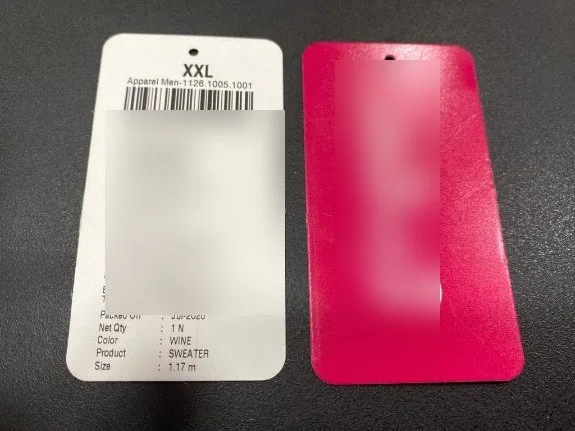
Garment manufacturers and textile businesses use barcode scanners to track fabrics, clothing items, sizes, colours, and product batches. Handheld barcode scanners help staff manage warehouse stock, verify orders, and monitor products during manufacturing, packing, and dispatch. Retail clothing stores also use them for billing and inventory management.
Automotive Industry
Automotive manufacturers use barcode scanners to identify spare parts, track components, and monitor products throughout the assembly process. Scanning helps employees verify part numbers, maintain production records, and manage spare parts inventory in warehouses and service centres.
Technology Behind Modern Barcode Scanners
Modern barcode scanners use different technologies to read codes, process information, and transfer data to connected business systems.
1D and 2D Barcode Reading
Modern scanners can read different barcode formats depending on their technology. 1D scanners read traditional linear barcodes, while 2D image-based scanners can read QR codes, Data Matrix codes, and other two-dimensional patterns. Businesses can choose a scanner based on the barcode formats used on their products and labels.
Wireless Connectivity
Many barcode scanners support Bluetooth or Wi-Fi connectivity, allowing employees to scan products without staying near a computer. Wireless handheld barcode scanners are useful in warehouses, manufacturing units, and distribution centres where workers move between storage locations.
Image-Based Scanning
Image-based scanners use cameras and image sensors to capture barcode patterns. They can read codes from printed labels and, when supported, mobile screens. Some models can also read damaged or poorly printed barcodes when enough information remains visible.
Integration with Inventory Software
Modern barcode scanners can connect with inventory management systems, warehouse management systems (WMS), and point-of-sale (POS) software. This integration helps businesses record stock movements, update product details, verify orders, and maintain more accurate inventory records.
Rugged Scanner Design
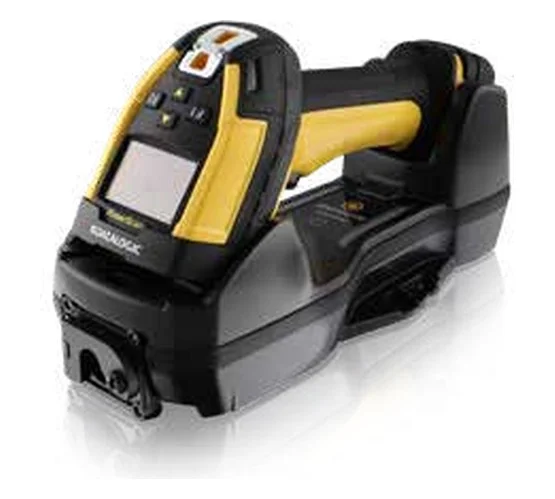
Industrial barcode scanners are designed for workplaces where devices face frequent handling, dust, moisture, or accidental drops. Depending on the model, they may include protective housing, stronger scanning performance, and longer battery life to support demanding warehouse and manufacturing tasks.
Smart and Mobile Scanning
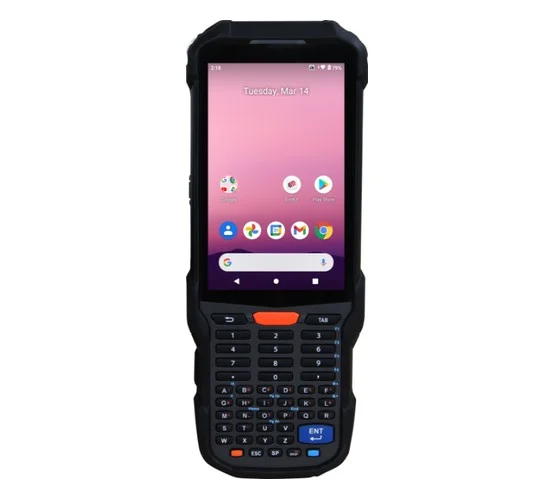
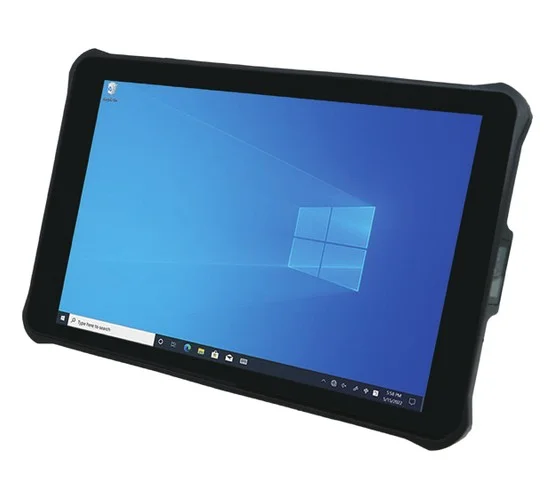
Some businesses use mobile computers with built-in barcode scanners to combine scanning, data entry, and business applications in one device. These devices allow employees to check product information, update stock records, and confirm orders directly from the work area.
FAQ
1. Can barcode scanners read QR codes?
Yes, 2D image-based barcode scanners can read QR codes. Standard 1D laser scanners generally cannot read them.
2. How do I connect a barcode scanner to a computer?
Most barcode scanners connect through USB, Bluetooth, or a wireless receiver. Some devices work automatically, while others require pairing or configuration.
3. Which barcode scanner is best for warehouse use?
A rugged handheld barcode scanner is often suitable for warehouses because it supports mobile scanning and can withstand demanding working conditions. The best choice depends on scanning distance, barcode type, and software compatibility.
4. Can barcode scanners work with inventory management software?
Yes, compatible barcode scanners can integrate with inventory management and warehouse management software to record stock movements, update quantities, and verify orders.
5. Do barcode scanners require an internet connection?
No, basic barcode scanning does not require the internet. An internet connection may be needed to access cloud-based inventory software or synchronise data with online systems.
Conclusion
Barcode scanners help businesses manage products, track inventory, and record information with greater speed and accuracy. From retail stores and warehouses to chemical, garment, and manufacturing industries, these devices support many daily operations.
The right barcode scanner depends on the type of barcode, working environment, scanning volume, and software requirements. Handheld barcode scanners are a practical option for businesses that need flexible scanning across different locations.
A suitable barcode scanning solution can reduce manual errors, improve inventory control, and support smoother business operations. Businesses should consider their daily requirements and system compatibility before choosing a scanner.