

Businesses today need quick access to information to manage their daily operations. In warehouses, retail stores, factories, and delivery services, employees often need to check product details, update stock records, and scan barcodes while moving from one place to another.
A mobile computer makes these tasks easier. It is a handheld device that combines computing features with barcode scanning and wireless connectivity. Employees can use it to collect data, access business information, and update records without returning to a desktop computer.
Mobile computers help businesses manage inventory, track products, process orders, and handle field operations. They also reduce manual data entry and help teams work with more accurate and up-to-date information.
What Are Mobile Computers?
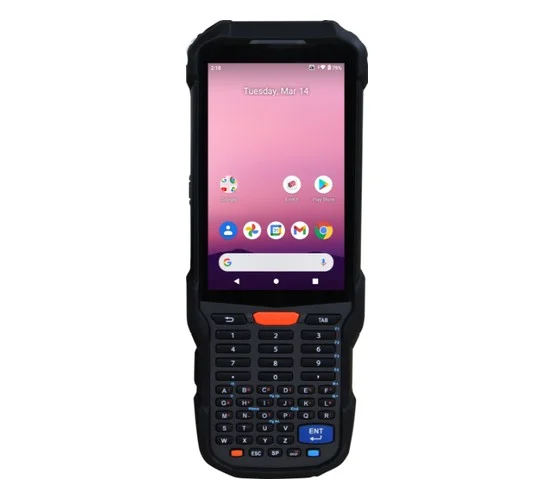
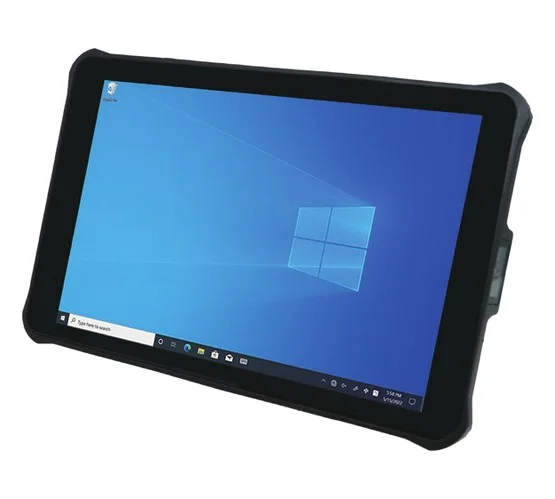
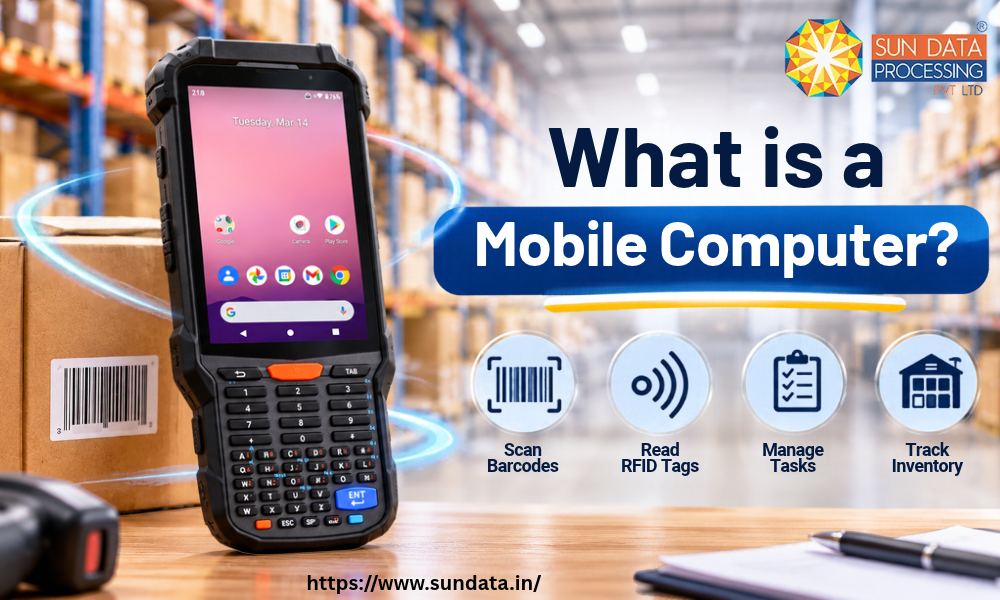
A mobile computer is a portable electronic device that allows users to collect, process, store, and access data while moving from one location to another. It combines the functions of a computer with features like barcode scanning, wireless connectivity, and a touchscreen.
Unlike desktop computers, mobile computers do not need a fixed workstation. Employees can carry them across warehouses, retail stores, factories, and other workplaces to complete daily tasks.
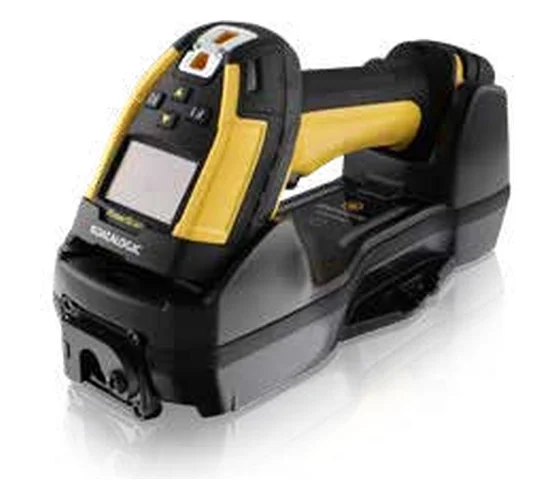
Most industrial mobile computers come with built-in barcode scanners, cameras, Wi-Fi, Bluetooth, and rechargeable batteries. Many models also support Android, which makes it easier to run business applications and connect with inventory or warehouse management systems.
For example, a warehouse employee can scan a product barcode using a mobile computer, check its stock details, and update the inventory record directly from the device. This saves time and reduces the need for manual paperwork.
How Do Mobile Computers Work?
A mobile computer works by collecting data through its built-in scanner, camera, touchscreen, or other input features. It processes this information and sends it to connected business systems through Wi-Fi, Bluetooth, or mobile networks.
The device runs on an operating system, usually Android, which allows employees to use business applications for inventory management, order processing, product tracking, and other daily tasks.
Here is how a mobile computer works in a typical business environment:
Data Collection: Employees scan product barcodes, enter details, or capture information using the device.
Data Processing: The mobile computer reads and processes the collected information through its software.
Wireless Connectivity: It connects to business systems through Wi-Fi or mobile networks to share the data.
Data Updates: The connected system updates stock levels, order details, or product records.
Information Access: Employees can view updated information directly on the device and take action when needed.
Key Features of Mobile Computers
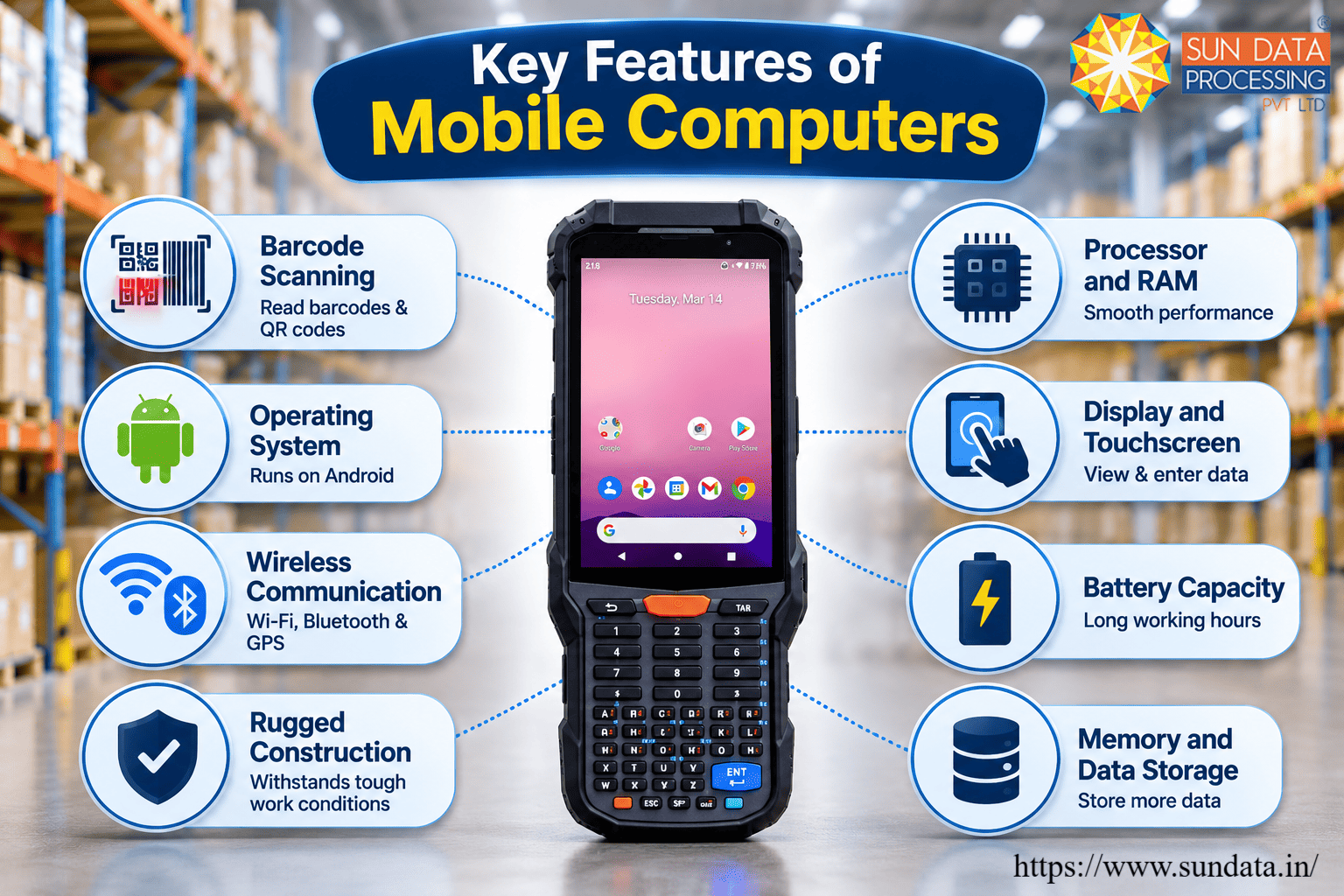
Mobile computers come with features that help employees handle business tasks from different locations. Some important features of mobile computers include:
Integrated Barcode Scanning
Many mobile computers feature built-in 1D and 2D barcode scanners. These scanners allow employees to read product labels, QR codes, and inventory tags quickly.
Processor and RAM
A mobile computer comes with a processor and RAM to run business applications, process collected data, and manage multiple tasks. The processor speed and memory capacity affect the device's overall performance.
Display and Touchscreen
Mobile computers feature touchscreen displays that allow users to view information, enter data, and operate business applications. Screen size and resolution vary across different models.
Operating System
Most modern industrial mobile computers run on Android. The operating system supports business applications and helps devices connect with inventory, warehouse, and enterprise management systems.
Wireless Communication
Wi-Fi, Bluetooth, and cellular connectivity allow mobile computers to exchange data with other devices and business systems. Some models also support GPS for location tracking.
Battery Capacity
A high-capacity rechargeable battery supports long working hours. Some devices also offer replaceable batteries, which help reduce downtime during busy operations.
Rugged Construction
Industrial mobile computers often feature rugged housing to withstand accidental drops, dust, moisture, and regular workplace use. Their protection ratings vary by model.
Memory and Data Storage
Built-in storage allows mobile computers to store applications, business records, and collected data. Many models also support expandable storage.
Mobile Computer vs. Barcode Scanner: Key Differences
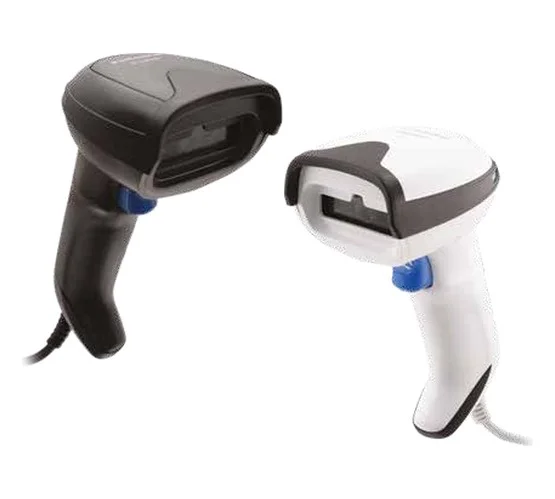
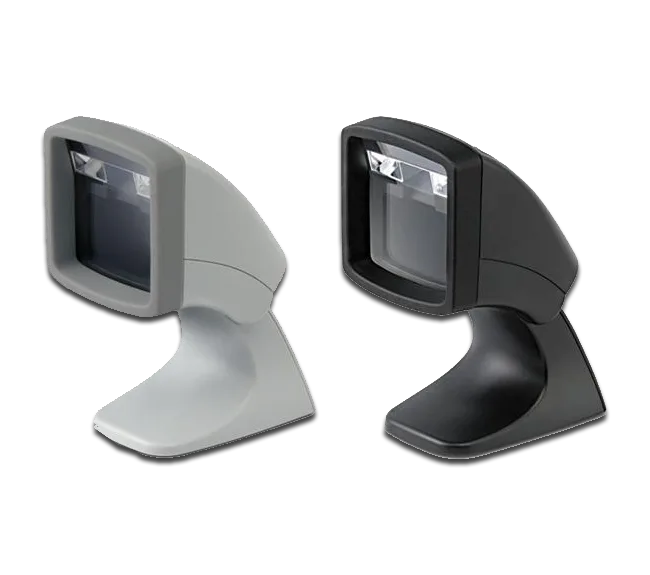
Mobile computers and barcode scanners are both used for data collection in business operations. Although they may look similar, their functions are different. Here are the key differences between the two devices:
Key Applications of Mobile Computing in Different Industries
Here are some common applications of mobile computers across different industries.
Chemical Industry
Chemical companies use mobile computers to track raw materials, manage chemical inventory, and monitor product movement across storage areas. Employees can scan labels, check batch details, and update stock records. These devices also help maintain accurate records of incoming and outgoing materials.
Warehousing and Logistics
Warehouses use mobile computers to manage stock receiving, picking, packing, and dispatch. Employees can scan product barcodes, check item locations, and update inventory records directly from the warehouse floor.
Retail and E-commerce
Retail stores use mobile computers to check product availability, manage stock, and process orders. In e-commerce warehouses, these devices help employees pick the right products and prepare customer orders for dispatch.
Automotive Industry
Automotive manufacturers use mobile computers to track vehicle parts, manage components, and monitor production activities. Workers can scan part numbers, verify material details, and update assembly records. This helps teams maintain better control over parts and production workflows.
Hospitality
Hotels and restaurants use mobile devices to manage orders, track supplies, check stock levels, and coordinate daily activities. This helps staff access important information without depending on a fixed computer.
Garment and Textile Industry
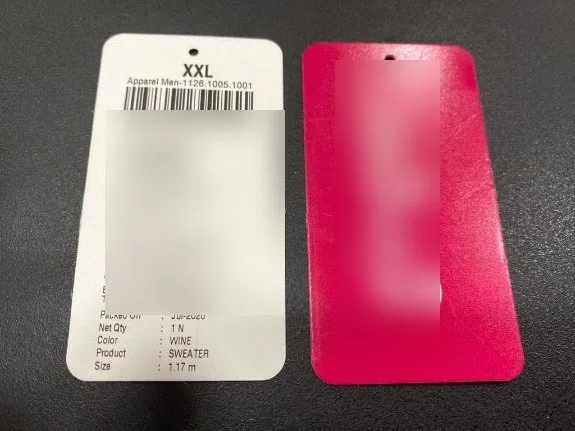
Garment manufacturers use mobile computers to track fabrics, raw materials, finished products, and stock movement. Employees can scan product labels, check sizes, manage inventory, and monitor orders across different production stages. These devices also help manage stock across warehouses and retail distribution centres.
Why Modern Businesses Are Switching to Mobile Computers
Modern businesses handle large amounts of product and inventory data every day. Manual records and traditional data entry can slow down operations and increase the chances of errors. Mobile computers offer a faster way to collect information and manage daily business tasks.
Employees can scan product barcodes, check stock details, and update records within seconds. This reduces manual work, saves time, and helps maintain accurate inventory information.
Mobile computers also provide access to updated business data through Wi-Fi and other wireless connections. Employees can use them with WMS, ERP, and inventory management software to manage operations from different locations.
Another reason businesses prefer these devices is their ability to handle multiple tasks through a single handheld unit. From stock checking to order processing, mobile computers help teams complete their work with less effort.
Role of Mobile Computers in Warehouse and Inventory Operations
Warehouses handle different activities, from receiving goods to storing, picking, packing, and dispatching orders. A mobile computer helps employees manage these tasks by providing quick access to product and inventory information.
During stock receiving, employees can scan incoming products and verify their details against purchase orders. The same device helps workers check stock quantities, update inventory records, and locate products in storage areas.
Mobile computers also support order picking and packing. Employees can follow picking lists, scan products, and verify order details before dispatch. This helps reduce picking mistakes and ensures the correct items reach customers.
For stock audits, warehouse teams can scan product labels and compare physical quantities with system records. These devices also help track product movement between different storage locations.
How Mobile Computers Improve Delivery and Field Operations
Delivery and field teams often work across different locations and need quick access to order details, customer information, and delivery records. A mobile computer helps employees manage these tasks without depending on paperwork or a fixed computer system.
Delivery staff can scan package barcodes to verify shipments before loading them into vehicles. During delivery, they can check order details, update shipment status, and record successful deliveries directly on the device.
Mobile computers also support field service teams. Employees can access work orders, check equipment information, record service updates, and share job details with their office team. Features like GPS and wireless connectivity help businesses track field activities and manage work locations.
These devices also reduce paperwork and manual data entry. Teams can share updated information with connected business systems, which helps managers monitor deliveries, track field activities, and coordinate daily operations.
Why Businesses Choose Android Mobile Computers
Android mobile computers are becoming a popular choice for businesses because they offer a familiar operating system and support different business applications. Here are some reasons why businesses prefer Android mobile computers:
Easy to Use
Android has a familiar interface that makes it easier for employees to operate mobile computers. Its touchscreen controls and simple navigation also reduce the time needed for staff training.
Support for Business Applications
Android mobile computers support applications for warehouse management, inventory tracking, retail operations, and order processing. Businesses can install the software required for their daily work.
Wireless Connectivity
Wi-Fi, Bluetooth, and cellular connectivity help Android devices communicate with other equipment and business systems. Employees can access and share information across different work areas.
Easy System Integration
Android mobile computers can connect with ERP, WMS, and inventory management software. This allows businesses to share data between handheld devices and their existing systems.
Regular Software Updates
Supported Android devices receive software and security updates from manufacturers. These updates help businesses maintain device performance and protect business information.
Different Device Options
Businesses can choose Android mobile computers in different sizes and designs based on their work requirements. Options include handheld devices, rugged mobile computers, and models with built-in barcode scanners.
FAQ
1. Do mobile computers use Android?
Yes, many modern mobile computers run on Android. It supports business applications for inventory management, barcode scanning, warehouse operations, and order processing.
2. Can mobile computers work without an internet connection?
Yes, some mobile computers can collect and store data offline. Once the device reconnects to a network, the stored information can be synced with the connected business system, depending on the application.
3. What is a rugged mobile computer?
A rugged mobile computer is designed for demanding work environments such as warehouses, factories, and outdoor locations. It usually has a strong body and protection against drops, dust, and water.
4. Can mobile computers scan QR codes?
Yes, mobile computers with compatible 2D barcode scanners can read QR codes along with standard 1D and 2D barcodes.
5. Are mobile computers suitable for warehouse management?
Yes, mobile computers are widely used in warehouse management. They help employees scan products, check stock levels, manage picking lists, and update inventory records.
Conclusion
Mobile computers have become an important part of modern business operations. They help employees collect data, scan barcodes, manage inventory, and access business information from different locations. From warehouses and manufacturing units to retail stores and delivery services, these devices support faster and more accurate daily tasks.
With features like Android operating systems, wireless connectivity, built-in barcode scanners, and rugged designs, mobile computers offer a practical solution for businesses with growing data management needs. The right device can help improve workflow efficiency, reduce manual work, and maintain better control over business operations.