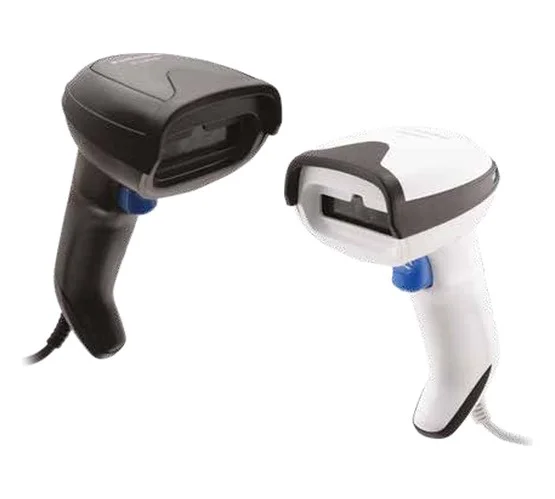
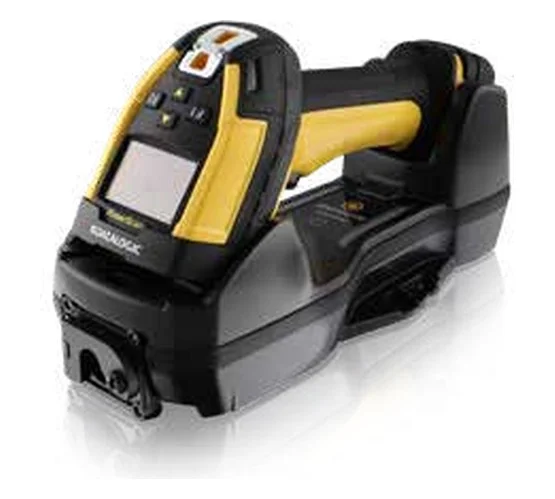
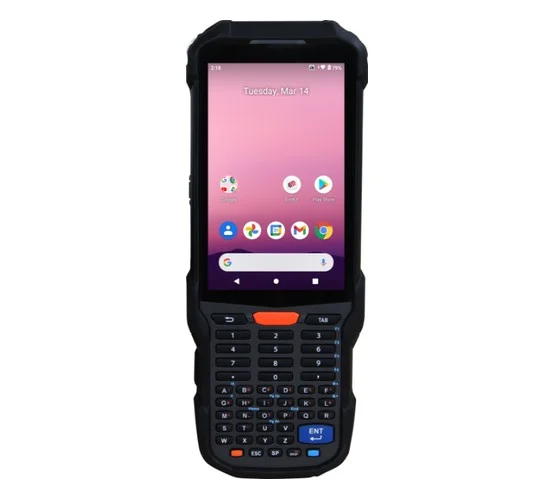
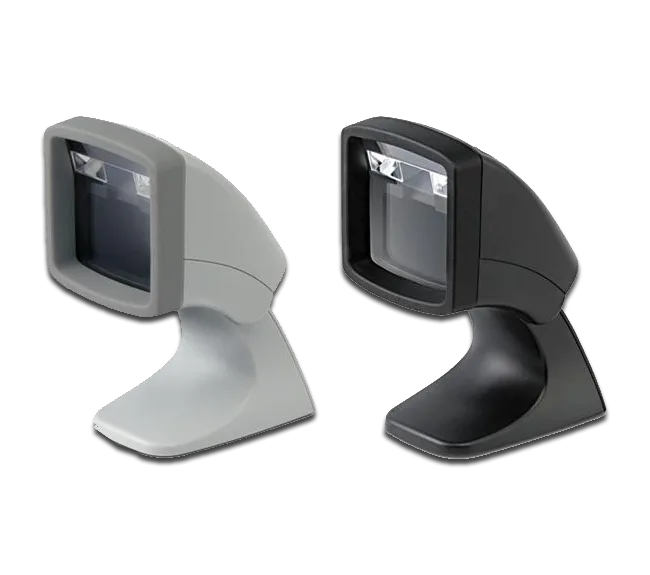

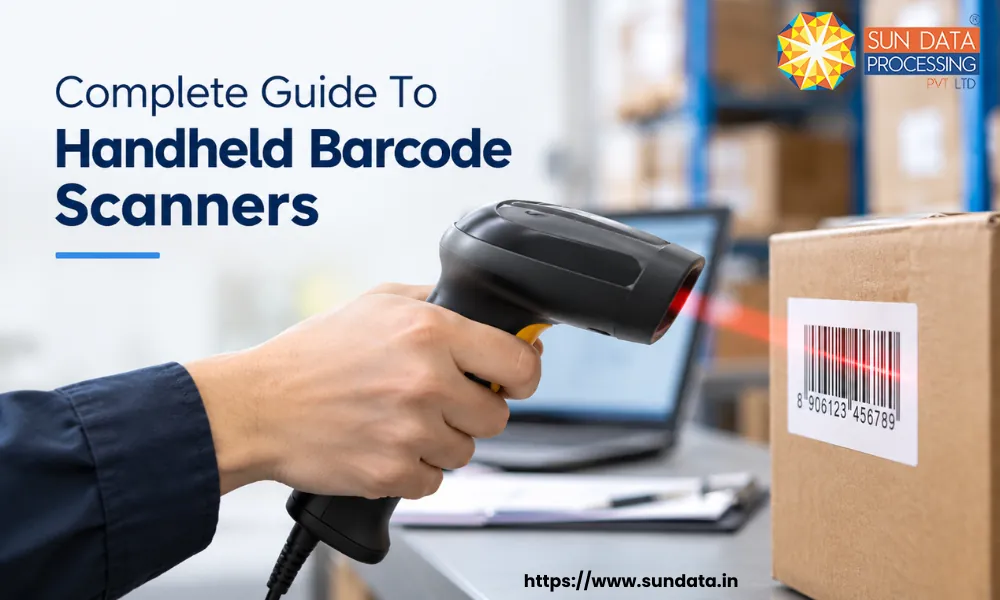
A barcode scanner helps businesses identify products, packages, and items quickly without entering information manually. Among the different types available, handheld barcode scanners are widely used because they are easy to operate and can be moved directly to the item being scanned.
These scanners are useful in warehouses, retail stores, manufacturing units, healthcare facilities, logistics operations, and many other workplaces. Businesses can choose wired, wireless, standard, or rugged models based on their work environment.
This guide explains how handheld barcode scanners work, where they are used, what to consider before choosing one, and how they connect with business systems. It also covers zebra handheld barcode scanners and wireless handheld barcode scanners for businesses that need flexible scanning solutions.
What is a Handheld Barcode Scanner?
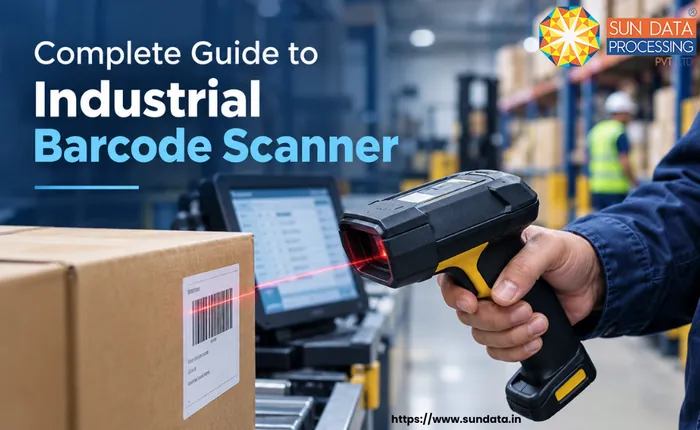
A handheld barcode scanner is a portable device that reads barcode information from products, packages, labels, and other items. It converts the barcode into digital data that a computer or business software can process.
Handheld barcode scanners are easy to move from one item to another, making them useful in warehouses, retail stores, manufacturing units, healthcare, and logistics.
Businesses can choose from different types of scanners and handheld barcode scanners based on their work needs. Wired and wireless handheld barcode scanners are common options, while Zebra handheld barcode scanners are also widely used for business scanning tasks.
How Do Handheld Barcode Scanners Work?
A handheld barcode scanner reads the barcode on an item and converts it into digital information. The basic process follows these steps:
Step 1: Barcode is scanned: The user points the scanner at the barcode and presses the scan button. The scanner captures the barcode using a laser or image sensor.
Step 2: Barcode is captured: The scanner identifies the bars, spaces, or patterns in the barcode and captures the complete code.
Step 3: Data is decoded: The scanner converts the captured barcode pattern into readable data, such as a product number, SKU, or serial number.
Step 4: Data is transferred: The scanned information is sent to a computer, POS system, warehouse software, or another connected system. This can happen through a cable or wireless connection.
Step 5: Information is recorded: The connected system uses the barcode data to update inventory, process a sale, track an item, or complete another business task.
Handheld Scanner Applications Across Industries
Handheld barcode scanners are used across many industries to identify products, track items, update records, and reduce manual data entry. Their portable design allows employees to scan items directly where the work takes place.
Retail
Retail stores use handheld scanners for billing, product identification, price checking, and inventory updates. Staff can scan products instead of entering product codes manually.
They can also be used during stock counting. Employees can move through shelves and scan each item to compare physical stock with the information stored in the inventory system.
Manufacturing
Manufacturing companies use barcode scanners to track raw materials, components, work-in-progress items, and finished goods.
A barcode can be scanned at different production stages to record when an item enters or leaves a particular process. This gives businesses better visibility into material movement and production records.
Logistics and Transportation
Logistics companies use handheld scanners to track parcels and shipments throughout their journey. Items can be scanned during pickup, sorting, loading, receiving, and delivery.
The scanned information can be sent to logistics software so businesses can maintain shipment records and check the movement of packages at different stages.
Chemical Industry
Chemical companies can use barcode scanners to track raw materials, containers, batches, and finished products. Barcode data can help connect physical items with information stored in business systems.
Rugged scanners may be suitable for demanding work areas where equipment can face dust, moisture, drops, or frequent handling.
Jewellery Industry
Jewellery businesses can use barcode scanners to identify individual products and maintain accurate stock records. Scanning can help staff manage product codes, item details, and stock movement.
This is especially useful when stores or warehouses handle many small and high-value items that require careful tracking.
Garment Industry
Garment businesses use scanners to track clothing items, sizes, colors, batches, and orders. Scanning can support stock counting, order picking, dispatch, and receiving processes.
The use of scanners barcode handheld can make item identification faster across warehouses, stores, and distribution centers.
Healthcare
Hospitals, clinics, laboratories, and pharmacies use barcode scanning to identify medicines, medical supplies, samples, and equipment. Staff can scan an item before recording or updating its information. This helps reduce manual entry errors and makes item identification faster.
Factors to Consider When Choosing a Handheld Scanner
The right handheld barcode scanner depends on the type of work, workplace conditions, and business needs. A scanner suitable for a retail counter may not work well in a warehouse or manufacturing unit.
Scanning Type
Check which barcode types the scanner can read. Some businesses use standard 1D barcodes, while others need to scan 2D barcodes such as QR codes.
Wired or Wireless
A wired scanner works well at fixed workstations where scanning takes place in one location. A wireless handheld barcode scanner is more suitable when employees need to move around while scanning.
Scanning Range
The required scanning distance depends on the workplace. Warehouses with high storage racks may need scanners that can read barcodes from a greater distance.
Durability
The working environment should also be considered before selecting a scanner. Warehouses and manufacturing units may need devices that can handle drops, dust, moisture, and regular use.
Connectivity
Check how the scanner connects with computers and other devices. Common options include USB, Bluetooth, and wireless connectivity.
Compatibility
The scanner should work with the software already used by the business. This may include POS systems, warehouse management systems, inventory software, or other business applications.
Battery Life
Battery life matters when employees use scanners throughout the day. A good battery can reduce the need for frequent charging and support longer scanning tasks.
Ease of Use
A scanner should be comfortable to hold and simple to operate. A lightweight design, clear scan feedback, and easy controls can make daily work more convenient.
Brand and Support
The manufacturer's reliability and after-sales support are also important. Zebra handheld barcode scanners can be considered by businesses that need reliable devices for regular commercial scanning tasks.
Rugged vs Standard Handheld Scanners: Which Is Better?
The right choice depends on the working environment, scanning frequency, and level of durability required.
How Do Handheld Scanners Integrate with Business Systems?
Handheld barcode scanners can connect with business systems and send scanned information directly to the software used by a company. This allows employees to scan an item and update its details without entering the information manually.
A scanner can work with systems such as inventory management software, warehouse management systems (WMS), POS systems, ERP software, and order management systems. The scanned barcode may update stock levels, product details, order status, or shipment records based on the system and task.
The connection can be made through USB, Bluetooth, Wi-Fi, or other supported communication methods. Wireless handheld barcode scanners are useful when employees need to scan items across different areas without staying connected to a computer by cable.
For example, a warehouse worker can scan a product during receiving, and the connected warehouse management system can record the item and update the inventory. The same process can support picking, packing, dispatch, and stock counting.
Key Metrics for Measuring Handheld Scanning Efficiency
Businesses can measure handheld scanning efficiency by tracking how quickly and accurately employees complete scanning tasks. These metrics can show whether the scanners are helping daily operations run smoothly.
Scan Speed
Scan speed shows how quickly employees can scan and process items. A faster scanning process can be useful in high-volume environments such as warehouses, retail stores, and distribution centers.
Scan Accuracy
Scan accuracy measures how often the scanner reads a barcode correctly on the first attempt. A high first-scan success rate can reduce repeated scans and manual data entry.
Scans Per Hour
The number of items scanned per hour gives businesses a simple way to measure scanner productivity. This metric can help compare performance across different work areas or processes.
First-Scan Success Rate
This metric shows the percentage of barcodes successfully scanned on the first attempt. A low rate may indicate issues with barcode quality, scanning distance, lighting, or the scanner itself.
Error Rate
The error rate tracks incorrect scans, failed scans, or data entry mistakes. Fewer errors can help reduce rework and improve the accuracy of inventory and order records.
Battery Performance
For wireless handheld barcode scanners, battery performance is another useful metric. Businesses can monitor how long scanners operate between charges and whether battery issues interrupt daily work.
Employee Productivity
Businesses can compare the number of items processed before and after handheld scanners are introduced. This can help measure whether the scanning process is saving time and supporting employee productivity.
FAQ
1. Are wireless handheld barcode scanners better than wired scanners?
Wireless handheld barcode scanners are useful when employees need to move around while scanning. Wired scanners are better suited to fixed workstations where mobility is not required.
2. Can handheld barcode scanners scan QR codes?
Yes, many modern handheld barcode scanners can scan both 1D barcodes and 2D codes such as QR codes. The required barcode type should be checked before choosing a scanner.
3. Can handheld scanners connect to a WMS?
Yes, handheld barcode scanners can connect with a warehouse management system (WMS) through supported wired or wireless connections. This allows scanned data to update inventory and warehouse activities.
4. How do I choose the right handheld barcode scanner?
Consider the barcode type, scanning range, connectivity, durability, battery life, compatibility, and expected daily usage. The right choice depends on the specific business environment and scanning requirements.
Conclusion
Handheld barcode scanners provide a simple way to capture product and item information quickly and accurately. Businesses can use them across retail, warehousing, manufacturing, healthcare, logistics, and other industries.
The right scanner depends on factors such as barcode type, scanning range, connectivity, durability, battery life, and compatibility with existing business systems. Standard models can suit controlled environments, while rugged options are better for demanding workplaces.
With the right handheld barcode scanners, businesses can reduce manual data entry, improve scanning accuracy, and keep inventory and operational records up to date.