







Managing a warehouse becomes difficult when stock, orders, workers, and shipments are handled manually. Small mistakes in inventory records or order processing can lead to delays, extra costs, and unhappy customers.
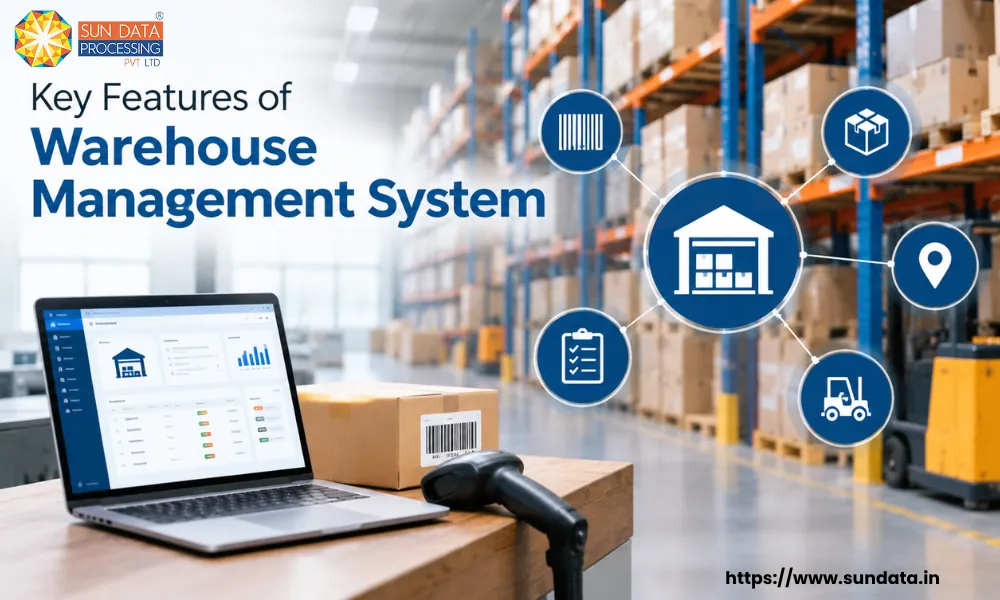
A warehouse management system (WMS) helps businesses manage daily warehouse activities from one place. It can track inventory, manage receiving and picking, improve order processing, and give teams better control over warehouse operations.
A good WMS also gives businesses accurate and up-to-date information about their stock. This makes it easier to know what is available, where it is stored, and when new stock may be needed. This blog covers the key features of a warehouse management system and explains how each feature supports faster and more organised warehouse operations.
What is a Warehouse Management System?
A warehouse management system (WMS) is software that helps businesses manage and control their warehouse operations. It keeps track of inventory, warehouse activities, orders, and stock movement in one system.
A WMS shows where products are stored and how much stock is available. It can also guide warehouse teams during receiving, put-away, picking, packing, and shipping.
For businesses, this means less manual work and better control over day-to-day warehouse tasks. Teams can access accurate stock information and process orders with fewer errors.
A warehouse management system can be used by small warehouses as well as large operations with high order volumes. The features required may vary based on the size, products, and workflow of the business.
Key Elements of the Warehouse Management System
The technical operation of a warehouse management system (WMS) depends on a few important elements. These components work together to collect warehouse data, connect devices, and keep information updated in the system.
WMS Software
The software acts as the central system for managing warehouse data and operations. It can connect with ERP systems and provide access through computers, mobile devices, or other supported platforms.
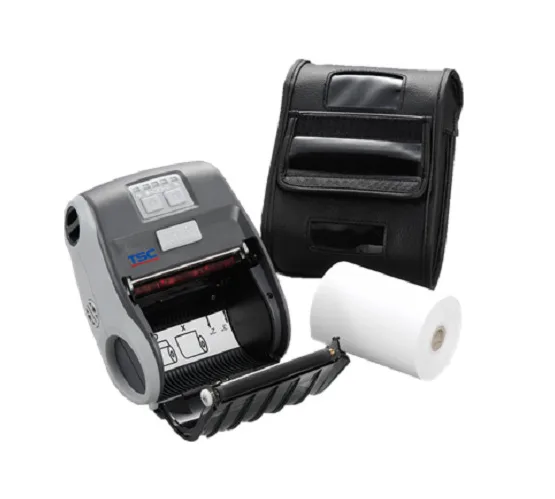
Radio Communication Devices
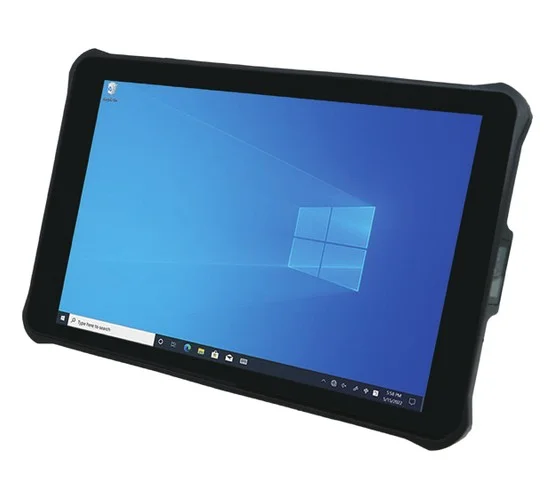
Mobile devices used by warehouse staff need a wireless network to communicate with the WMS and other connected systems. This allows information to move between workers, devices, and the main system.
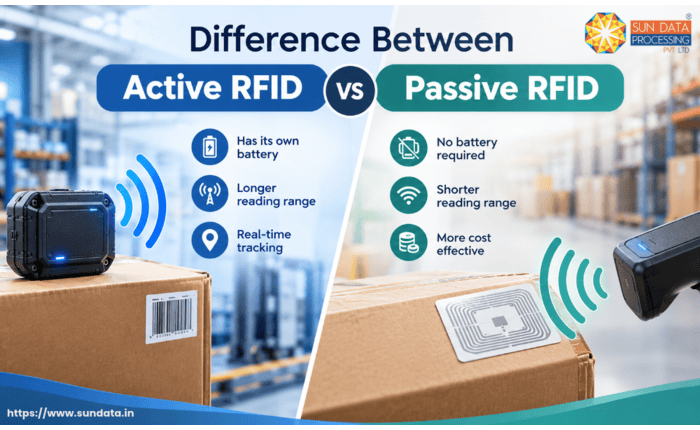
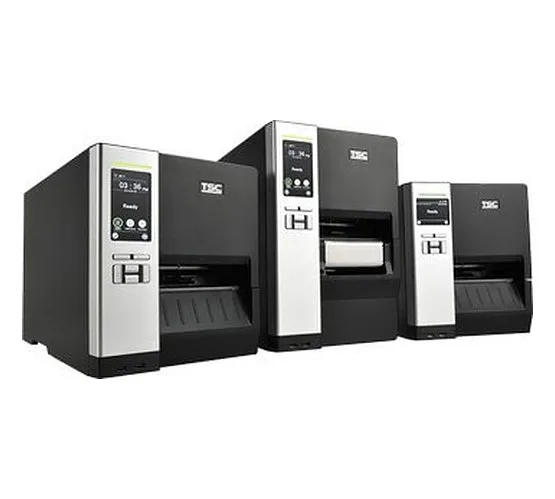
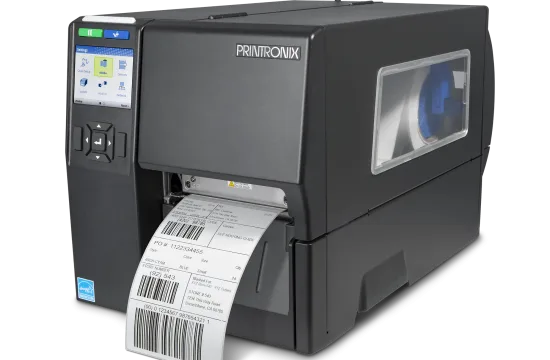
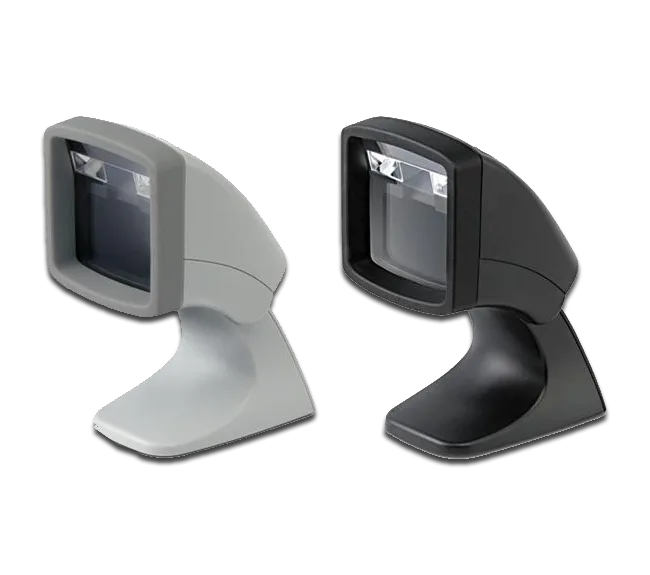
Barcode and RFID System
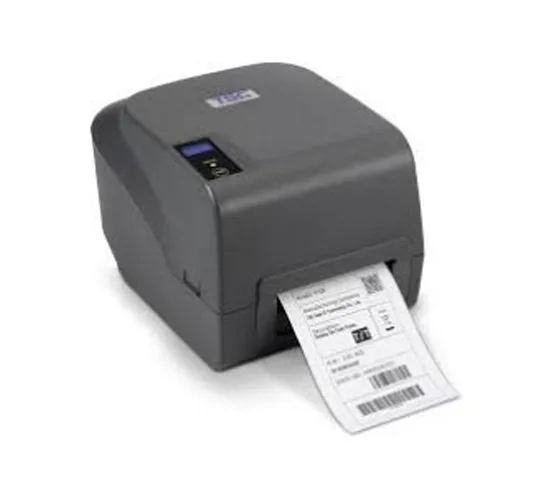
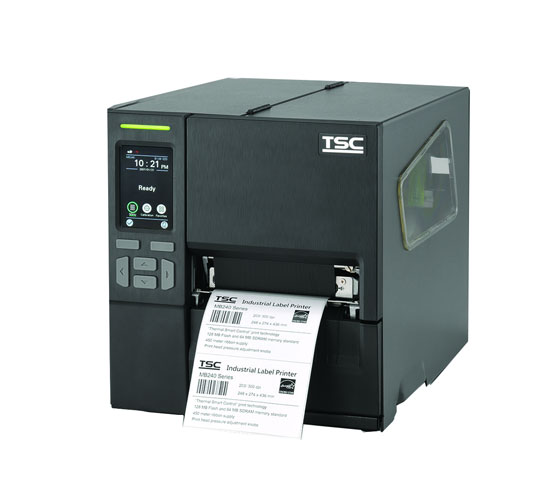
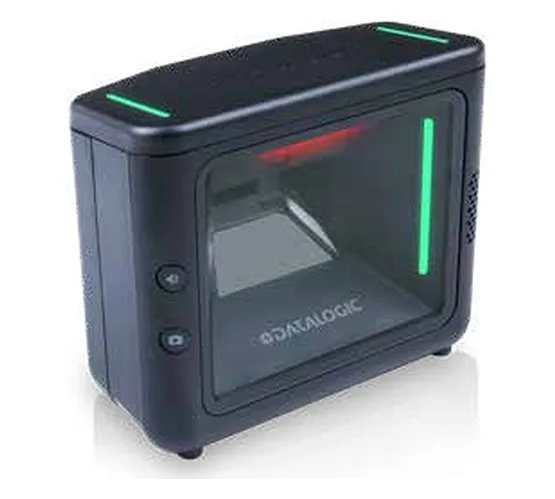
Barcode scanners and RFID devices help capture product and inventory data during warehouse activities. The collected information is sent to the WMS, reducing the need for manual data entry and keeping records updated.
Top 10 Key Features of Warehouse Management System
A modern warehouse management system includes features that help businesses manage stock, orders, warehouse staff, and daily operations. The right features can reduce manual work and make warehouse processes easier to manage.
Here are 10 important features of warehouse management system that businesses should know:
1. Inventory Management
Inventory management is one of the core features of a warehouse management system. An inventory management system helps businesses keep track of stock quantity, product location, and stock movement in real time.
A WMS records inventory when products are received, moved, picked, or shipped. This gives warehouse teams a clear view of available stock without relying on manual records.
With accurate inventory information, businesses can reduce stock errors, avoid unnecessary manual work, and maintain better control over their warehouse operations.
2. Receiving and Put-Away Management
A WMS helps teams manage goods when they arrive at the warehouse. Staff can record received items and check them against purchase orders or expected quantities.
The system can also suggest storage locations based on the warehouse setup. This makes the put-away process more organised and reduces unnecessary movement.
3. Order Picking Management
Order picking is one of the most important warehouse activities. A WMS can provide picking instructions so workers know which products to pick and where to find them.
Different picking methods, such as batch picking, zone picking, and wave picking, can be supported based on the warehouse workflow.
4. Barcode and RFID Support
Barcode and RFID technology helps warehouse teams identify products quickly. A WMS can connect with scanners and RFID devices to capture product information during different warehouse activities.
This reduces the need for manual data entry and can help improve inventory accuracy.
5. Packing and Shipping Management
A WMS can guide staff through the packing process and keep order information updated. Teams can verify products before an order is packed and shipped.
Shipping details can also be recorded in the system, giving businesses better visibility of outgoing orders.
6. Warehouse Location Management
A WMS can organise products based on warehouse locations such as racks, bins, shelves, and storage zones. Staff can quickly check where a particular item is kept.
Clear location information can reduce search time and make warehouse operations more organised.
7. Stock Replenishment
Stock replenishment helps ensure that picking areas have enough products available for orders. A WMS can monitor stock levels and identify when products need to be moved or replenished. This helps reduce the chances of picking delays caused by empty storage locations.
8. Reporting and Analytics
A WMS collects data from warehouse activities and turns it into useful reports. Managers can review information related to inventory, orders, picking, receiving, and shipping.
These reports can help teams identify delays, track performance, and make better operational decisions.
9. User and Task Management
A WMS can assign warehouse tasks to workers based on the operational workflow. Managers can monitor task status and see which activities are completed or pending. This provides better visibility into daily warehouse work and helps teams manage workloads.
10. ERP and Business System Integration
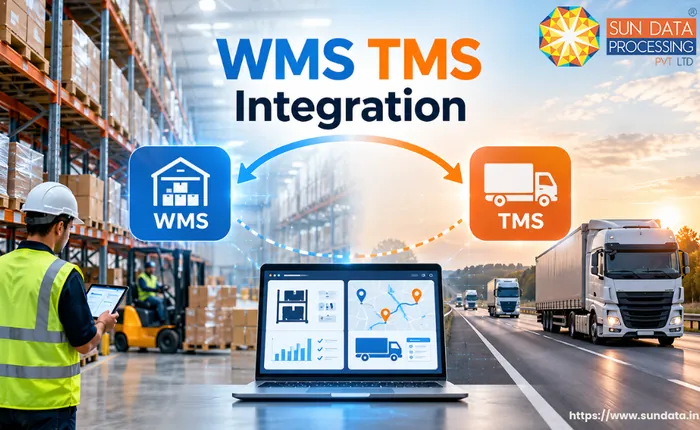
A WMS can connect with ERP, inventory, order management, and other business systems. Information can move between systems without requiring teams to enter the same data repeatedly.
This creates a more connected workflow between warehouse operations and other parts of the business.
Benefits of Warehouse Management System
A warehouse management system helps businesses manage warehouse work with better control and less manual effort. It can improve the way teams handle stock, orders, storage, and daily warehouse activities.
Reduce Inventory Errors
A WMS keeps stock information updated as products move in and out of the warehouse. This helps reduce mistakes caused by manual records and gives teams more reliable inventory information.
Save Time on Daily Tasks
The system provides clear information for different warehouse activities. Staff can spend less time checking records, searching for products, or entering the same data again.
Keep Stock Information Clear
A WMS gives teams a better view of available stock and its current location. This makes it easier to check inventory before processing an order or planning new stock.
Process Customer Orders Smoothly
Accurate product and stock information helps warehouse teams process orders with fewer mistakes. This can support faster picking, packing, and dispatch.
Make Better Use of Storage Space
The system can help organise products across available warehouse locations. Better storage planning can make products easier to locate and reduce wasted space.
Improve Team Productivity
A WMS helps assign and track warehouse tasks in a structured way. Workers can follow the required steps without depending heavily on manual instructions.
Make Decisions with Better Data
Warehouse data can be used to create reports on stock, orders, and daily activities. Managers can use these reports to understand warehouse performance and plan future operations.
How Sundata Helps Streamline Warehouse Operations
Managing inventory, orders, and warehouse activities manually can make daily operations more time-consuming and difficult to control. Sundata's warehouse management solution helps businesses bring these activities together in one connected system.
The solution supports key warehouse processes such as inventory tracking, receiving, put-away, picking, packing, shipping, and reporting. It also supports barcode and RFID technologies to help capture warehouse data and keep inventory records updated.
By connecting these processes, businesses can improve stock visibility, reduce manual work, and manage warehouse activities more efficiently. Sun Data also provides integration options that allow the WMS to work with existing business systems and support a connected warehouse workflow.
FAQ
1. What is the main purpose of a WMS?
A WMS helps businesses manage warehouse activities, stock, and order flow through one system.
2. Who can use a warehouse management system?
Manufacturers, retailers, distributors, logistics companies, and other businesses with warehouse operations can use a WMS.
3. Can a WMS manage multiple warehouses?
Yes. Many WMS solutions can manage inventory and operations across multiple warehouse locations.
4. Can a WMS scale with business growth?
Yes. A scalable WMS can support higher inventory volumes, more orders, users, and warehouse locations as the business grows.
5. Is WMS different from ERP?
Yes. An ERP manages wider business operations, while a WMS focuses mainly on warehouse and inventory activities.
Conclusion
A warehouse management system gives businesses a structured way to manage warehouse operations, inventory, and order flow. It brings important warehouse data and activities together in one system.
The right WMS can reduce manual work, improve stock visibility, and help teams handle daily warehouse tasks more efficiently. Businesses can select the system and features based on their warehouse size, processes, and future requirements.