


Barcodes and QR codes are widely used in businesses to track products, manage stock, and reduce manual work. Both help identify items quickly, but they differ in how they store information and how businesses use them.
For inventory management, choosing the right code can make stock tracking easier and help reduce errors. Traditional barcodes are commonly used for product identification, while QR codes can store more information in a smaller space.
So, QR code vs barcode: which is better for inventory management? The answer depends on your business needs, the type of information you want to track, and the scanning system you use. This guide explains their key differences, benefits, limitations, and how to choose the right option for your business.
What Is a Barcode?
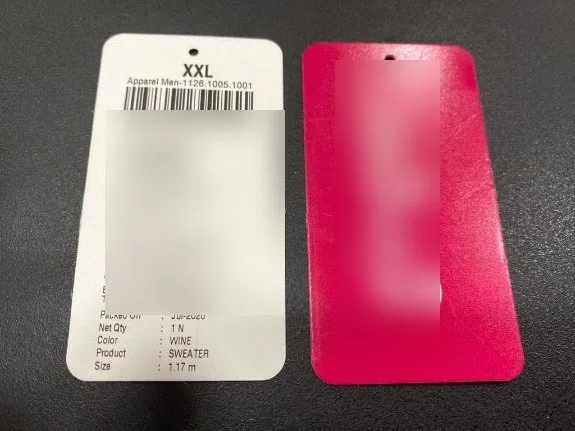
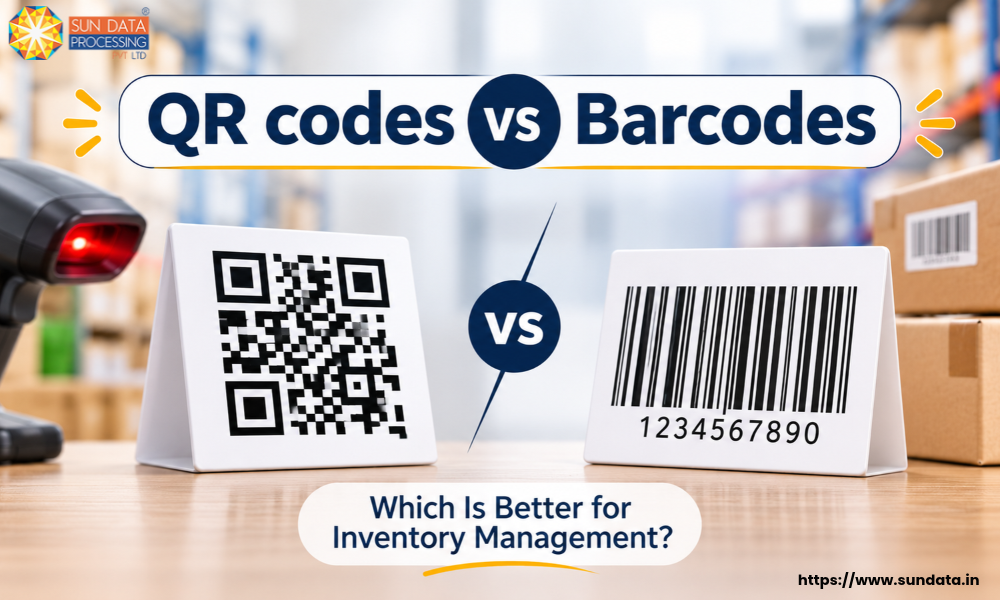
A barcode is a machine-readable code that stores information in the form of parallel black lines and white spaces. Each line has a different width and spacing, which represents a specific number or character. A barcode scanner reads this pattern and converts it into digital information that can be used by a computer or inventory management system.
Most traditional product barcodes, such as UPC and EAN, are one-dimensional (1D) barcodes. They usually contain a product identification number rather than detailed product information. When a barcode is scanned, the connected system retrieves the product details, such as its name, price, and stock information, from a database.
In inventory management, barcodes help businesses track products at different stages, from receiving goods to storing, picking, packing, and shipping orders. Each product or item can have a unique barcode to make identification and stock updates easier.
What Is a QR Code?
A QR Code (Quick Response Code) is a two-dimensional (2D) barcode that stores information in a pattern of black and white squares. Unlike traditional barcodes, which store data in horizontal lines, QR codes store information both horizontally and vertically. This allows them to hold more data in a small space.
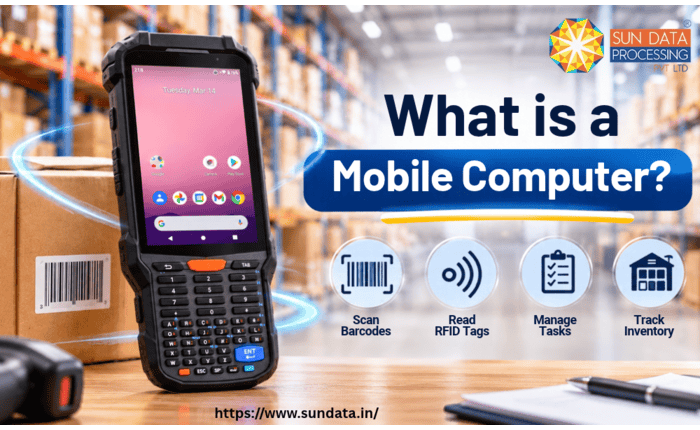
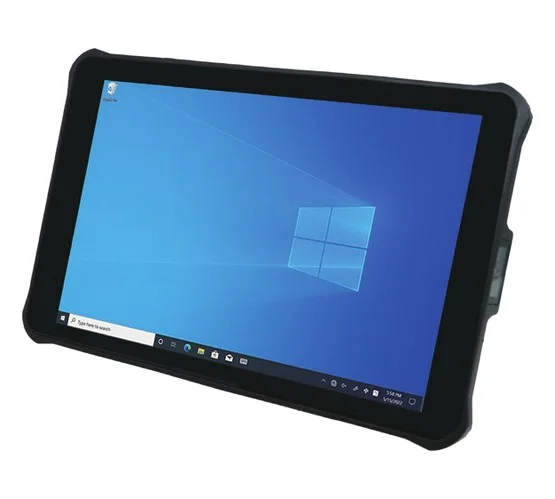
A QR code can store different types of information, such as product details, serial numbers, batch numbers, website links, and other product-related data. It can be scanned using a QR code scanner, compatible mobile computer, or smartphone camera.
In inventory management, QR codes help businesses identify products, track stock movement, and access item information quickly. Employees can scan a QR code to retrieve product details or update inventory records through a connected software system.
QR Code vs Barcode: Key Differences
QR codes and barcodes differ in data storage, scanning methods, label requirements, and their uses in inventory management. Here are the key differences between them.
Data Storage Capacity
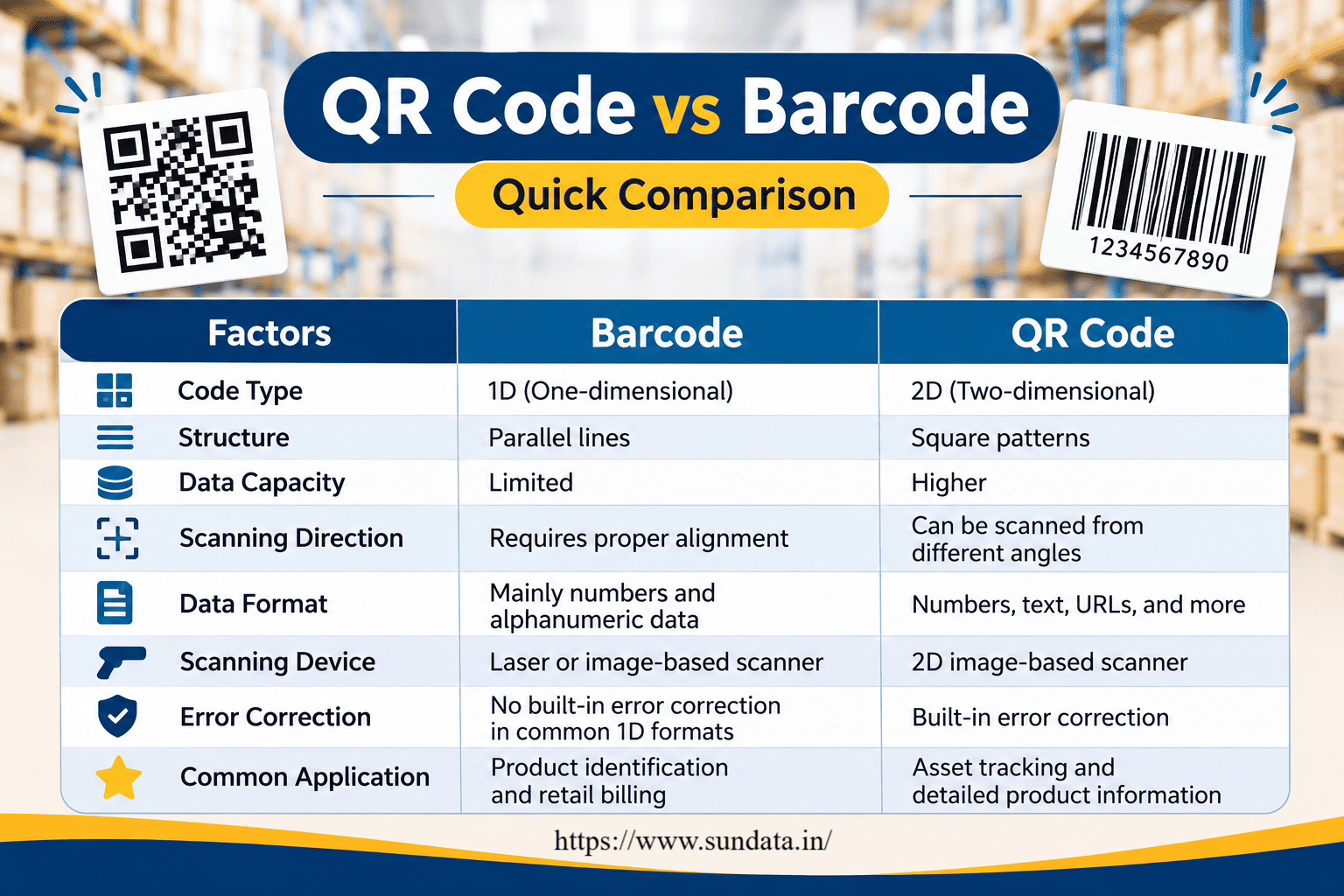
Traditional barcodes generally store a limited amount of information, such as a product identification number. The scanner reads this number and retrieves the related product details from an inventory database.
QR codes can store more information, including text, serial numbers, batch details, and website links. This makes them useful for businesses that need to access additional product information through a single scan.
Scanning Method
Most traditional barcodes need to be aligned properly with the scanner so that the lines can be read correctly. Some barcode scanners use laser technology, while others use image-based scanning.
QR codes are read using image-based scanners. They can be scanned from different angles, so employees do not always need to position them in a specific direction.
Type of Information
Traditional barcodes mainly support numeric and alphanumeric product identification data. They are commonly used to identify retail products, packaging, and stock items.
QR codes support different types of information, such as numbers, text, URLs, and other data. Businesses can use them to link products with detailed records, technical information, or tracking details.
Label Size and Printing
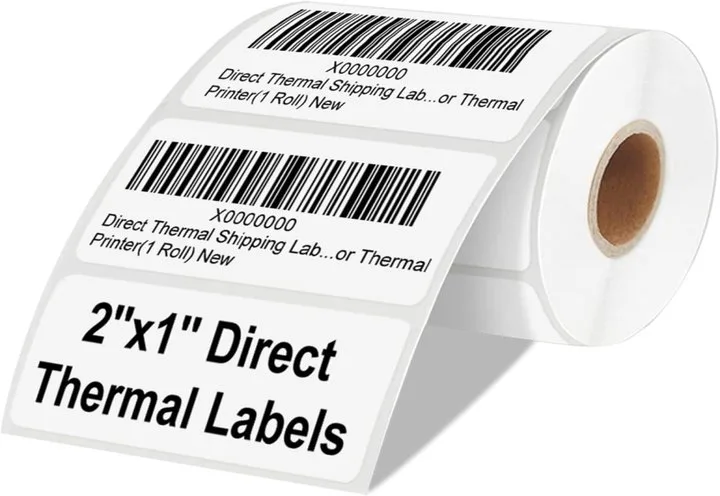
Traditional barcodes are usually printed as horizontal lines and may require more label length, depending on the barcode type and amount of data.
QR codes use a square pattern and can store more information within a compact area. Their size still depends on the amount of data stored and the required scanning quality.
Damage Resistance
A barcode may become difficult to scan if its lines are scratched, faded, or covered. The scanner needs to read the barcode pattern correctly to identify the encoded number.
QR codes have built-in error correction, which helps scanners read them even when a part of the code is damaged or dirty. The code must still remain sufficiently clear for successful scanning.
Scanning Equipment
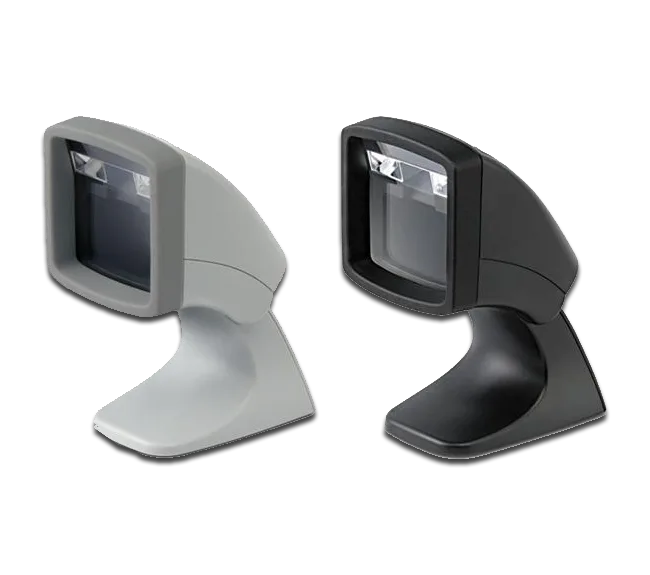
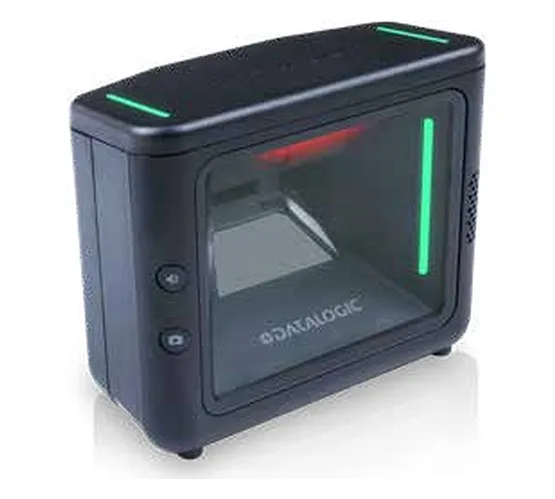
Traditional barcodes can be scanned using laser scanners and compatible image-based barcode scanners. These devices are commonly used in retail stores, warehouses, and manufacturing units.
QR codes require an image-based scanner, such as a 2D barcode scanner, or a compatible smartphone camera. Businesses should check their existing scanning equipment before switching to QR codes.
Cost and Implementation
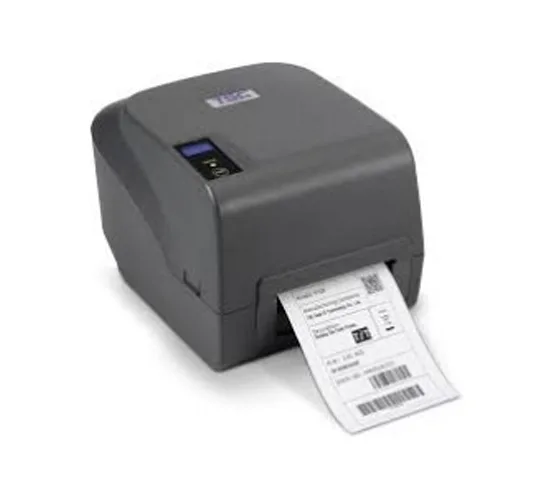
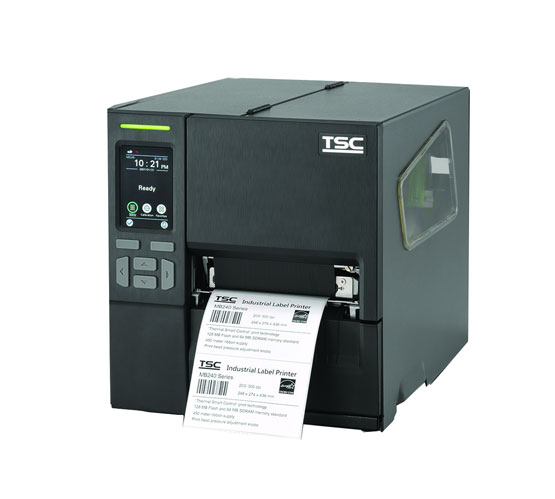
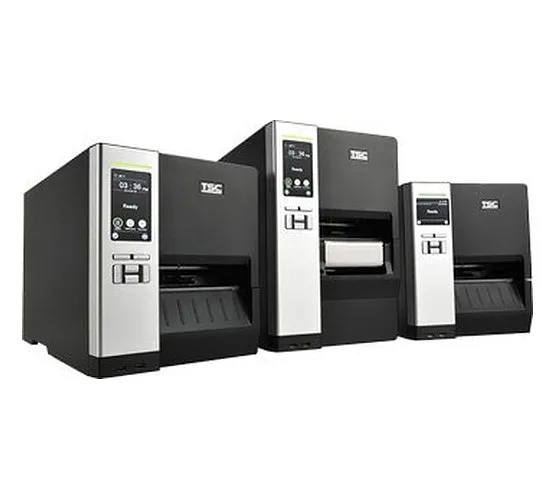
Traditional barcodes are generally affordable and easy to implement. Many businesses already have barcode printers, scanners, and inventory software that support them.
QR codes are also inexpensive to generate and print. The main implementation cost depends on the scanning devices, software integration, and changes required in the existing inventory system.
QR Code vs Barcode: Quick Comparison
 How QR Codes and Barcodes Are Used in Inventory Management
QR codes and barcodes help businesses track products, manage stock levels, and record inventory movements. Both can be connected to inventory management software to make daily warehouse operations faster and more accurate.
Here are some common ways businesses use them for inventory management:
1. Receiving New Stock
When new products arrive at a warehouse, employees scan their barcodes or QR codes to identify the items and update stock records. This helps businesses record incoming goods and check whether the received quantity matches the purchase order.
2. Tracking Stock Movement
Businesses use these codes to record products moving between storage areas, warehouses, or departments. Each scan updates the inventory system and helps employees keep track of where products are located.
3. Managing Warehouse Locations
Barcodes and QR codes can be placed on storage racks, shelves, bins, and product locations. Employees can scan these labels to identify the correct storage area and reduce the chances of placing products in the wrong location.
4. Picking and Packing Orders
Warehouse employees scan product labels while picking and packing customer orders. This helps verify that the correct products and quantities are selected before dispatch.
5. Stock Counting and Auditing
Both codes make physical stock counting easier. Employees can scan product labels during inventory checks and compare the scanned quantities with the records in the inventory management system.
6. Tracking Products During Dispatch
Before products leave the warehouse, employees scan their labels to record outgoing stock. This helps businesses maintain dispatch records and update available inventory.
Example: A retail warehouse receives 100 units of a product. Employees scan the barcode or QR code to record the incoming stock. When 20 units are dispatched, another scan updates the available quantity to 80 units in the inventory system.
Benefits of Using Barcodes for Inventory Management
Barcodes make inventory management easier by helping businesses identify products, record stock movements, and maintain accurate inventory records. They are a cost-effective option for businesses that handle large numbers of products.
Here are five key benefits of using barcodes for inventory management:
Faster Product Identification
Barcodes allow employees to identify products by scanning their labels instead of entering product details manually. This saves time during stock receiving, order processing, and billing.
Improved Inventory Accuracy
Manual data entry can lead to mistakes in product numbers and stock quantities. Barcode scanning reduces these errors and helps businesses maintain more accurate inventory records.
Easy Stock Tracking
Businesses can scan barcodes whenever products are received, moved, sold, or dispatched. This helps track stock movement and keeps inventory information updated.
Reduced Operational Costs
Barcode systems reduce the time spent on manual inventory tasks and paperwork. Businesses can manage daily stock activities with less manual effort, which helps save labour costs.
Easy Integration with Inventory Systems
Barcodes work with inventory management software, warehouse management systems (WMS), and point-of-sale (POS) systems. This allows businesses to update stock records and access product information through a connected system.
Benefits of Using QR Codes for Inventory Management
QR codes help businesses manage inventory by storing more information in a compact code. They are useful for tracking individual products, managing assets, and accessing product details through a quick scan.
Here are five key benefits of using QR codes for inventory management:
Stores More Information
QR codes can hold more data than traditional barcodes. Businesses can use them to store product details, serial numbers, batch information, and website links, making it easier to access relevant information.
Easy Product and Asset Tracking
Businesses can assign unique QR codes to individual products, equipment, and other assets. Employees can scan these codes to identify items and check their details in the inventory or asset management system.
Quick Scanning from Different Angles
QR codes do not need the same level of horizontal alignment as traditional barcodes. Employees can scan them from different angles using compatible 2D scanners, which can make inventory tasks more convenient.
Better Access to Product Information
A QR code can link employees to detailed product records, such as specifications, maintenance history, batch details, and expiry dates. This helps staff access the information they need without searching through multiple records.
Built-in Error Correction
QR codes have built-in error correction, which helps them remain readable even if a small part of the code is damaged or dirty. This can be useful in warehouses and industrial environments where labels may face regular wear and tear.
Limitations of QR Codes and Barcodes
Although QR codes and barcodes make inventory management easier, both have certain limitations. Businesses should understand these challenges before selecting a code system for their operations.
Limitations of Barcodes
Limited Data Storage: Traditional barcodes usually store a product identification number rather than detailed product information.
Proper Scanning Alignment: Most traditional barcode scanners require the code to be positioned correctly for successful scanning.
Label Damage: Scratches, fading, dirt, or covered lines can make a barcode difficult to read.
Individual Scanning: Traditional barcodes generally require each item to be scanned separately, which can take time when handling large quantities.
Dependence on a Database: Product details are usually stored in a connected inventory system. A barcode alone does not provide complete product information.
Limitations of QR Codes
Need for 2D Scanners: QR codes require an image-based scanner or a compatible smartphone camera. Basic laser barcode scanners cannot read them.
Printing Quality: Poor printing, low contrast, or incorrect sizing can make QR codes difficult to scan.
Data Management: Storing more information in QR codes requires proper data management. Businesses must keep linked product records accurate and updated.
Label Size Requirements: QR codes need sufficient space and clear margins around the pattern to ensure reliable scanning.
Software Compatibility: Businesses may need compatible inventory software to use QR codes for product tracking and stock updates.
How to Choose Between QR Codes and Barcodes for Your Business
The choice between QR codes and barcodes depends on your inventory size, product information requirements, scanning equipment, and business operations. Both options can support inventory management, but each serves different needs.
Here are five important factors to consider before choosing one for your business:
1. Type of Inventory
Consider the type of products your business handles. Traditional barcodes work well for retail products, packaged goods, and general stock tracking. QR codes are useful for businesses that need to track individual items, equipment, or valuable assets.
2. Amount of Information Required
If you only need a product identification number to retrieve details from your inventory system, a barcode is usually sufficient. If you need to store more information, such as serial numbers, batch details, or website links, QR codes can be a better option.
3. Available Scanning Devices
Check whether your existing scanners support the code type you want to use. Traditional barcode scanners are suitable for 1D barcodes, while QR codes require 2D image-based scanners. Choosing compatible equipment can help avoid additional investment.
4. Business Budget
Consider the cost of printers, scanning devices, software, and implementation. Barcode systems are often a practical choice for businesses that already use barcode-based inventory systems. QR codes are also affordable to print, but compatible scanning devices may require additional investment.
5. Inventory Software Compatibility
Your inventory management software should support the selected code type. Check whether it can read the codes, retrieve product details, and update stock records automatically. Proper software integration helps maintain accurate inventory information.
Which Option Should Your Business Choose?
Choose Barcodes: If your business mainly needs product identification, stock counting, retail billing, and basic inventory tracking.
Choose QR Codes: If your business needs detailed product information, individual asset tracking, and access to additional records through scanning.
Can QR Codes and Barcodes Be Used Together?
Yes, QR codes and barcodes can be used together in the same inventory management system. Businesses can use traditional barcodes for basic product identification and QR codes for accessing additional product information.
For example, a manufacturing company can use barcodes to identify finished products during stock receiving and dispatch. At the same time, QR codes can be assigned to machinery, tools, or individual assets to access details such as serial numbers, maintenance records, and service history.
Benefits of Using Both Codes Together
Better Product Tracking: Barcodes can handle regular stock identification, while QR codes can provide additional product details.
Flexible Inventory Management: Businesses can use different codes based on their product types and tracking requirements.
Improved Asset Management: QR codes can help track equipment and machinery, while barcodes manage general stock.
Easy Information Access: Employees can scan the appropriate code to retrieve product or asset information.
Support for Different Operations: Both codes can be used across receiving, storage, stock counting, order picking, and dispatch.
FAQ
1. Is a QR code better than a barcode for inventory management?
A QR code is useful for storing more information and tracking individual items, while a barcode is suitable for basic product identification and stock tracking. The better option depends on business requirements.
2. Can a barcode scanner read QR codes?
Only 2D image-based barcode scanners can read QR codes. Basic laser scanners designed for traditional 1D barcodes cannot scan QR codes.
3. Do QR codes reduce inventory management errors?
Yes, QR codes can reduce manual data entry errors by allowing employees to scan product information and update inventory records through connected software.
4. Can QR codes track individual products?
Yes, businesses can assign a unique QR code to each product or asset. This helps track individual items, their locations, and related information.
5. Can I use QR codes and barcodes in the same warehouse?
Yes, businesses can use both codes in the same warehouse. They need compatible 1D and 2D scanners and inventory software that supports both formats.
Conclusion
Both QR codes and barcodes play an important role in modern inventory management. Barcodes are a simple and cost-effective option for product identification, stock counting, and billing. QR codes are useful for businesses that need to store more information, track individual items, and manage assets.
The right choice depends on your inventory requirements, available scanning devices, and business operations. With suitable scanning equipment and inventory management software, businesses can improve stock accuracy, reduce manual work, and manage daily warehouse activities more efficiently.
Businesses can also use both technologies together to manage different inventory requirements. The goal is to choose a system that makes product tracking easier and supports smooth business operations.