

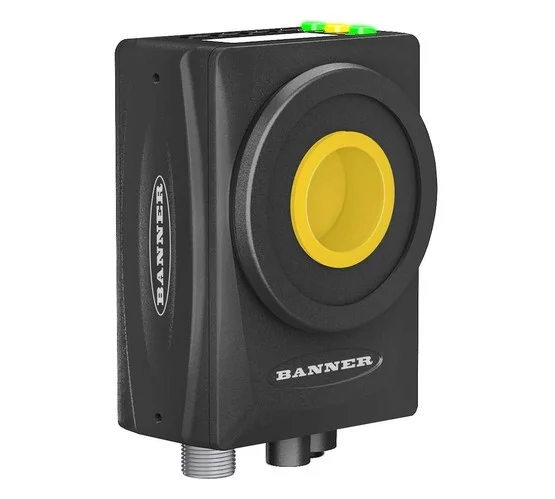
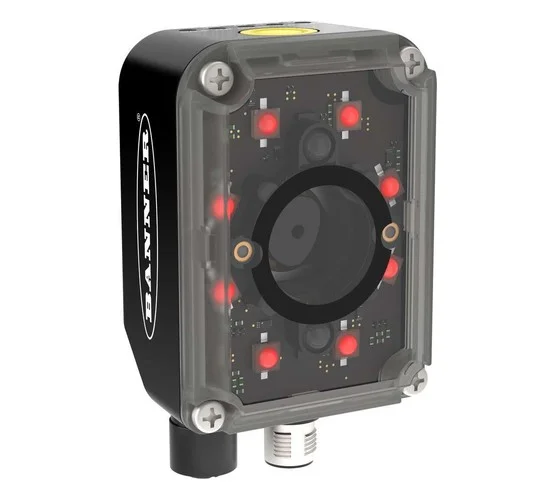
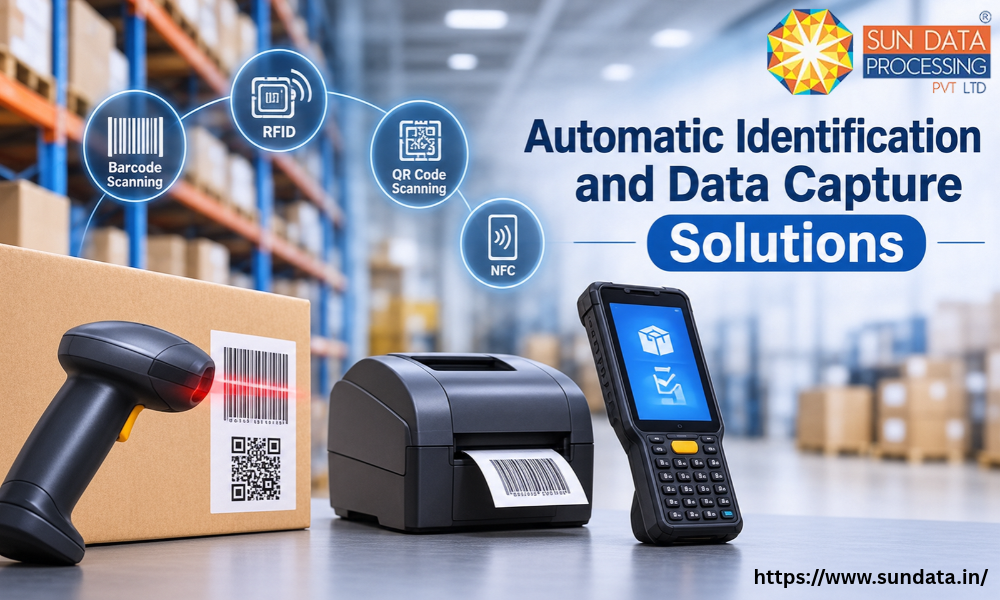
Businesses handle large amounts of data every day, from tracking products and managing inventory to recording customer details. Manual data entry can take time and may lead to errors. AIDC (Automatic Identification and Data Capture) technology helps businesses collect and process data quickly with less manual effort.
AIDC systems connect physical items with digital records, allowing businesses to collect information during activities such as product handling, stock movement, and asset identification. The captured data can be used by different departments to maintain their operational records.
Today, AIDC solutions are used across industries such as manufacturing, retail, healthcare, logistics, and warehousing. With smart AIDC systems and solutions, businesses can track assets, manage stock, monitor products, and connect real-time data with their existing business software.
What Is AIDC (Automatic Identification and Data Capture)?
AIDC stands for Automatic Identification and Data Capture. It refers to technologies that identify objects, collect data, and transfer information into computer systems without manual data entry.
These systems collect information from physical items and convert it into digital records. The captured data may include product identification numbers, serial numbers, employee details, and other relevant information.
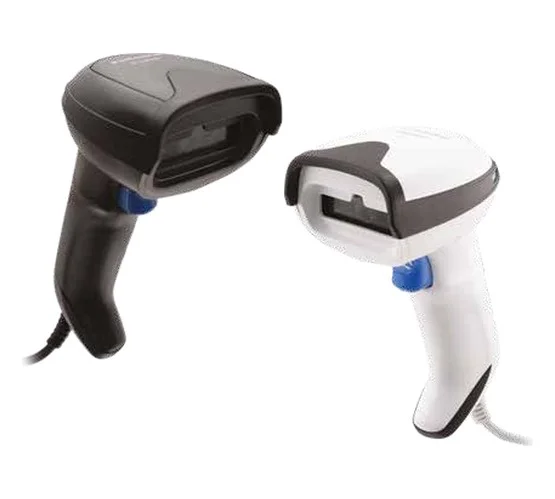
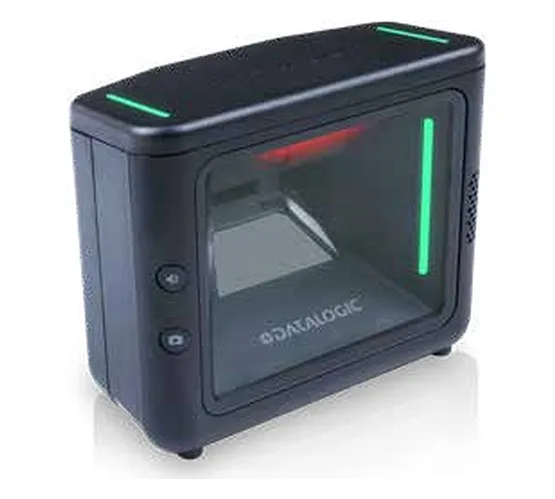
For example, when a barcode scanner reads a product label, it captures the barcode data and sends it to the connected software. The system then uses this information to identify the product and retrieve its stored details.
In simple terms, AIDC acts as a link between physical objects and digital information. It allows businesses to collect data directly from products, equipment, and other items through automated identification devices.
What Are the Main Technologies Used in AIDC Solutions?
AIDC solutions use different technologies to identify products, capture information, and transfer data to connected systems. Each technology works in a different way depending on the type of data and business requirements.
Barcode Technology
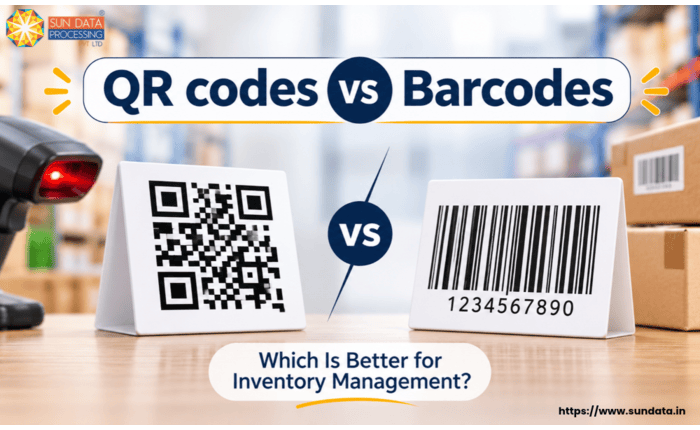
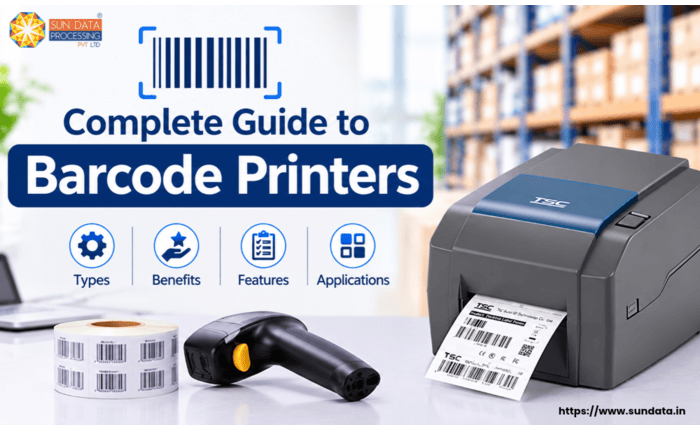
Barcode technology uses printed lines or patterns to store product information. A barcode scanner reads these patterns and sends the data to connected software. It is commonly used in retail stores, warehouses, manufacturing units, and inventory management.
QR Code Technology
QR codes are two-dimensional codes that store information in both horizontal and vertical patterns. They can hold more data than traditional barcodes and can be scanned using smartphones or QR code readers. Businesses use them for product tracking, payments, identification, and information sharing.
RFID Technology
Radio Frequency Identification (RFID) uses radio waves to identify and track objects. An RFID system consists of tags, readers, and antennas. The reader collects information from RFID tags without requiring direct line of sight. This technology is widely used in warehouse management, asset tracking, and supply chain operations.
Biometric Technology
Biometric technology identifies people through their unique physical or behavioural characteristics, such as fingerprints, facial features, and iris patterns. It is commonly used for employee attendance, access control, identity verification, and security management.
Magnetic Stripe Technology
Magnetic stripe technology stores data on a magnetic strip attached to cards. A magnetic stripe reader collects the stored information when the card passes through the reader. It is commonly used in payment cards, ID cards, and access control systems.
OCR (Optical Character Recognition)
OCR technology reads printed or handwritten text from documents and converts it into digital data. It helps businesses capture information from invoices, forms, identity documents, and shipping labels without entering every detail manually.
Key Components of an AIDC System
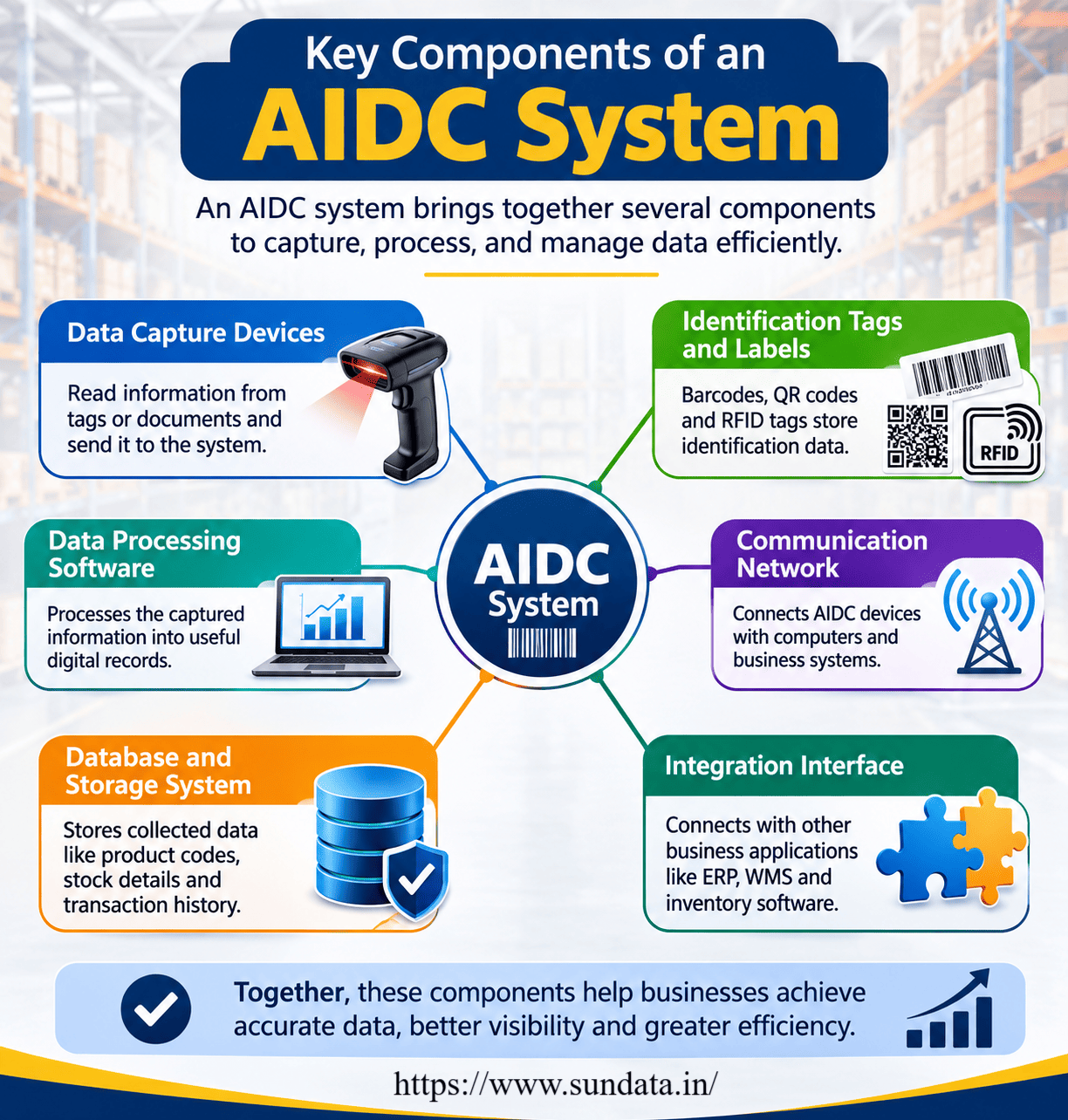
An AIDC system includes several components that handle different stages of data collection and processing. These components manage the identification of items, communication between devices, data storage, and connection with business applications.
Data Capture Devices
Data capture devices act as the entry point of an AIDC system. They read the information stored in identification tags or documents and send the collected data to the connected software for further processing.
Identification Tags and Labels
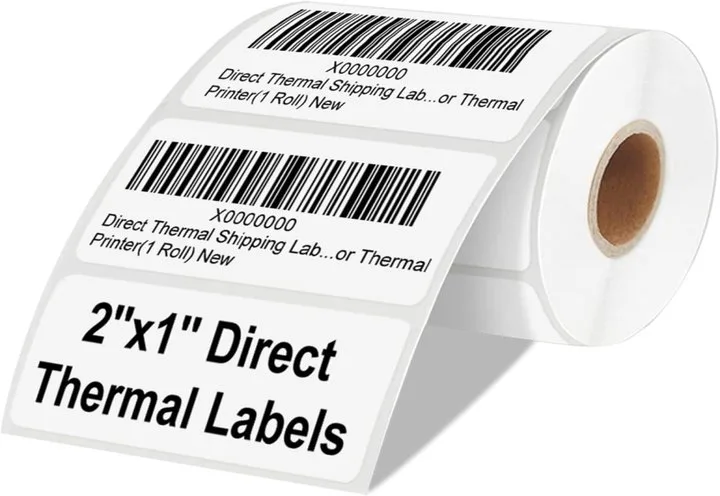
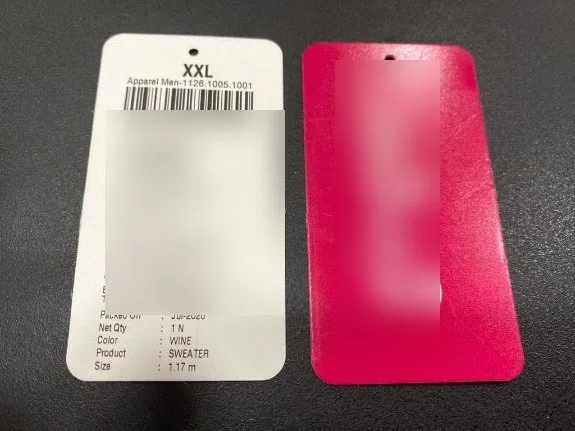
Barcodes, QR code labels, and RFID tags store identification data. These are attached to products, assets, packages, or other items so that AIDC devices can read their information.
Data Processing Software
This software processes the captured information and converts it into useful digital records. It helps businesses manage product details, inventory records, asset information, and other operational data.
Communication Network
A communication network connects AIDC devices with computers and business software. It allows captured information to move between devices and systems through wired or wireless connections.
Database and Storage System
The database stores information collected through AIDC devices. It maintains records such as product codes, stock details, asset numbers, and transaction history for future use.
Integration Interface
An integration interface connects AIDC systems with other business applications, such as ERP, WMS, and inventory management software. It allows information to move between different systems without repeated manual entry.
How Different Industries Use AIDC Technology
AIDC technology is used across different industries to identify products, track materials, manage inventory, and collect operational data. The type of AIDC solution depends on the industry's daily activities and data collection needs.
Manufacturing Industry
Manufacturing companies use barcode scanners and RFID systems to track raw materials, work-in-progress items, and finished products. These technologies help record production details, identify components, and monitor material movement across different stages of production.
Retail Industry
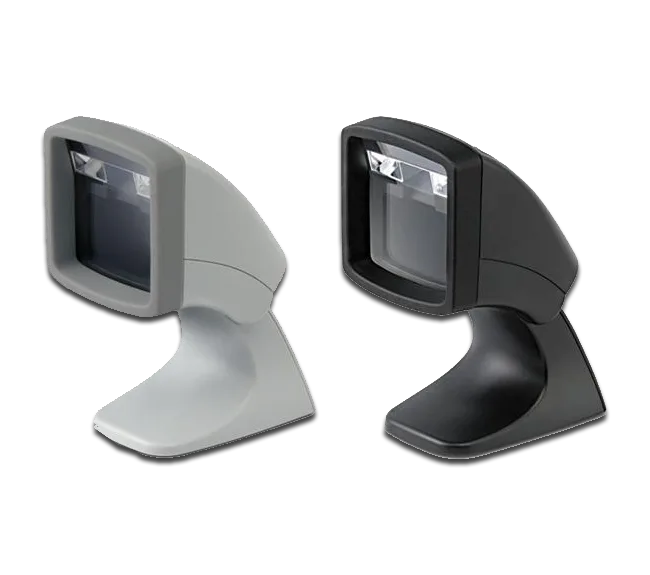
Retail businesses use barcode scanners and QR codes to manage product information, billing, and stock records. At checkout counters, barcode scanners read product codes and retrieve their prices from the billing system. RFID technology is also used to track merchandise and monitor stock levels.
Healthcare Industry
Hospitals and healthcare centres use barcode and RFID technology to identify patients, track medicines, and manage medical equipment. Barcode labels on patient wristbands and medicine packages help staff verify information before providing treatment or medication.
Logistics and Warehousing
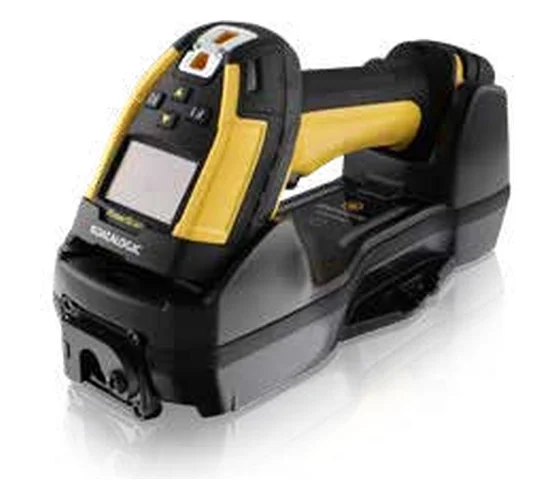
Logistics companies and warehouses use AIDC solutions to track packages, record incoming and outgoing shipments, and manage inventory movement. Handheld barcode scanners and RFID readers help capture shipment details at different stages of storage and transportation.
Automotive Industry
Automotive manufacturers use barcode and RFID systems to identify vehicle components, track spare parts, and monitor assembly operations. These technologies help maintain component records and provide visibility into the movement of materials across production facilities.
Banking and Financial Services
Banks use AIDC technologies such as magnetic stripe readers, biometric systems, and QR codes for customer identification and transaction processing. These systems are commonly used in ATM cards, identity verification, and digital payment processes.
Education Industry
Educational institutions use barcode cards, RFID cards, and biometric devices to manage student identification, attendance, and library records. These technologies help maintain student information and monitor access to campus facilities.
Steps to Implement AIDC Solutions in Your Business
Implementing AIDC solutions requires a planned approach to make sure the selected technology works with your existing business processes. Businesses can follow these key steps to introduce AIDC systems successfully.
Business Assessment
Start by reviewing your current business operations and identifying areas where manual data collection causes delays or errors. Check your requirements for inventory tracking, product identification, asset management, and data collection. This will help you select suitable AIDC technologies based on your business needs.
Pilot Testing
Before introducing the system across the entire business, test the selected AIDC devices in a small working area. For example, you can test barcode scanners or RFID readers in one warehouse section or production unit. This helps you check device performance, data accuracy, and compatibility with existing software.
System Deployment
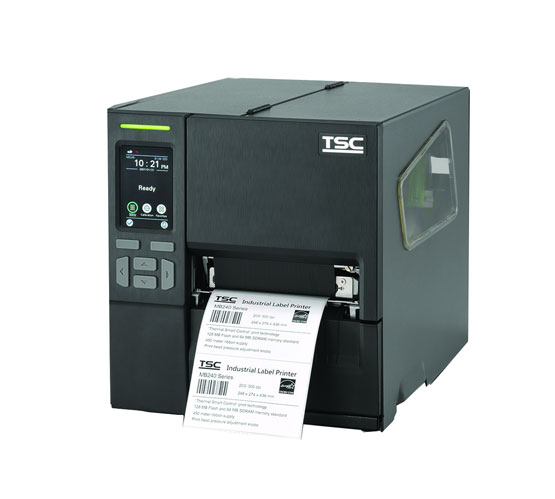
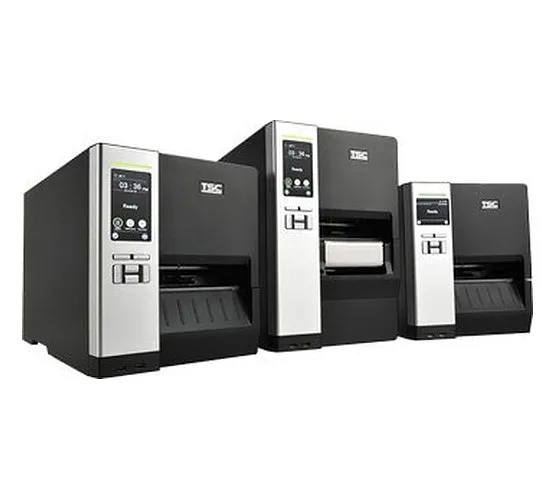
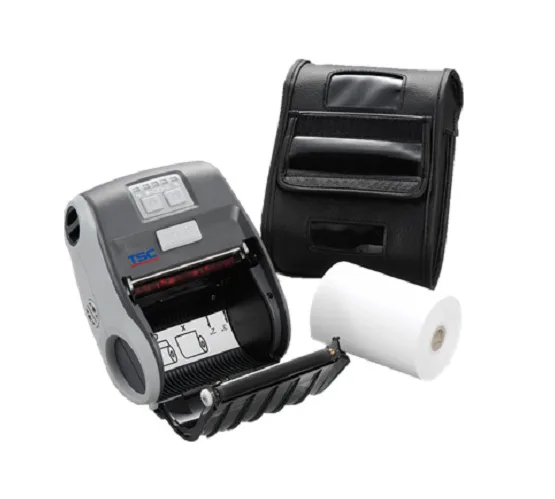
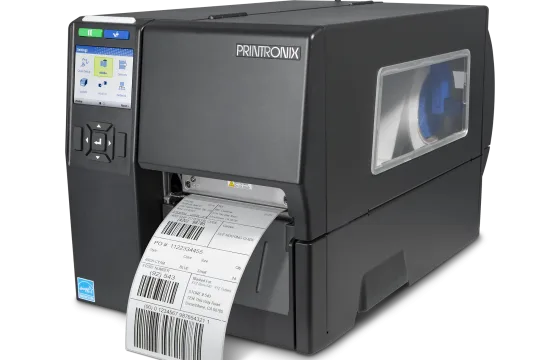
Once the testing is complete, start deploying the selected AIDC hardware and software across your business operations. Set up barcode printers, scanners, RFID readers, labels, and other required devices. Connect them with your existing business applications and provide employees with proper training to operate the system.
Performance Monitoring
After implementation, regularly monitor how the AIDC system performs in daily operations. Check scanning accuracy, device connectivity, data transfer, and software performance. Make necessary updates or adjustments based on business requirements to keep the system running smoothly.
How to Secure Data in AIDC Systems?
Businesses must follow proper security practices to protect this information from unauthorized access, data loss, and misuse.
Some important measures to secure data in AIDC systems include:
Data Encryption: Encrypt information during storage and transfer between AIDC devices and business applications to prevent unauthorized users from accessing sensitive data.
User Access Control: Allow only authorized employees to access AIDC systems. Use individual login credentials and access permissions based on employee roles.
Network Security: Connect AIDC devices through secure networks and protected Wi-Fi connections. Use firewalls and other network security measures to prevent unauthorized access.
Regular Software Updates: Keep device firmware, applications, and connected software updated to fix security issues and protect against potential threats.
Activity Monitoring: Check system logs, user activities, and data transfers regularly to identify unusual access or suspicious activities.
Data Backup: Maintain regular backups of important business records. This helps restore information in case of accidental deletion, system failure, or data loss.
How AIDC Solutions Work with ERP Systems?
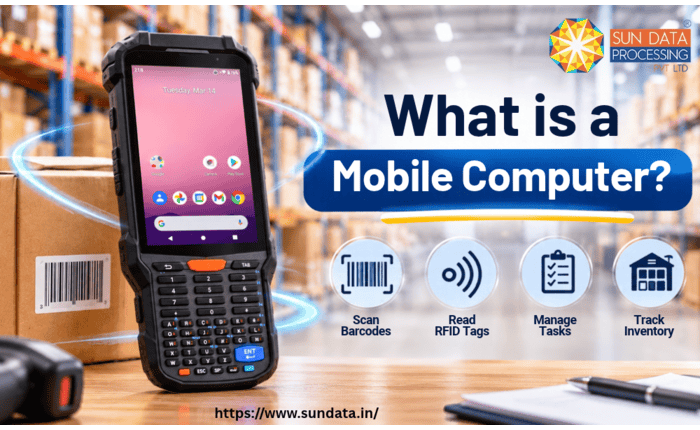
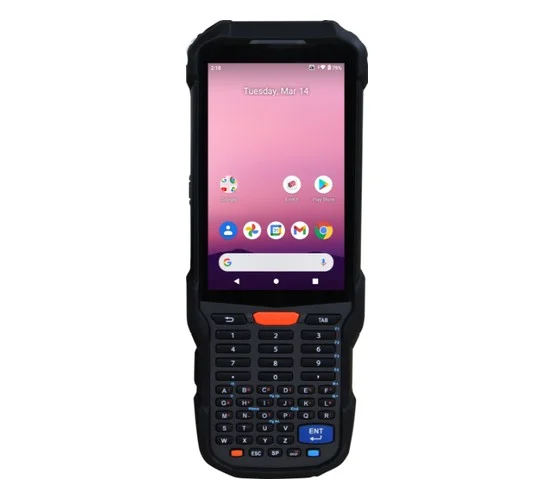
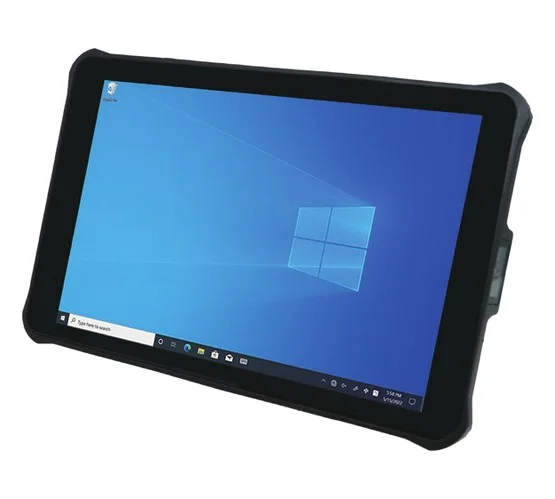
AIDC solutions connect data capture devices such as barcode scanners, RFID readers, and mobile computers with ERP software. These devices capture information from products, materials, and assets and transfer it directly to the ERP system through a wired or wireless connection.
Once the data reaches the ERP system, the software processes the information and updates the relevant business records. For example, when a warehouse employee scans a product during dispatch, the ERP system receives the product details and updates the available stock quantity.
This integration connects daily business activities with a central ERP platform. It helps businesses maintain updated information about inventory, purchasing, production, sales, and warehouse operations without repeated manual data entry.
FAQ
1. What is the difference between AIDC and manual data entry?
AIDC captures data automatically, while manual data entry requires employees to enter information themselves.
2. Can AIDC technology work without an internet connection?
Yes, some AIDC devices can store data offline and transfer it when connectivity is restored.
3. What factors should businesses consider before selecting an AIDC solution?
Businesses should consider cost, device compatibility, data requirements, software integration, and future needs.
4. Can multiple AIDC technologies be used in one business?
Yes, businesses can combine barcode, QR code, and RFID technologies based on their requirements.
5. Does AIDC technology require regular maintenance?
Yes, regular device checks, software updates, and hardware maintenance help keep AIDC systems working properly.
Conclusion
AIDC technology provides businesses with a structured way to collect, process, and manage information across different operations. Its implementation involves more than selecting scanning devices; businesses also need suitable software, proper system integration, and data security measures to make the setup work effectively.
Before choosing an AIDC system, businesses should evaluate their operational requirements, working environment, and existing software infrastructure. The right combination of AIDC solutions can help create a reliable data collection process that supports daily business activities and future operational needs.